Responding to RFPs manually is soul-crushing, time-consuming, and, frankly, outdated. You've got much better things to do than filling out a mind-numbing amount of questionnaires.
Lucky for you, you don't actually need to drown in RFPs and questionnaires because now, you can optimize the RFP process with automation.
But you don't want to shell out more money and more time for software, which ends up being yet another headache. Or worse, deal with a system that nickel-and-dimes you for every new feature.
So, in this article, we're going to take a close look at Qvidian and its alternatives to figure out what better proposals you might get.
Let's dive in.
Qvidian Alternatives at a Glance
Pros and Cons of Qvidian
Before we look at Qvidian's rivals, let's review what users say about Qvidian. Here are some things users mention:
Now that we understand more about Qvidian’s advantages and disadvantages, let's look at its competitors.
1. Responsive
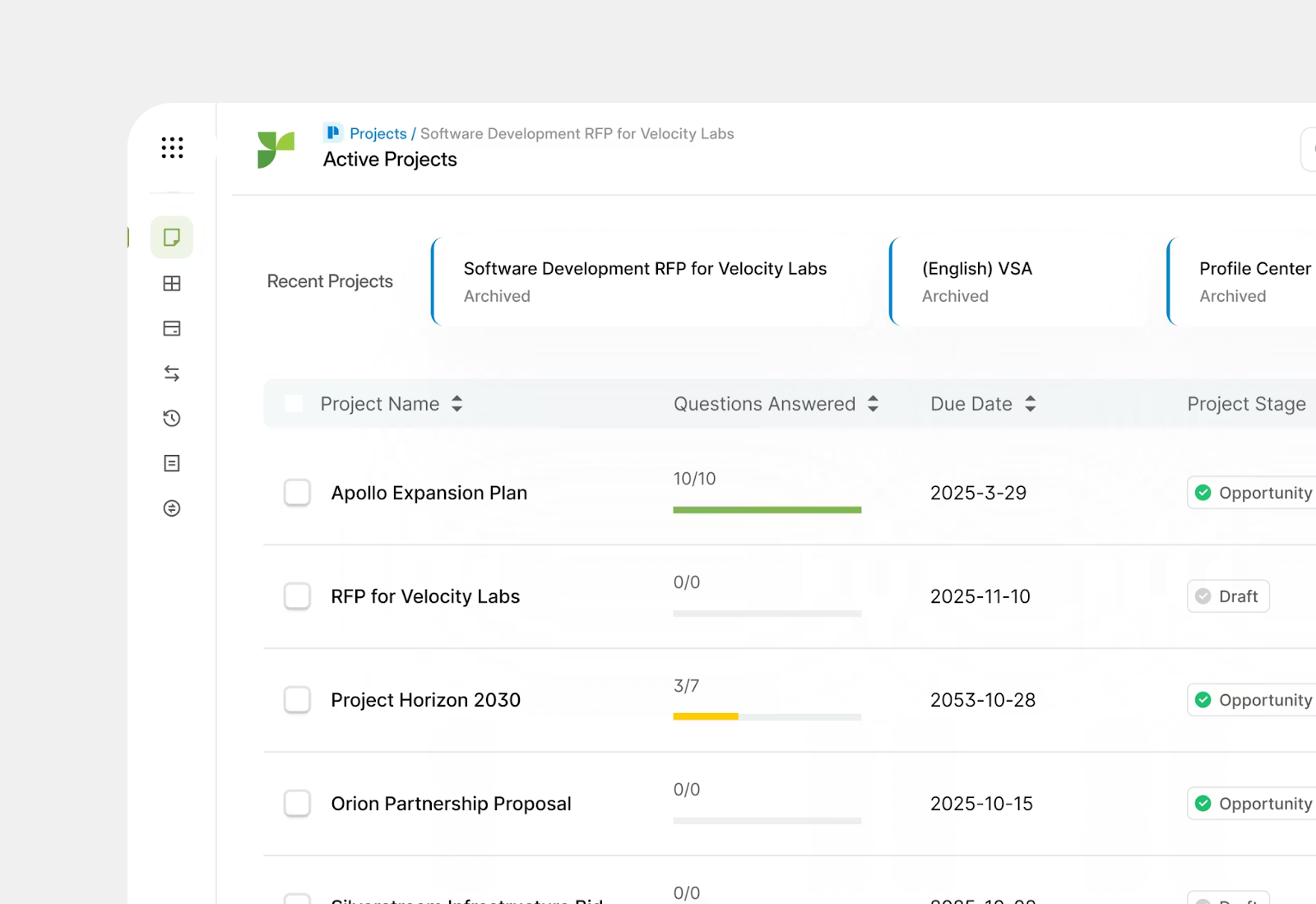
Responsive, formerly known as RFPIO, is a great project management feature and positions itself as a Strategic Response Management platform, "powering all types of information exchange across an opportunity lifecycle."
However, it still operates like a traditional content management system (CMS), a lot like Qvidian. That means users are still stuck maintaining a massive knowledge base, constantly updating responses, and cleaning up outdated or duplicate answers.
If that part of the process isn't well-managed, the AI pulls in incorrect or irrelevant content, defeating the whole purpose of automation. Not the best when it comes to RFP response software.
Responsive offers many features but just like with Qvidian, some users find the interface more complex than it needs to be, making onboarding and everyday use a bit of a slog.
Responsive Key Points
Responsive Top Features
- Centralized Content Library
- Automated Workflows
- Customization Options
- Analytics that Track Performance
Pricing for Responsive
Responsive does not offer a free trial. And the specific pricing info is nowhere to be found. The company asks you to contact sales to discuss their professional, business, and enterprise plans.
- Professional Plan: Contact Sales
- Business Plan: Contact Sales
- Enterprise Plan: Contact Sales
Pros and Cons of Responsive
Comparing Responsive to 1up? Check out this deep dive.
2. 1up
Don’t just take out work for it. Companies like FusionAuth, WalkMe, and Lineup chose 1up to automate sales questionnaires as their top Qvidian alternative.
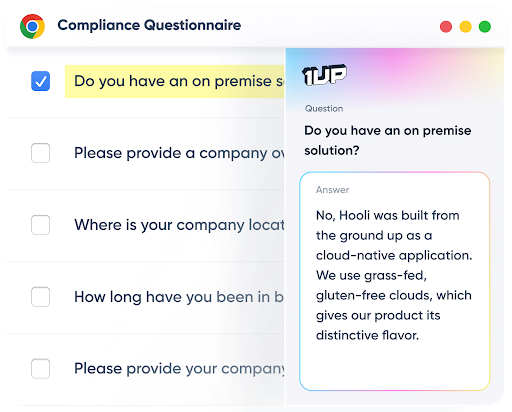
1up has built a reputation for having a single source of truth: your product knowledge base. As long as it's maintained, it is always reliable and accurate. 1up directly connects to your source material, and pulls answers to questionnaires in moments. It even includes links back to the source it cited in your knowledge base. .
Your team members can ask questions directly in their messaging system, like Slack, MS Teams, or Google Chat. Or, you can export a Word Doc or Excel Sheet to be automatically filled out. No doc to upload? 1up helps with web-based questionnaires, too.
1up Key Points
1up Top Features
- Automated Question Answering
- Rapid Onboarding
- Automated Multi-Question RFP and Questionnaire Responses
- Knowledge Base for Accurate Answers
- Workflow Management
Pricing for 1up
1up offers a 14-day free trial and starter, as well as pro and enterprise plans.
- 1up Starter: From $250 per month
- 1up Pro: From $850 per month
- 1up Enterprise: Contact sales to discuss
Pros and Cons of 1up
3. QorusDocs
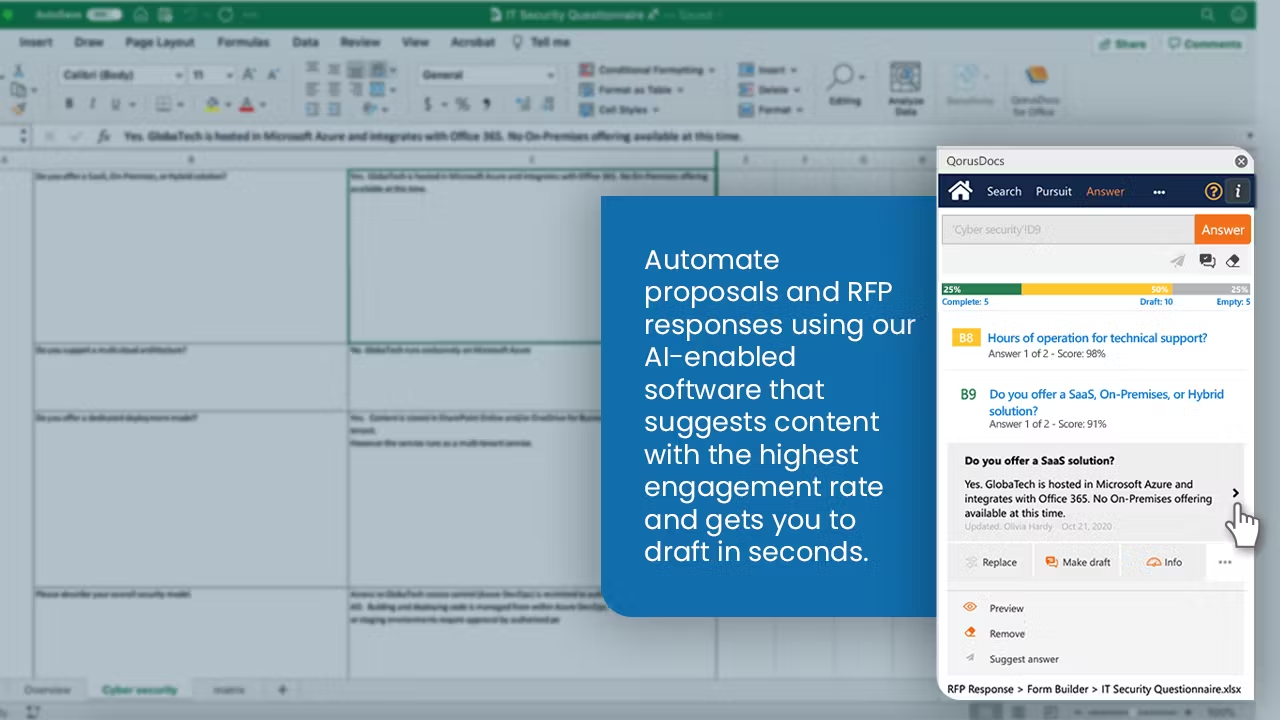
QorusDocs is an AI-powered proposal management software that automates the creation of personalized pitches, presentations, proposals, and RFP responses.
It has an AI helper called QPilot. This assistant makes work easier for teams that focus on sales and bids. It helps them create these documents simply, get work done faster, and stop doing boring, repeated jobs.
QorusDocs works directly inside Microsoft programs you might already know, like Word, Outlook, PowerPoint, Excel, and Teams. It uses your best information and smart AI ideas to help teams write, change, and make documents high-quality, and they can work on them together quickly.
The best part of QorusDocs is how well it works with Microsoft 365, but this is also its biggest problem. If a team doesn't use Microsoft programs a lot, they might find other programs more helpful.
QorusDocs is a great fit for big companies and companies that offer services, like legal or consulting, that use Microsoft Office a lot. It helps them create proposals without having to completely change the way they already work.
QorusDocs Key Points
Top Features for QorusDocs
- QPilot AI Assistant for proposal drafting and RFP analysis
- Centralized Content Library with Microsoft 365 integration
- AI-powered bid/no-bid decision support
- Collaboration tools for cross-team review and approvals
- Prospect engagement tracking and analytics
Pricing for QorusDocs
QorusDocs does not offer a free trial, and pricing is not publicly listed. Interested teams need to contact sales for a demo and custom quote. All plans require you to contact their sales team.
Pros and Cons of QorusDocs
4. Loopio
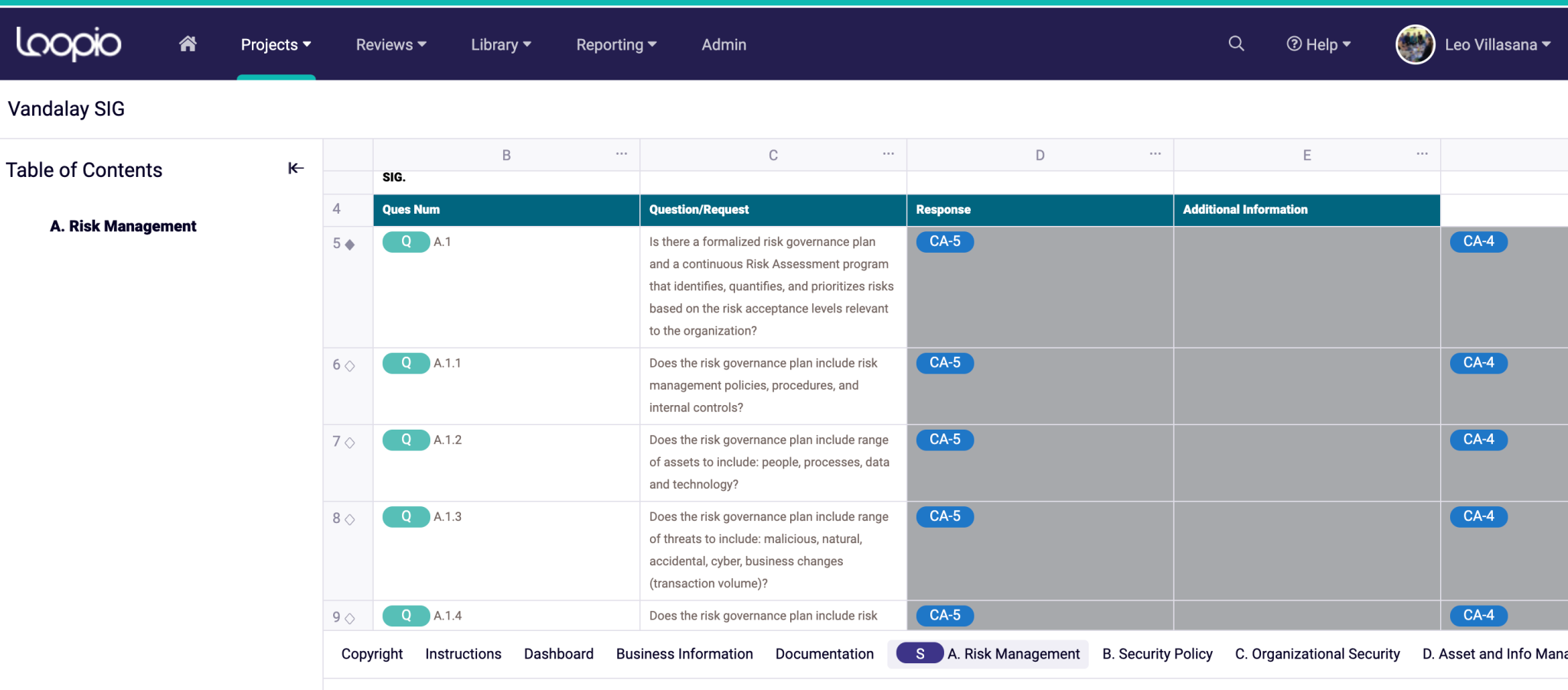
Loopio is one of the most well-known names in RFP response management. It positions itself as a content library-powered automation tool, helping teams respond to RFPs, DDQs, and security questionnaires faster by leveraging a centralized repository of pre-approved answers.
However, Loopio's reliance on a manually managed content library can become a significant burden. The AI is only as good as the content users keep up-to-date, meaning teams often spend as much time maintaining the library as they save on actual responses.
It can be a solid choice for teams already invested in a content-library approach, but for those looking to reduce manual overhead, it may feel like trading one problem for another.
Loopio Key Points
Top Features for Loopio
- Centralized Content Library
- Automated RFP Response Suggestions
- Collaboration Tools for Team Reviews
- Project Management Dashboard
- Integrations with CRM and Productivity Tools
Pricing for Loopio
Loopio does not offer a free trial or public pricing. Interested parties need to book a sales call to discuss plans.
- Essential Plan: Contact Sales
- Plus Plan: Contact Sales
- Advanced Plan: Contact Sales
Pros and Cons of Loopio
Comparing Loopio to 1up? Check out this deep dive.
5. Vanta
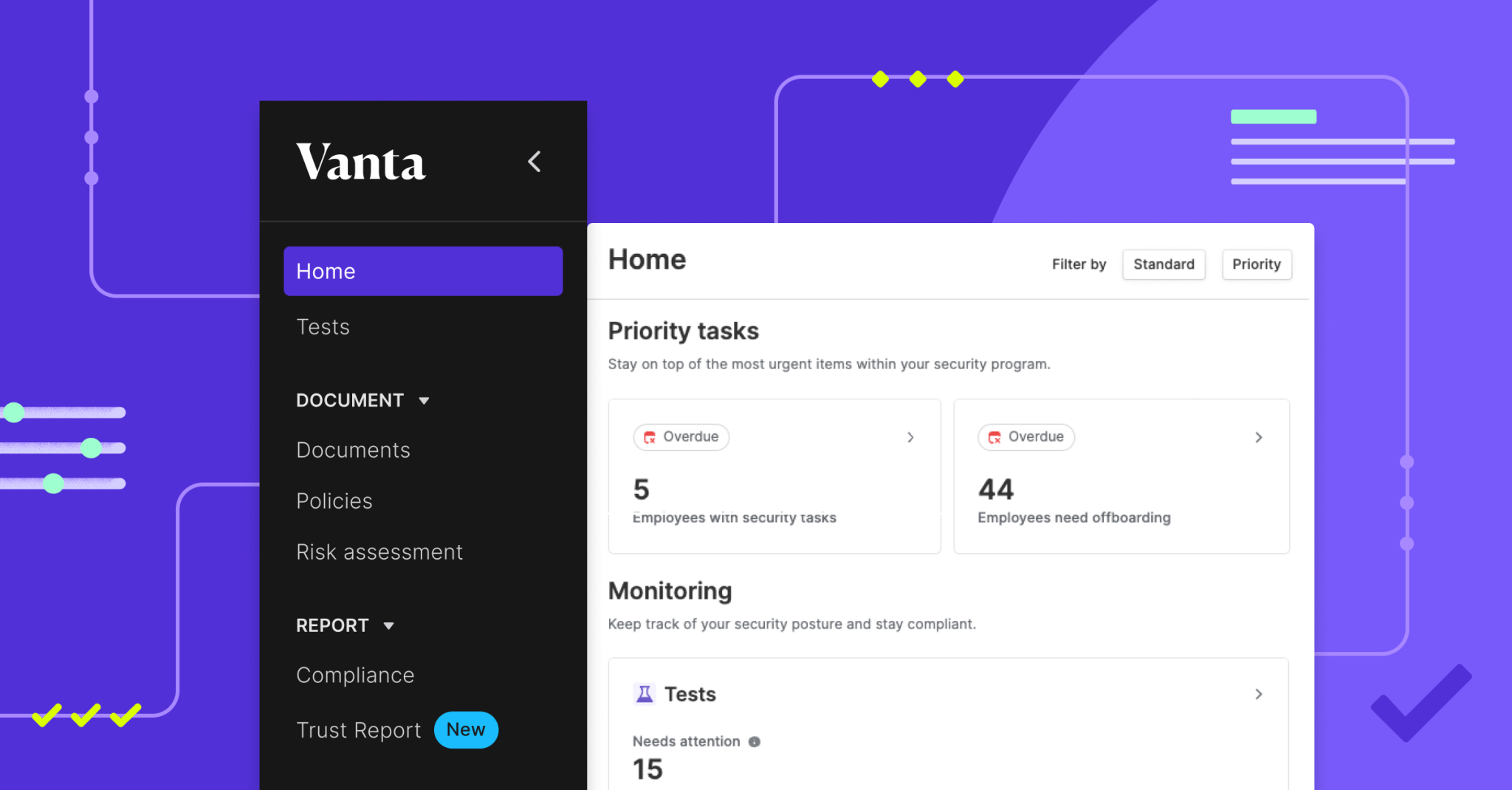
Vanta is an automated response software specifically designed to support security questionnaire responses. This means no help to sales teams.
The system can automate evidence collection for 35+ compliance frameworks. Vanta also offers continuous GRC and vendor risk management.
For startups and other companies struggling with compliance issues, Vanta offers tons of resources.
Vanta Key Points
Top Features for Vanta
- Automated Compliance Tasks
- Continuous Monitoring
- Large Number of Integrations
- Tools for Risk Assessment
Pricing for Vanta
Vanta does not offer a free trial. You can request a demo to discuss Core, Growth, and Scale plans.
- Core Plan: Request a Demo
- Growth Plan: Request a Demo
- Scale Plan: Request a Demo
Pros and Cons of Vanta
Found the best Qvidian alternative?
Ultimately, you've got to decide which automated response software makes the most sense for you and your company. Each company has different needs and varying levels of complexity for their projects. You also have to consider your budget and the scale of work you expect over the next several months or years.
The good news is some Qvidian competitors offer a free trial, all of them offer a demo, and many of the alternatives give you insight into their overall vibe.
1up offers you all three: a free trial, a demo, and a great vibe. If you're ready to learn more, book a 1up demo today.
FAQs
Your best bet will be to look for an option that matches your specific needs. You might need RFP automation, security compliance, content collaboration, or proposal tracking. On top of that, make sure you find software that is easy to use, offers amazing automation quality, and integrates with other systems well. And of course, read the reviews! Customer success stories will tell you so much.
Yes! 1up offers a 14-day free trial with no credit card required. Vanta also offers a free trial option. Most other alternatives on this list require you to book a demo and speak with a sales representative before getting access.
1up is the top choice for sales teams. It integrates directly with Slack, MS Teams, and Google Chat, meaning reps can get answers without leaving their existing workflow. Responsive and Highspot are also solid options for teams focused on broader sales enablement and content management.
Qvidian is a capable tool for financial services and complex proposal management, but it comes with real friction: a steep technical learning curve, a cumbersome content update process, and merge codes that aren't built for modern automation. If your team wants to move faster and reduce manual overhead, exploring alternatives like 1up makes a lot of sense.


The Payoff of Connecting Questionnaire work to your Sales Pipeline

How to Write an RFP Response That Survives AI Scoring

SIG vs CAIQ vs VSA: A Simple Guide to the Big Three

How to Win Government RFPs With AI (Without Getting Disqualified)

Why Most Internal AI Assistants Get Built and Then Abandoned