Anyone who’s dealt with RFPs knows they’re a massive headache. You spend hours or days bothering teammates, scavenging for just the right document, and triple-checking answers, only to realize the deadline is creeping up way too fast.
And if your process isn’t airtight, mistakes slip through, and suddenly, your proposal isn’t as competitive as it should be.
Now, you don’t need to drown in questionnaires because you can automate your RFPs with the right AI. This saves you a ton of time.
And, when searching for an RFP software, Responsive (previously known as RFPio) is one of the big names in this space, but let’s be real, it’s certainly not the best software out there since it does have problems with accuracy, a complex interface, among many other things.
So, in this article, we’ve rounded up the top Responsive alternatives that do RFP automation, but better. Let’s take a look.
Responsive Alternatives at a Glance
The Downsides of Responsive
Before we look at the Responsive competitors, let’s look at why Responsive (RFPio). After all, it’s a leading automated response software with some real benefits.
Customers have reported the following issues with Responsive:
- Maintaining a large library of Q&A: This is the hardest part about these RFP tools. Once you’ve built a large knowledge base, you need to spend meaningful time maintaining it.
- Inaccurate AI-generated answers: One of the biggest selling points of working with automated response software is accurate answers that win you deals. The fact that Responsive fails at this even some of the time makes it hard to get behind.
- Complex interface: Again, we want to save clients time and money. If they have to take a ton of time learning how to use the interface, how to upload docs, and how to ask questions, it might not be worth it in the end.
- No free trial: While Responsive does offer a demo option if you enter your contact information, there is no free trial. Also, there’s no price list on the website, just a section that explains the plans. In each case, you’ll have to book a sales call with a representative, hoping they don’t upsell you into oblivion.
1. Loopio
Loopio is essentially a content management system like Responsive, meaning you’ll spend a lot of time cleaning up responses and updating responses as well. It is one of the most popular automated response software companies that lets teams manage every step of the sales cycle from within AI-powered workflows.
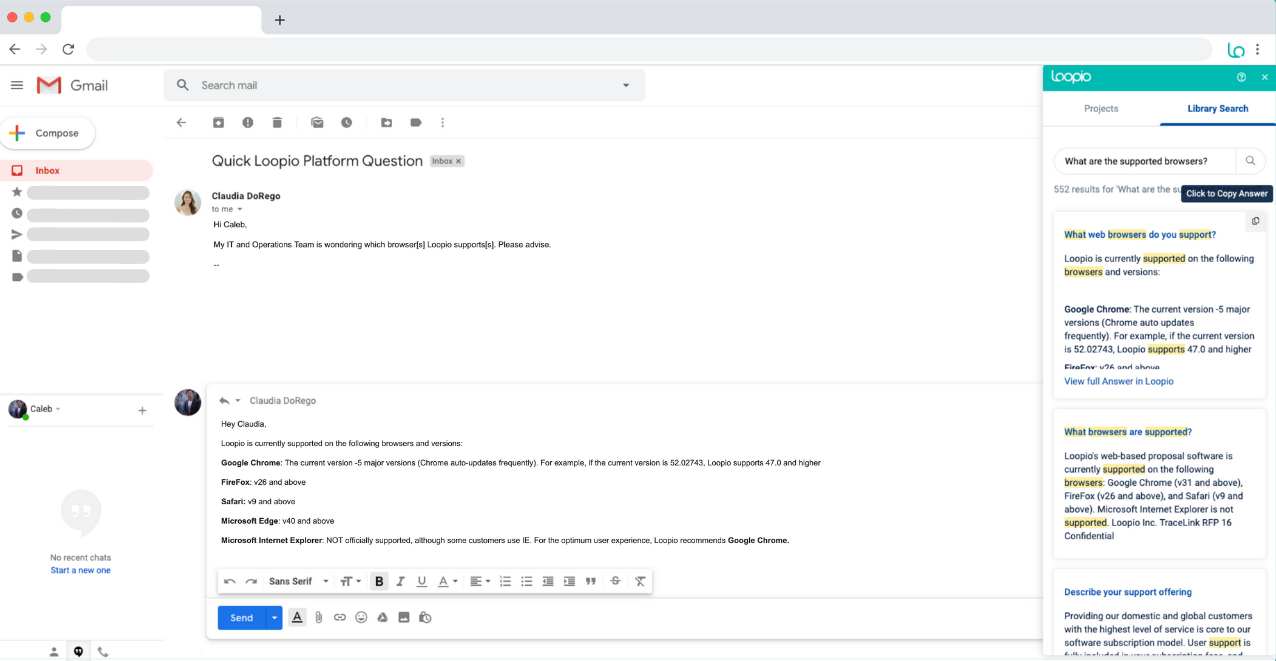
From deciding whether to accept an RFP to tracking prospects as they view your docs, Loopio helps you do it all.
The platform’s structured content library is a key feature, ensuring teams can organize and reuse accurate responses. However, maintaining this library requires ongoing effort if they’re outdated, AI-generated answers may miss the mark.
Loopio supports multiple file formats (Word, Excel, PDF, and web-based questionnaires) and includes reporting tools to track content performance. While automation speeds up responses, manual oversight is still needed for formatting, customization, and keeping content fresh.
Loopio Key Points
Top Features of Loopio
- Centralized Content Library
- Automated Workflows
- Customization Options
- Analytics that Track Performance
Loopio Pricing
Loopio does not offer a free trial, and pricing information isn’t available on their website. The company asks you to contact sales to discuss their essentials, plus, advanced, and enterprise plans.
- Essentials Plan: Contact Sales
- Plus Plan: Contact Sales
- Advanced Plan: Contact Sales
- Enterprise Plan: Contact Sales
Pros and Cons of Loopio
2. 1up
Of course, we had to include our own platform, not just to self-promote, but because we truly believe we offer the fastest, most accurate responses to RFPs, fully automated.
Don’t just take it from us. You can also ask companies like FusionAuth, WalkMe, and Deliveroo why they chose 1up to automate sales questionnaires.
1up has built a reputation for having a single source of truth – you. That is always reliable and always accurate. We’ll connect directly to your source material, and 1up will pull answers in record time. It will even include links back to the source.
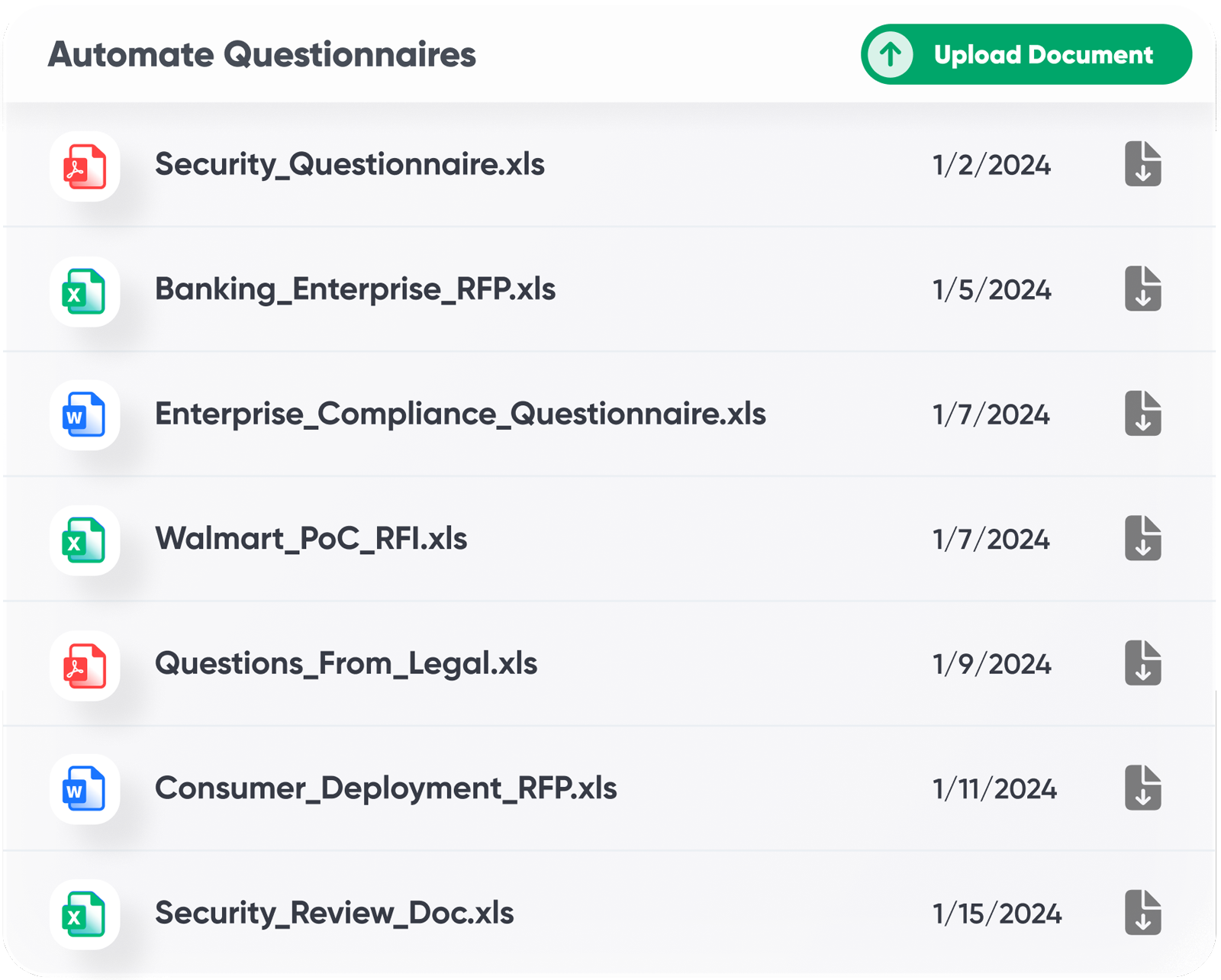
Your team members can ask single questions in their messaging system, like Slack, MS Teams, or Google Chat. Or, you can have a Word Doc or Excel Sheet to be automatically filled out, no matter how long it is. Plus, we even have a browser extension that answers questions for you on the web if you don’t have a doc.
Comparing 1up vs Responsive? Here's a deeper dive.
1up Key Points
Top Features of 1up
- Automated Question Answering
- Rapid Onboarding
- Automated Multi-Question RFP and Questionnaire Responses
- Knowledge Base for Accurate Answers
- Workflow Management
1up Pricing
1up offers a 14-day free trial and starter, as well as pro and enterprise plans.
- 1up Starter: From $250 per month
- 1up Pro: From $850 per month
- 1up Enterprise: Contact sales to discuss
Pros and Cons of 1up
3. Ombud
Ombud offers centralized content management, collaboration, and file sharing, including doc signing in real time, creating a seamless workflow.
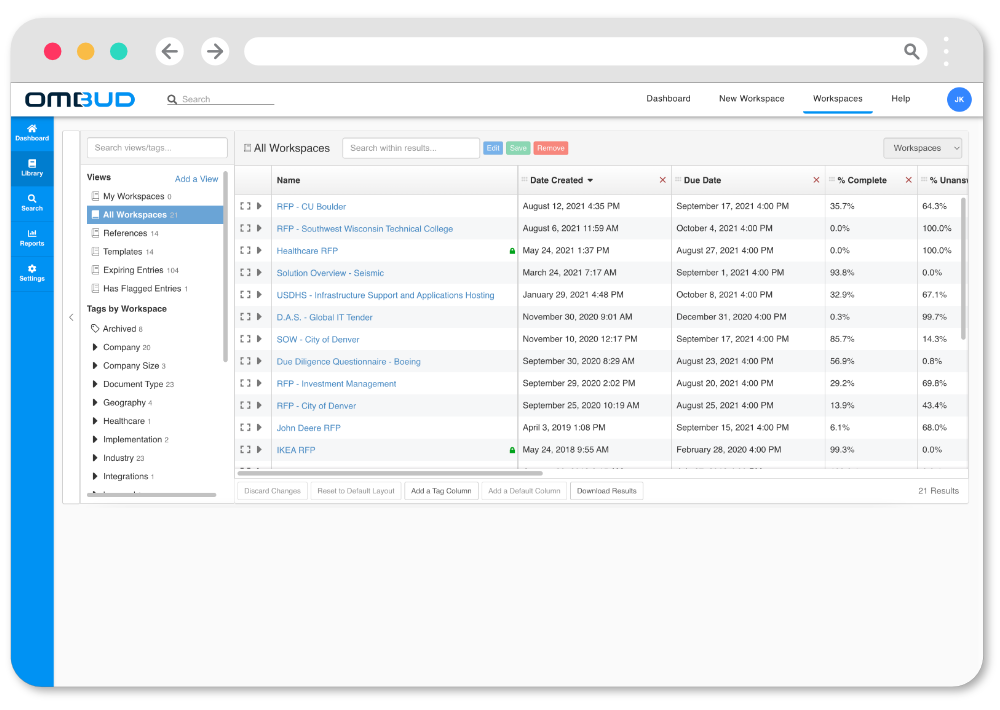
Ombud wins with its clientele because of its AI-powered platform that helps users manage multiple files across workspaces and portals from within a team or as a client. Teams can easily collaborate on RFPs and also leverage AI to summarize documents and generate new content based on existing stored data.
Ombud Key Points
Top Features of Ombud
- Easy document sharing: Users can share docs and close deals faster with e-signatures.
- Collaboration: Teams can work together using comments and task sharing on the application without having to switch over to email or another messaging system.
- Integration: Ombud lets companies integrate with Outlook, Microsoft Office 365, Google Docs, and more.
- Workflow automation: The AI-powered platform automates repetitive tasks, streamlines data, and allows users to assign tasks to the app.
Ombud Pricing
- Ombud does not provide pricing information on its website. Interested parties will need to get on a call with a salesperson.
Pros and Cons of Ombud
4. QorusDocs
QorusDocs offers automation for pitches, presentations, and statements of work. It combines AI-driven content generation with response automation, creating a versatile tool for document management.
It’s proposal management under the guidance of sales enablement.
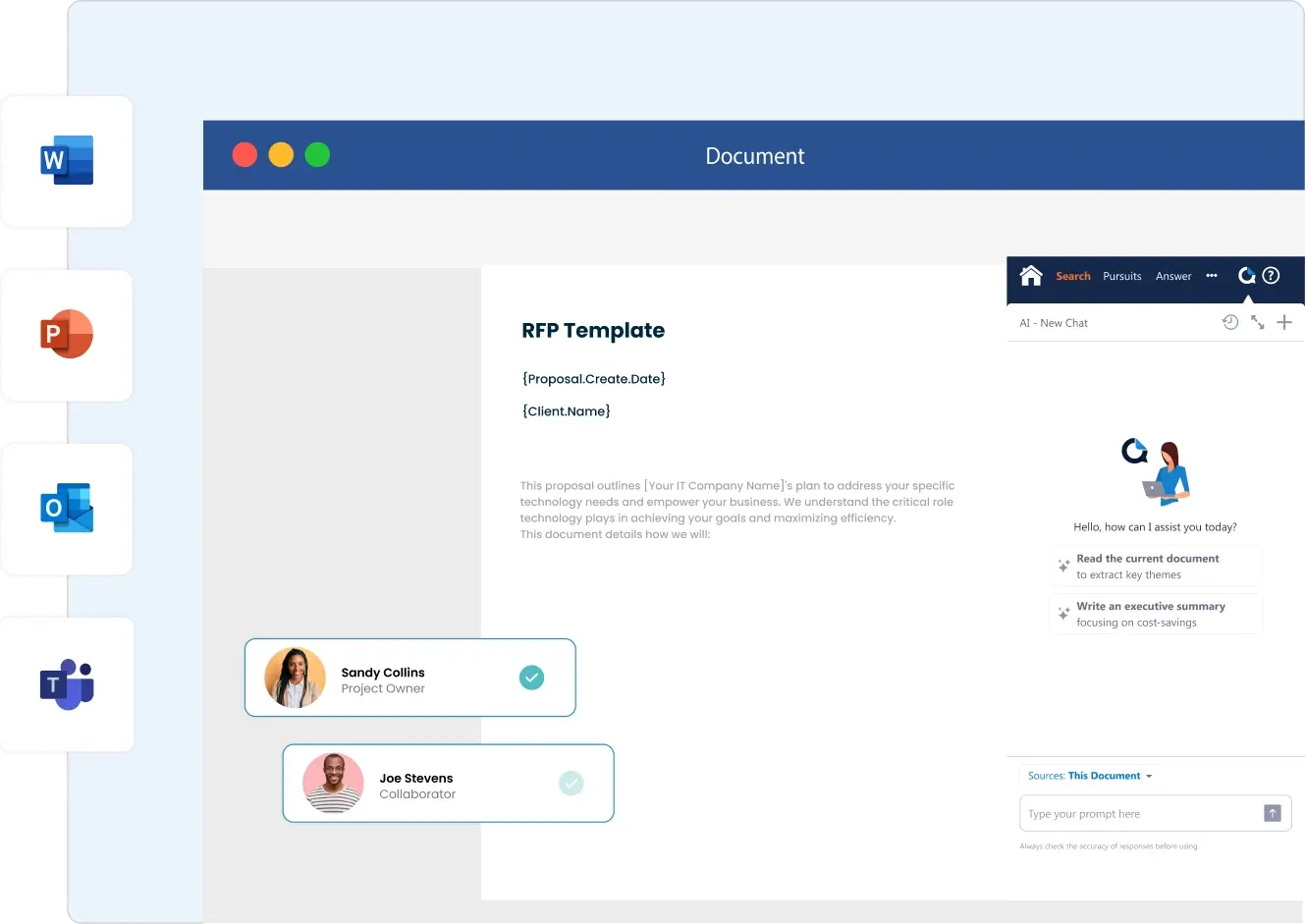
QorusDocs has a team that is experienced in legal documents, architecture, engineering, and IT services. So, users get specialized support for their content needs.
QorusDocs Key Points
QorusDocs Top Features
- AI-Powered Proposals
- Proposal Collaboration
- Integration with Microsoft
- Proposal Engagement Tracking
Pricing for QorusDocs
- QorusDocs does not offer a free trial. Interested parties will need to request a demo and contact sales to get pricing information.
Pros and Cons of QorusDocs
5. Seismic
Seismic is a sales enablement platform that helps you store and access all your content in one place. The founders saw a need for sales and marketing teams to “become more nimble and deliver personalization and customization for their customers.”
The specific goal of Seismic is to automate the creation of pitchbooks, making it easier for teams to present their products in modern, innovative ways.
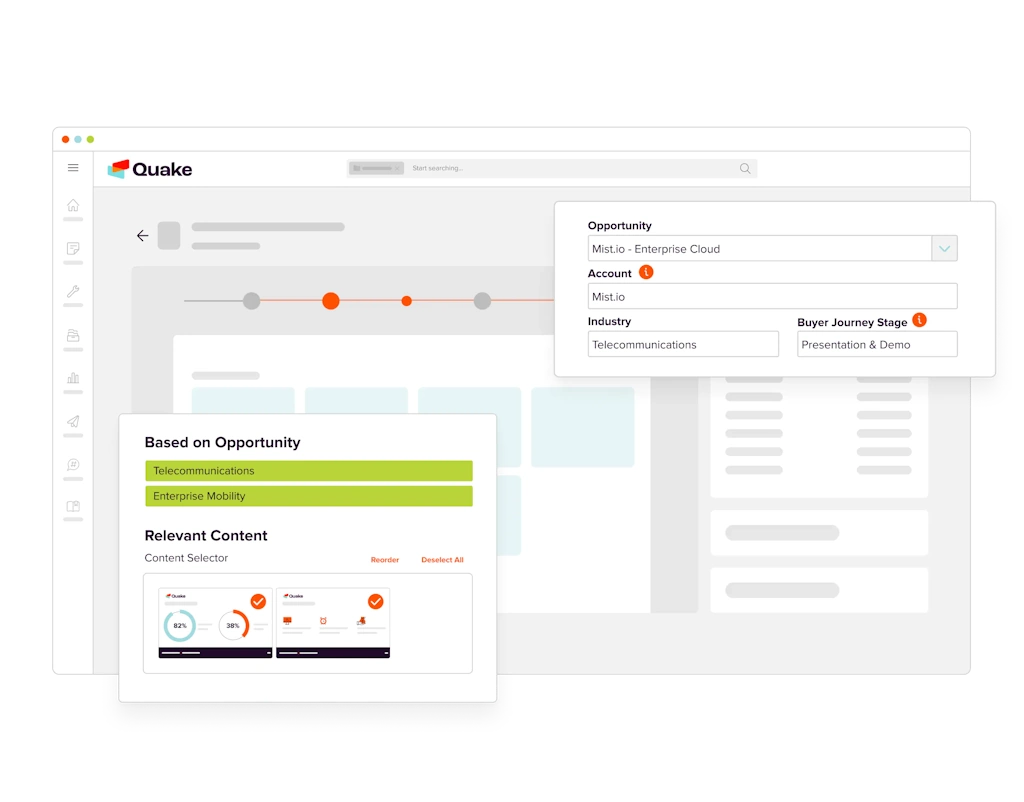
However, Seismic is super difficult to figure it out and use all of the features. And it has zero RFP automation capabilities, which will cost you a lot of time and money in the long run.
Seismic Key Points
Top Features of Seismic
- Large, Centralized Knowledge Base
- Collaboration Tools to Create Hubs for Specific Teams
- Customizable Content
- Interactive Modules for Learning and Coaching
Seismic Pricing
- Seismic does not provide pricing information on its website. Interested parties will need to contact sales.
Pros and Cons of Seismic
6. Qvidian
Qvidian is a proposal management software that is widely used in financial services. They help financial companies create strong proposals while making compliance easier to manage.
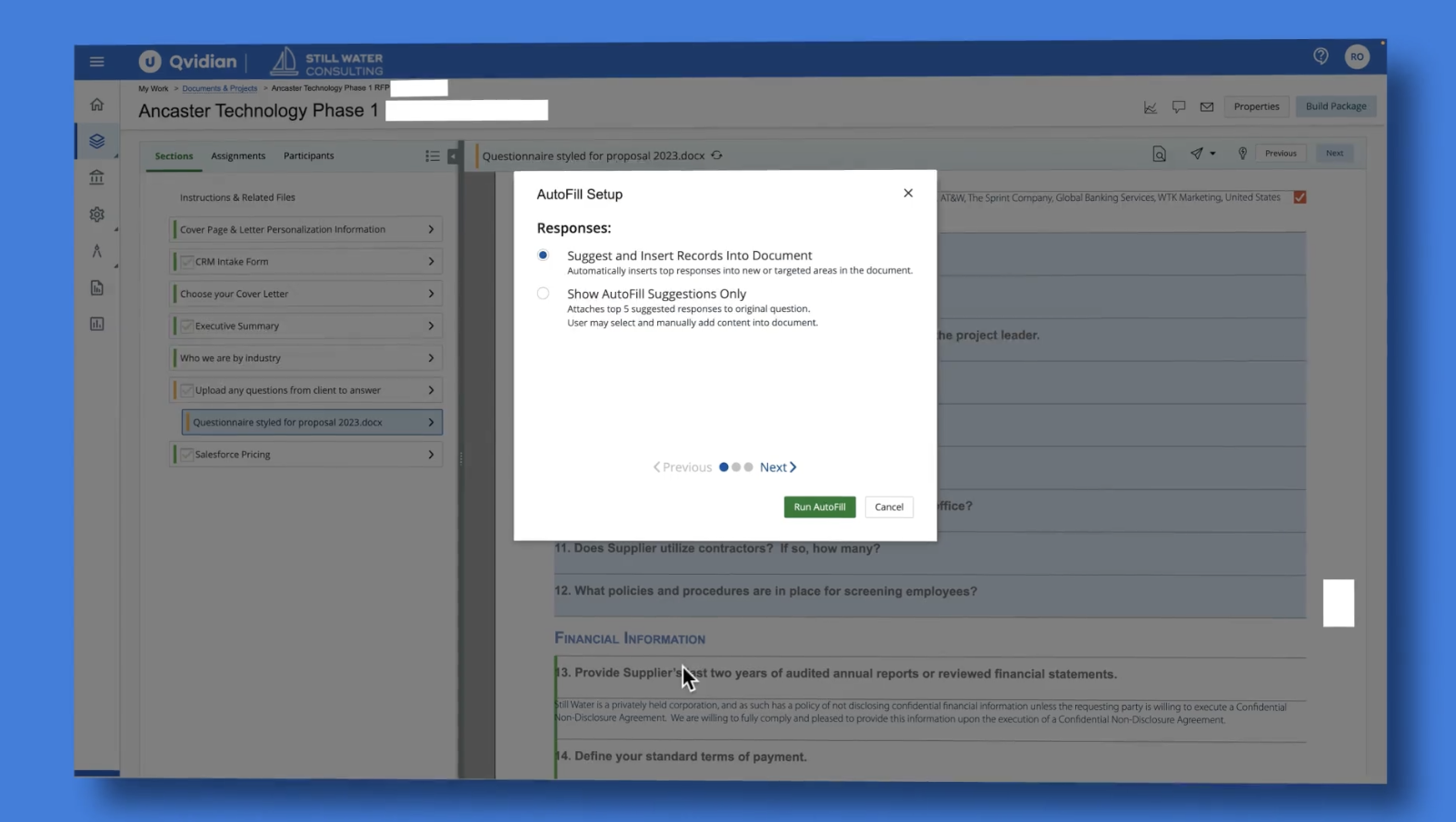
The platform also includes Qvidian Analytics, which tracks recipient engagement to provide deeper insights.
While Qvidian offers solid organization features and an intuitive interface, especially after a recent update – some users find its document architecture overly technical and its content update process less than seamless.
Qvidian Key Points
Top Features of Qvidian
- Collaboration Tools
- Analytics
- Workflow
- Audit Trail
Qvidian Pricing
Qvidian software by Upland does not offer pricing information on its website. Interested parties will need to request a demo or chat with sales to get more information.
Pros and Cons of Qvidian
Time For You to Choose Your Responsive Alternative?
At the end of the day, picking the right automated response software comes down to what actually fits your business needs, not just today but months or even years down the line. Every company runs on a different rhythm, and the level of complexity in your projects and your budget will play a big role in the decision when choosing a Responsive competitor.
The upside? You don’t have to make that call blindly. Options like 1up give you a free trial, a demo, or at least a sneak peek into what they’re all about. Book a 1up demo today.
FAQs
Your best bet is to look for tools that go above and beyond mere content management. The best RFP automation software will offer you fast AI-powered responses, seamless integrations with your existing tools, and strong collaboration and communication features. We'd give bonus points for a free trial, so you can test it before committing.
How is 1up different from Responsive and other alternatives? While Responsive requires heavy manual upkeep and charges extra for AI access, 1up is built for speed and accuracy. We connect you directly to your knowledge base, autofill complex documents, and even include a browser extension. We're also the only platform here that offers a 14-day free trial.
Not if you've got the right platform. You might need extra admins for tools like Loopio and Responsive, but 1up and Ombud are more lightweight and can be managed by small teams.
Many of these software platforms prefer that you talk to their sales teams so they can sell you on their features. This can help you get a customized plan, but it also means more time on a sales call. If transparency is important to you, look for tools like 1up that offer upfront pricing and free trials.


Qvidian Alternatives: 5 Best Choices for 2026

How to Build a Questionnaire Knowledge Base

The Worst RFP Questions We've Ever Seen

Win RFP Bids 10x Faster with These 5 Tactics

Why You Lose RFPs: Top 5 Reasons, Plus How to Win the Next One
1up your sales team