How to Automate Answers in Google Chat with AI
The Problem
Your company already has the answers. They live across docs, playbooks, security files, and internal resources. The issue is getting to the right answer when you actually need it. So people go to Google Chat and ask someone. That works, but it interrupts other people and slows everything down.
The Solution
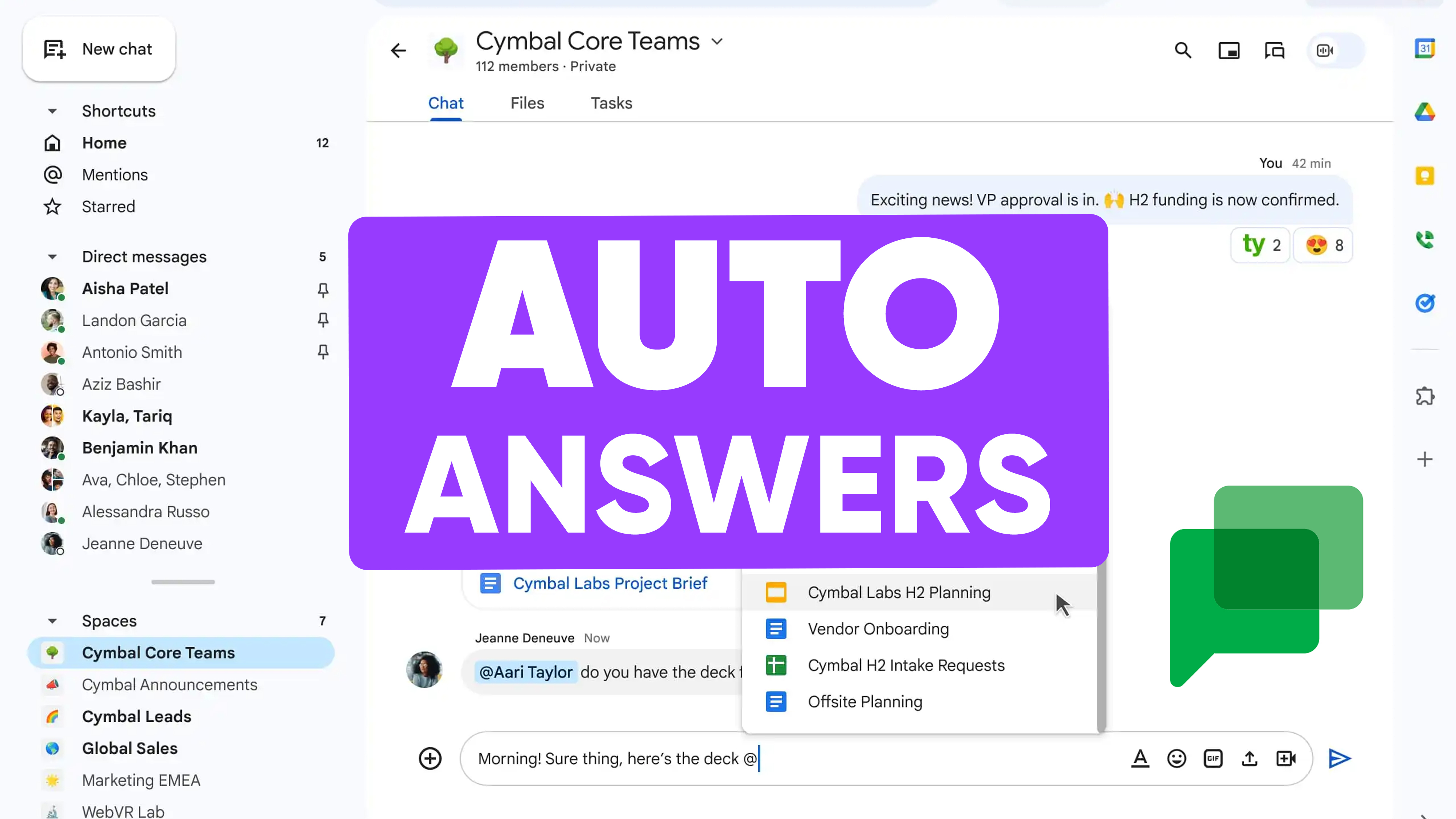
1up connects to Google Chat and gives your team a faster way to get answers without digging or asking around. Now your team can ask a question and get a clear answer in seconds, based on your internal knowledge.
Turn Google Chat Into a Searchable Knowledge Hub
Most teams are not missing information. They just cannot access it fast enough. Google Chat becomes the place where questions pile up, especially when answers are hard to find. 1up brings your knowledge into Google Chat so your team can get what they need right away.
When someone asks a question, they usually need the answer right away. If they have to wait for a reply or search through multiple tools, things slow down. With 1up, they just ask the question in Google Chat and get an answer in seconds.

1up pulls from your connected knowledge sources and responds with answers based on your actual content. Every response includes sources so your team knows exactly where the information came from. This works for quick questions and larger workflows too. Teams handling RFPs, DDQs, and compliance questionnaires use 1up to generate answers in bulk from the same knowledge base.
A lot of teams start by using 1up for simple questions in Google Chat. That alone cuts down on the constant back and forth. Then it starts to handle the repeat questions that come up every day, and instead of asking the same things over and over, your team gets consistent answers every time.
Once your knowledge is connected, it also extends to more structured work like RFPs, DDQs, and compliance questionnaires. Everything stays inside Google Chat so your team does not have to switch tools or break their flow. Teams that get the most out of this are usually the ones who have put real thought into how they manage enterprise knowledge across the org.
What Your Team Gets with 1up
- Answers without interrupting anyone When someone needs to know something, the default is to ask a colleague in Google Chat. That works until it doesn't. 1up gives your team a place to ask questions and get reliable answers without pulling someone else away from what they are doing.
- Sourced from your actual content Every answer comes from the docs, websites, and knowledge sources you have connected. Your team can see exactly where each response came from, which means they can trust it and use it confidently in front of a customer.
- Handles structured workflows too Quick questions are just the start. Teams dealing with RFPs, DDQs, and compliance questionnaires use 1up to generate answers in bulk. Upload the doc, pick your sources, and 1up takes it from there. It also works well for teams that handle Excel questionnaires.
- Consistent answers across the whole team When the same question gets asked by different people, it usually gets different answers. With 1up, everyone draws from the same knowledge base. That consistency matters a lot when your team is dealing with customers.
See how other teams like FusionAuth are using 1up to handle complex RFPs and get answers faster. Read Customer Stories
FAQs
Yes. Your team can ask questions in Google Chat and get answers instantly without switching tools.
All answers are pulled from your connected knowledge sources like internal docs, websites, and other systems. Nothing comes from the open internet or gets made up.
Yes. You choose which sources are included in your knowledge base and use tags to manage which content gets used for which purpose.
Yes. Upload the file, select your sources, and 1up generates answers in bulk based on your actual documentation.
.jpg)