
How to Automate Answers in Microsoft Teams with AI
.jpg)
The Problem
Your team lives in Microsoft Teams. That is where deals move and questions show up. But when someone asks about product details, security, or a past customer story, things slow down fast. Reps start digging through docs. Or they message someone else. Or they wait. Sometimes they just move on without a clear answer. None of that works when you are trying to keep a deal moving.
The Solution
1up connects to Microsoft Teams and turns your internal content into a knowledge base your team can actually use. Now your team can ask questions and get clear answers right inside Teams, pulled from your real docs.
Get Instant Answers Without Leaving Microsoft Teams
When a customer asks a question, timing matters. If your rep has to stop, search folders, or chase someone down, the moment is gone. With 1up, they just ask the question in Teams. That is it.
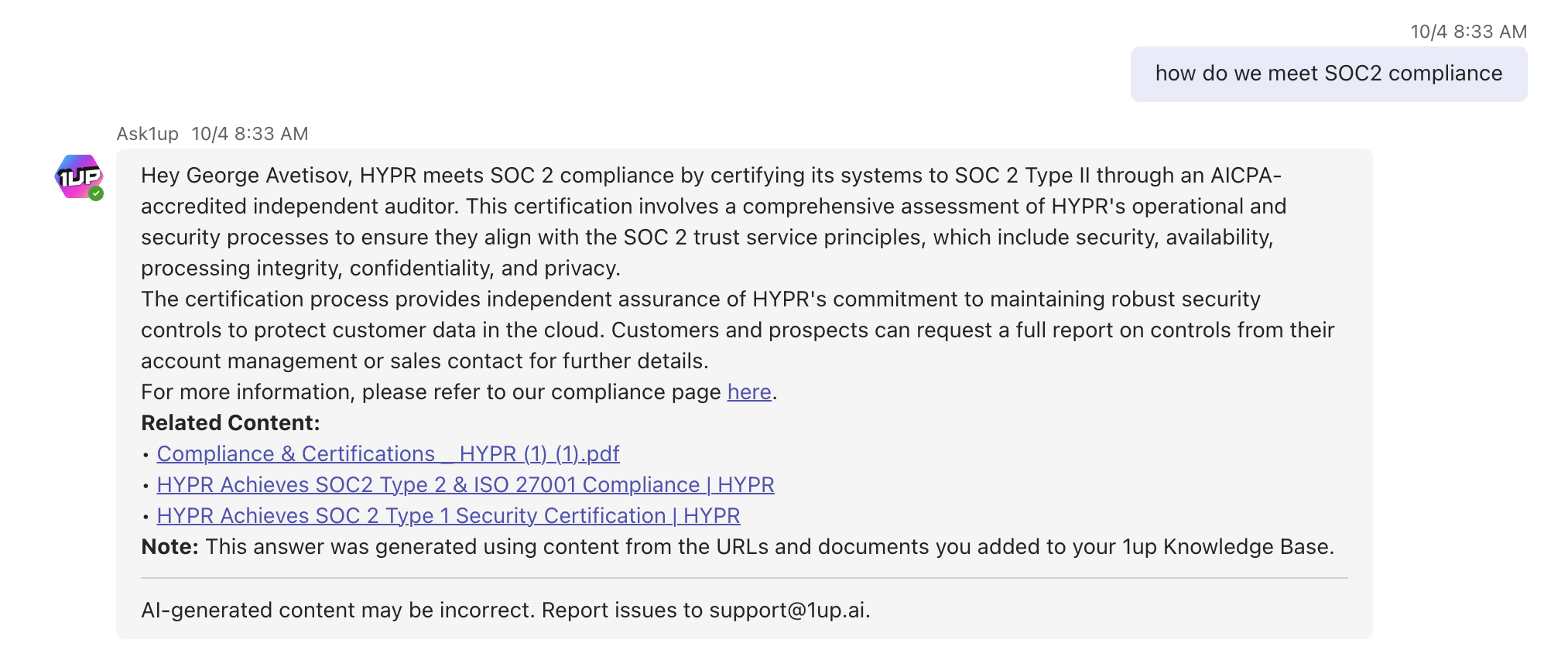
1up pulls answers from your connected knowledge sources and responds in seconds. Every answer is based on your actual content, so your team can see where it came from and trust it. This works for quick questions and bigger workflows too. Teams that handle RFPs or security reviews use 1up to generate answers in bulk using the same knowledge base.
A lot of teams start with simple Q&A inside Teams. That alone saves a lot of time. Then they start using it for bigger workflows.
Once your knowledge is connected, you can handle security questionnaires, DDQs, and RFPs without digging through files. Upload a document, choose your sources, and 1up generates answers based on your content. Nothing is guessed. Nothing is pulled from random places. Everything comes from what your team has already created.
As more of the team starts using it, it becomes part of how knowledge sharing works across the whole org. Everything happens inside Microsoft Teams, so your reps stay in their normal flow and keep moving without interruptions.
What Your Team Gets with 1up
- Answers without leaving Teams Your reps are already in Teams all day. With 1up they just ask a question in any channel or DM and get an answer back in seconds. No tab switching, no digging through folders, no pinging a colleague who is in the middle of something else.
- Sourced from your actual content Every answer comes from the docs, websites, and knowledge sources you have connected. Your team can see exactly where each response came from, which means they can trust it enough to use it in front of a customer.
- Handles the big stuff too Quick questions are just the start. Teams handling RFPs, DDQs, and security questionnaires use 1up to generate answers in bulk from the same knowledge base. Upload the doc, pick your sources, and 1up takes it from there.
- Fits into how your team already works There is no new workflow to learn. 1up slots into Teams and your reps keep moving the way they already do. It also works well alongside tools like SharePoint if your team stores content there.
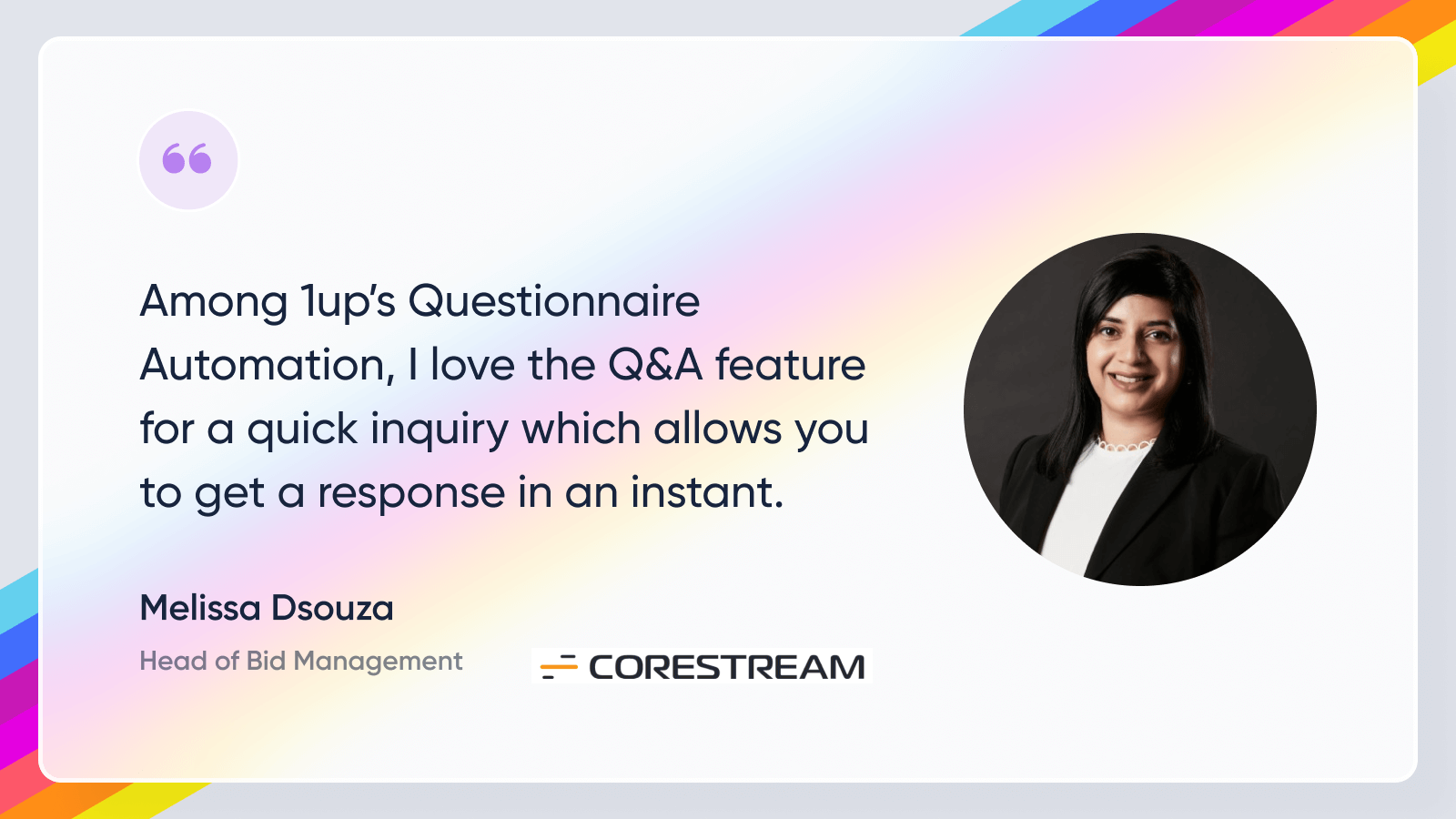
See how other teams like Corestream are using 1up to get answers faster and keep deals moving. Read Customer Stories
FAQs
Yes. Your team can ask questions in Teams and get answers instantly without switching tools.
All answers come from your connected sources like internal docs, websites, and knowledge bases. Nothing is pulled from the open internet or made up.
Yes. You tag and organize your sources so 1up only pulls from the right content when answering questions or filling out questionnaires.
Yes. Upload the file, select your sources, and 1up generates answers in bulk based on your actual documentation.
.jpg)
.jpg)



