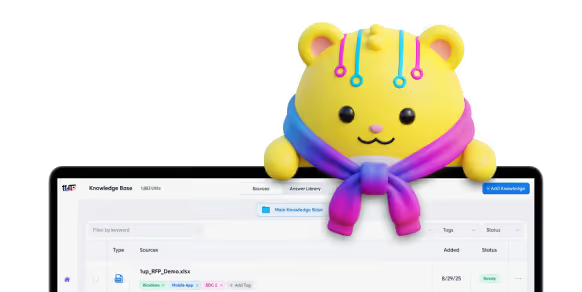
Bad knowledge management costs your team time. Every single day. The doc someone needs is buried in a Slack thread from March. The answer to a common question lives in one rep's head. Your sales engineer gets pinged 14 times before lunch because nobody can find anything. That kind of mess is what knowledge automation is built to fix, but only if you pick the right software underneath it.
Here's what bad knowledge management actually looks like in practice:
- Docs that get lost the second you stop looking at them
- Info that lives in just one or two people's heads
- The same questions, asked over and over
- Team members pinging each other all day for help
The right knowledge management software fixes most of this. McKinsey found that a strong KM system can cut search time by 35% and lift productivity by 25%. For a sales team, that's basically an extra rep's worth of selling time each quarter.
The knowledge management category looks really different than it did even a year ago. The question used to be "where do we store our docs?" Now it's more like "can our knowledge software actually answer questions, stay fresh, and ground an AI agent without making stuff up?" Below are the 10 tools worth a real look in 2026, what's changed, and where each one fits.
Types of Knowledge Management Software
Different teams need different things from enterprise knowledge management. Some just want a wiki. Some need a full-on answer engine. A few need both, plus a customer-facing help center. Here's how the category breaks down.
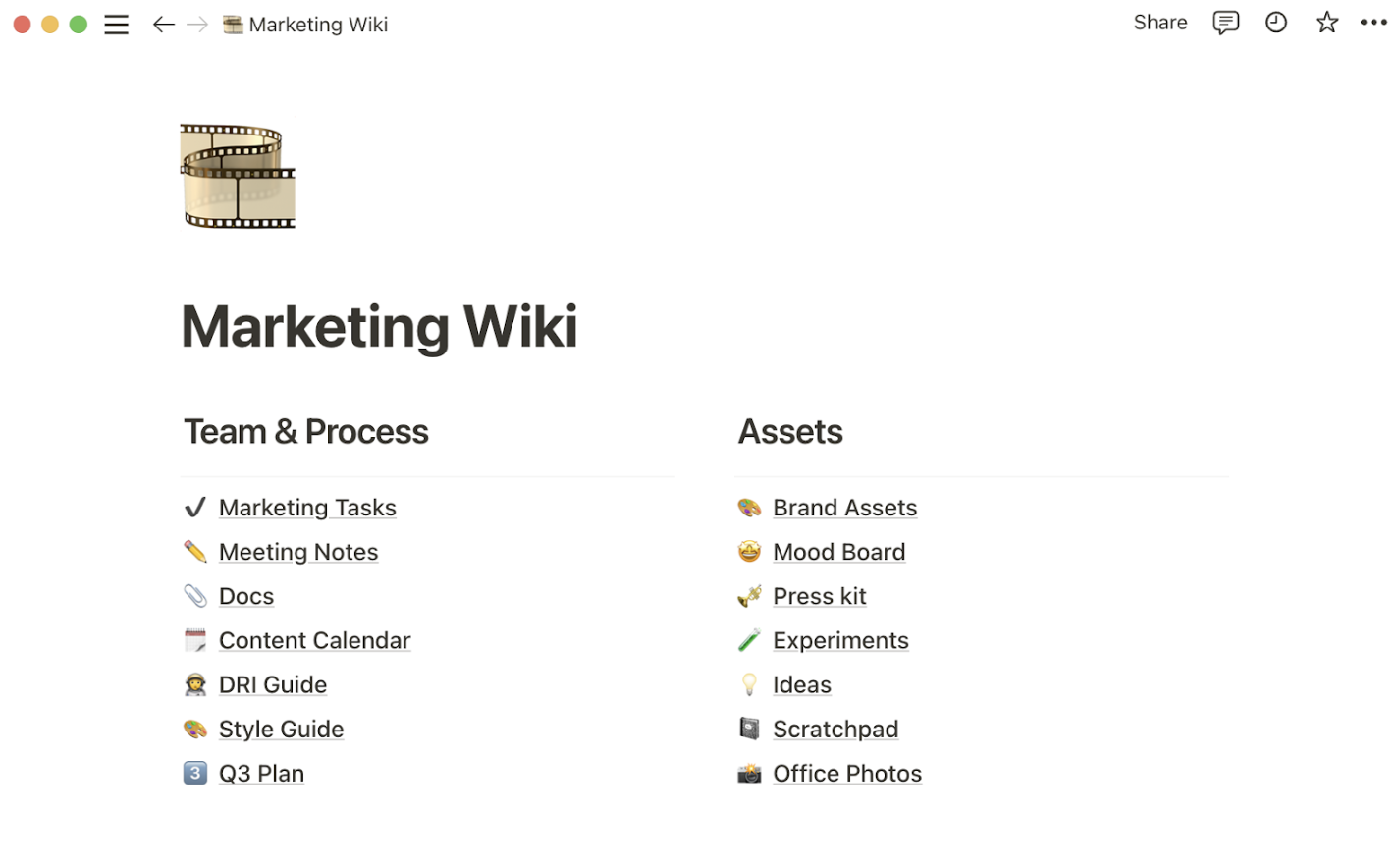
Internal Wikis
The classic option. Your team writes and edits pages. Employee handbooks, sales playbooks, project docs, company policies. Wikis work great when people are actually willing to write things down.
The most common picks are Notion and Confluence. Both have added AI assistants over the last two years.
AI-Powered Answer Engines
This is where the market has been moving. Instead of digging through a wiki, your team asks a question in plain English. The platform pulls answers from across your sources, like Slack, Google Drive, Salesforce, Confluence, and the CRM. It cites the source. And it gets smarter as people thumbs-up or thumbs-down the answers.
AI-powered enterprise search has become the baseline expectation for any KM buyer in 2026. The main names here are 1up, Guru, and Glean.
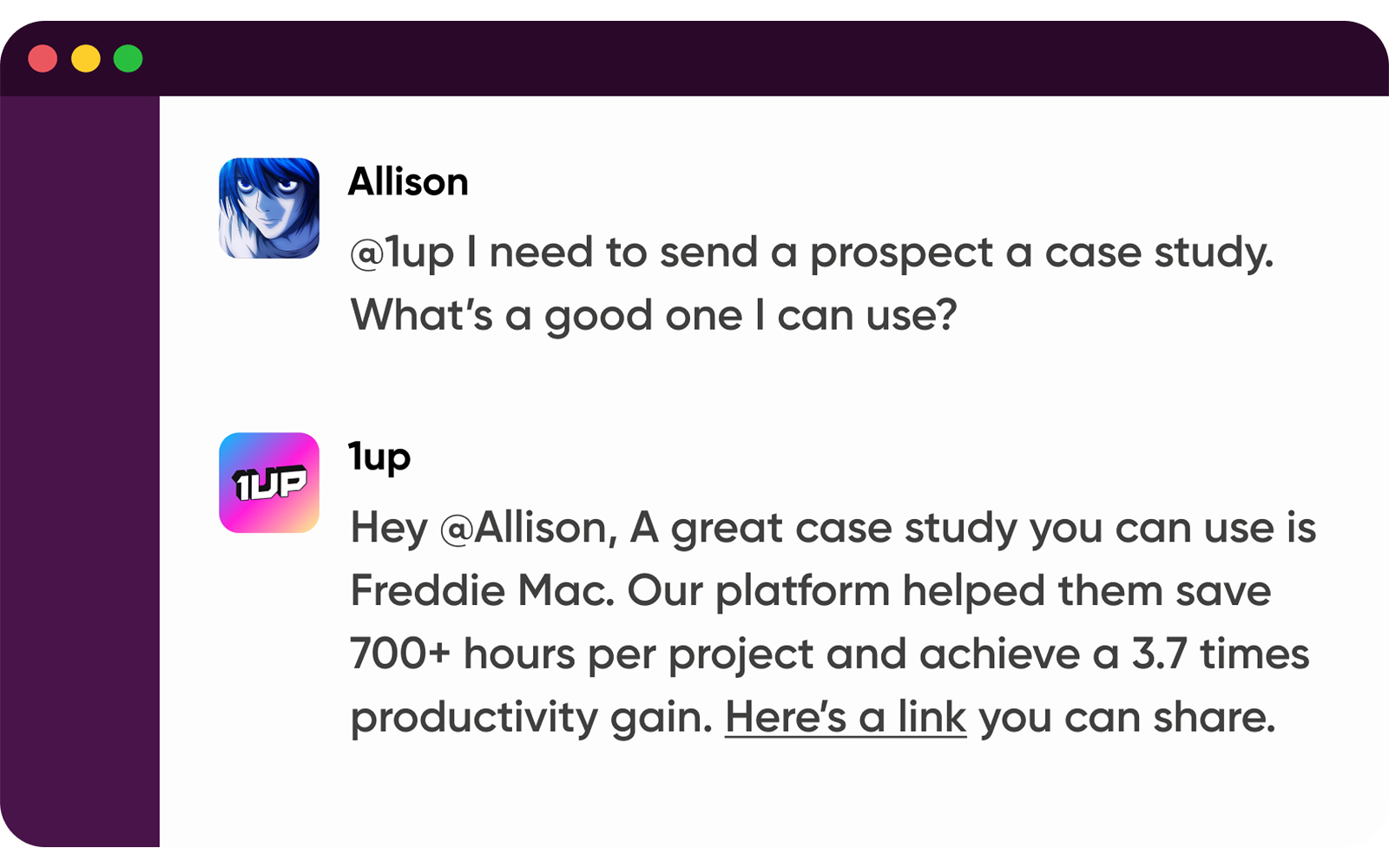
In this type of KM software, the platform doesn’t just store the information. It understands it. That way, when an employee enters a question into the knowledge base, AI can respond quickly and accurately from the documents it’s storing. Even better, it can learn from user preferences as more employees use the system.
Examples of AI-powered search KM software include 1up, Guru, and Glean.
Customer Support KM
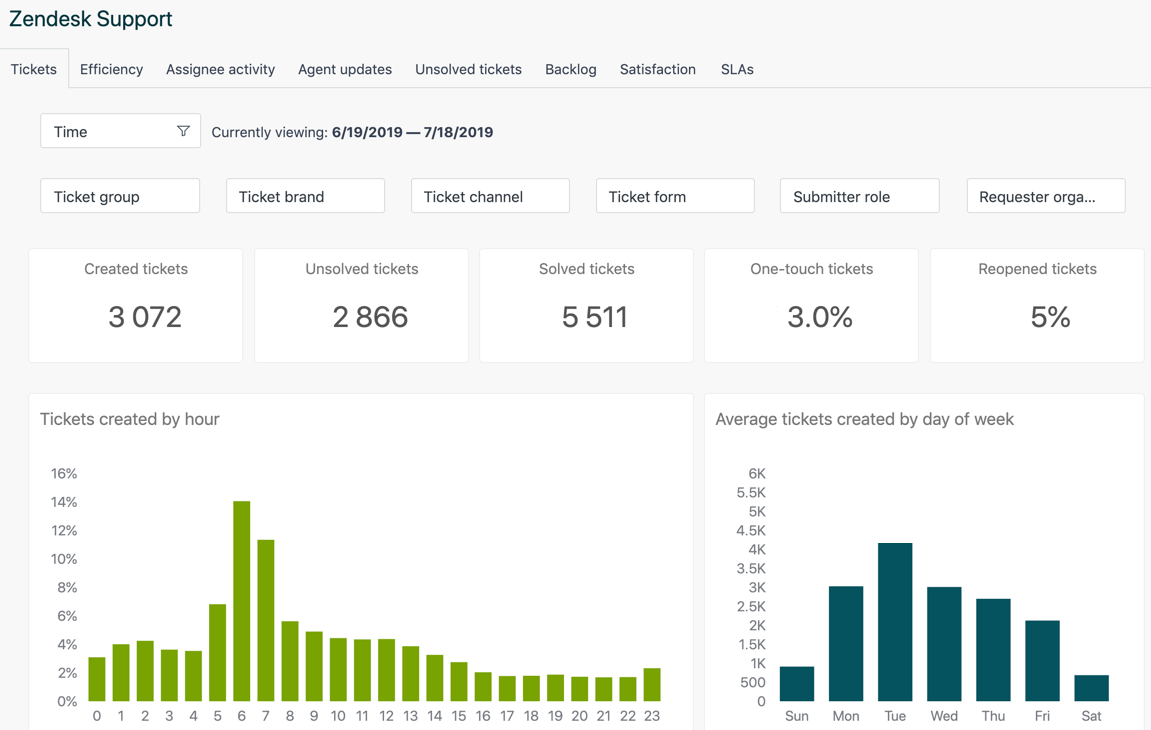
Your customers need answers too. And usually faster than your support team can write them. This kind of KM is built around public help centers, FAQ libraries, and AI chatbots that deflect support tickets.
Common picks: Helpjuice, Bloomfire, Document360, and the support tools inside Intercom and Zendesk.
All-in-One Work Hubs
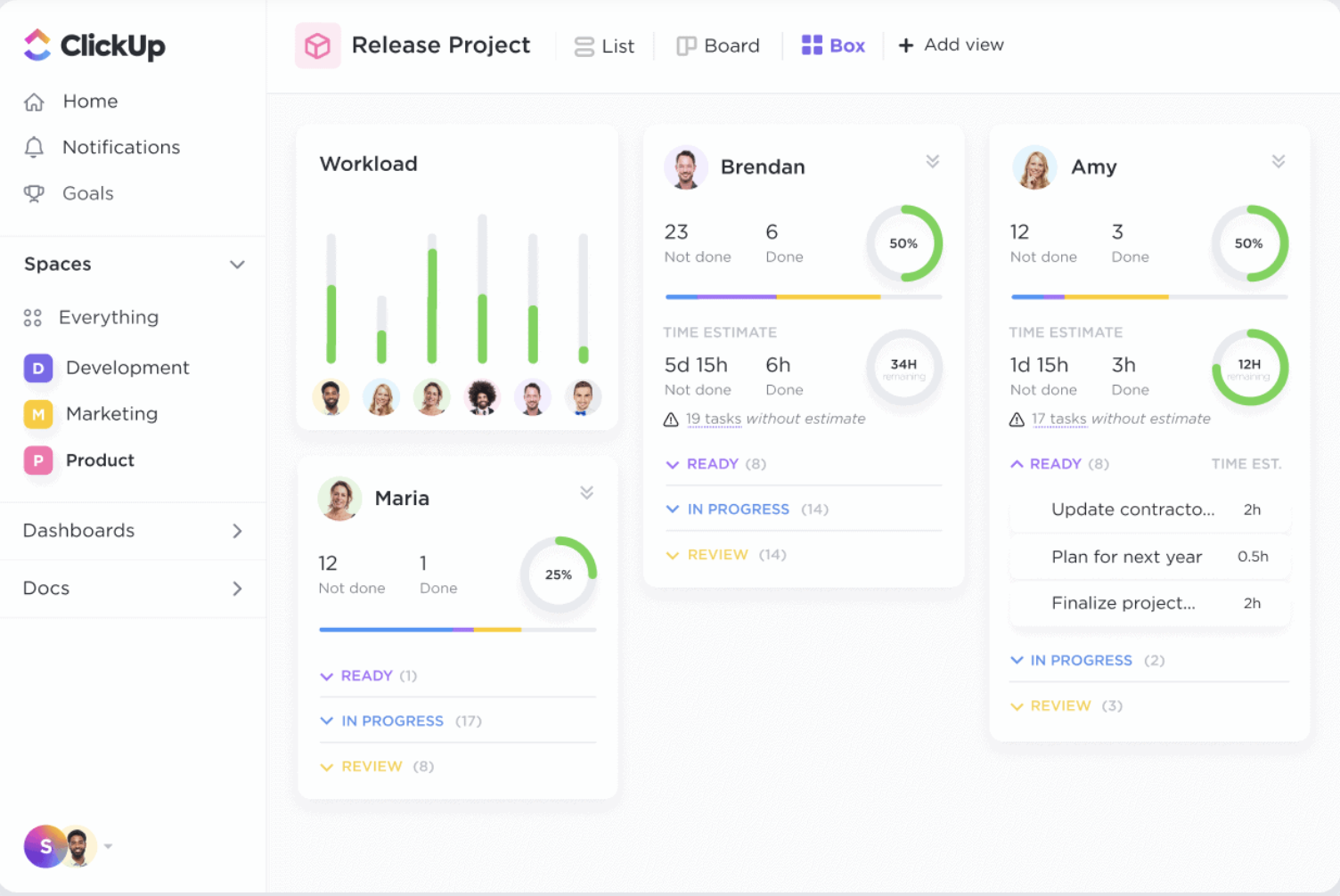
These platforms try to do everything in one place. Docs, tasks, projects, chat, and knowledge all live in the same workspace. The pitch is fewer tools. The reality is that the knowledge piece is usually a side feature, which is fine for small teams.
The big names are ClickUp, Monday, and HubSpot.
Why You Need Knowledge Management Software
You probably know the pitch already. Putting your company info in one searchable place fixes a lot of things at once:
- Fewer repeat questions in Slack
- Less time hunting through folders
- Faster ramp for new hires
- Fewer interruptions for your in-house experts
Your reps find what they need in seconds. New hires self-serve through training. And your AI tools have a clean place to pull answers from, instead of guessing across a pile of old PDFs.
Top 10 Knowledge Management Software Picks
1. Guru
Guru spent the last two years repositioning. They used to be a sales enablement wiki. Now they call themselves an "AI Source of Truth" that connects Slack, Microsoft Teams, Google Workspace, Salesforce, and a bunch of other apps into one trusted layer for both people and AI agents.
The core thing is still the verified "card." Each one is a small chunk of knowledge with an owner and an expiration date. You see them in your workflow through the browser extension or Slack. What's new is Guru's Knowledge Agents. These let teams build AI agents grounded in their verified content for support, sales, and HR use cases.
Guru is still a great pick for sales and support teams that want fast answers without switching tools.
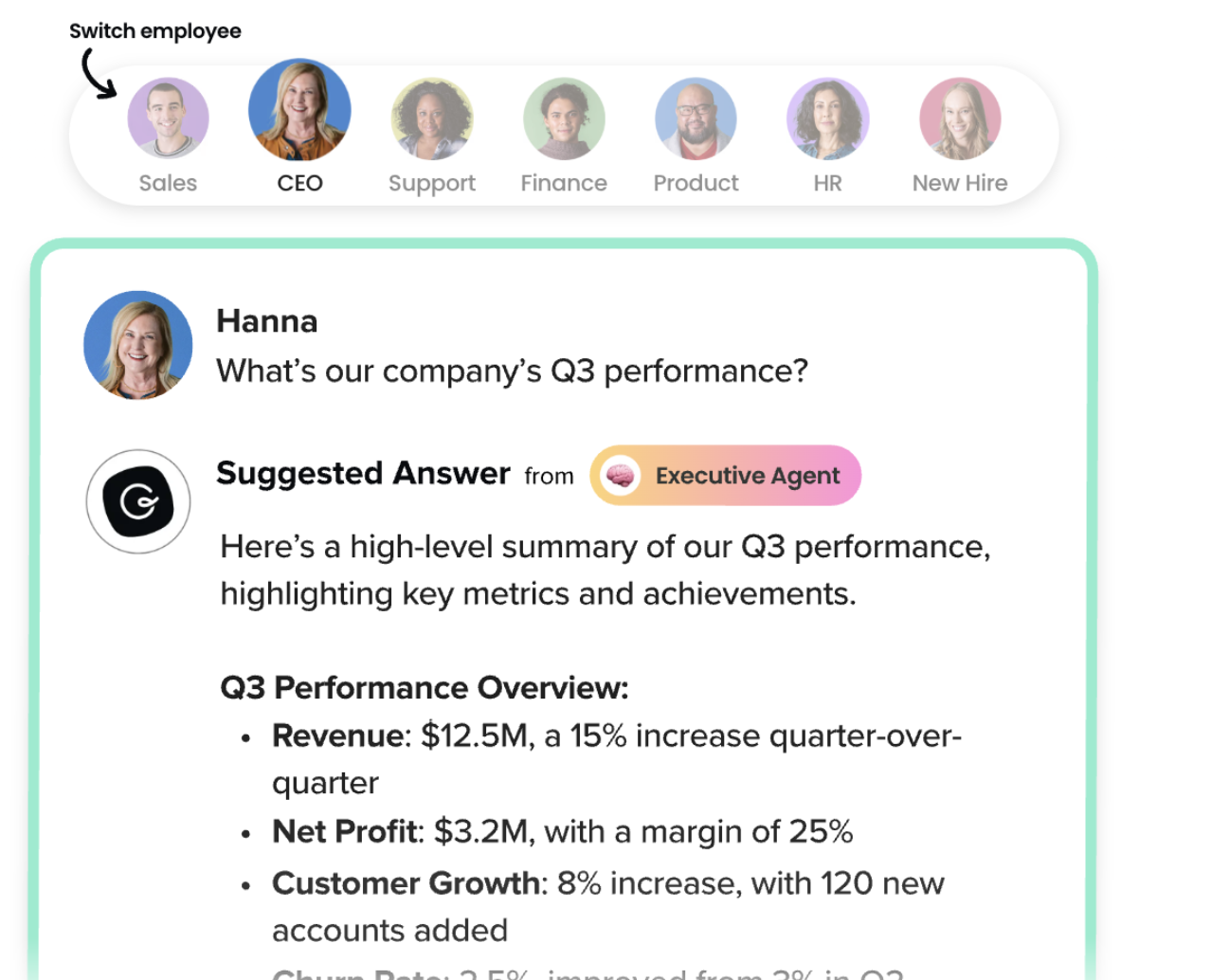
Best feature: Answers that show up right inside the apps your team already uses, with verification cycles that keep cards from going stale.
2. 1up
We get that featuring our own platform looks biased. So don't take it from us. Take it from companies like Optimove and Continu.
1up is the AI knowledge base built for fast, accurate answers. Especially the long, painful kind. RFPs. Security questionnaires. DDQs. And the steady drip of product questions hitting your sales team every day.
Our platform pulls all your internal knowledge into one place. That includes your CRM, docs, past responses, websites, and verified Q&A from your experts. From there, your team can ask questions in 1up, Slack, or MS Teams and get cited answers in seconds. Or upload a 500-row questionnaire and watch it get filled out in minutes.
Answers keep getting better as reps upvote and downvote them. Verification workflows keep content current without anyone babysitting it. Security is enterprise-grade. Hallucinations are kept on a tight leash. And most teams are up and running the same week they sign up.
Best feature: Full-stack answer automation, from a quick Slack question to a 500-row security questionnaire, grounded in your verified knowledge.
3. Bloomfire
Bloomfire is still the go-to for teams sitting on a mountain of video, audio, and multimedia. Its AI indexes every word, including spoken content inside videos. A sales rep can find a 12-second clip inside a 45-minute training video with a regular search query.

Beyond the search story, Bloomfire offers a collaborative content editor, Slack and Teams integration, and a solid analytics layer that flags popular topics and content gaps. Big enterprises in finance, healthcare, and insurance use it heavily.
Best feature: Deep search across video and audio, not just text.
4. HubSpot
HubSpot isn't really a pure KM tool. It's a full CRM and marketing platform. But its Knowledge Base product (part of Service Hub) is one of the most popular customer-facing help center options for B2B SaaS companies. The strength is the all-in-one play. Your help articles, tickets, chatbot, CRM contacts, and marketing all live in one system.
The Breeze AI suite, which HubSpot rolled out across 2024 and 2025, adds AI article drafting, smart search, and chatbot deflection. If your team already lives in HubSpot, layering on their KB is the easy move.

Best feature: A help center tied tightly to your CRM, tickets, and marketing workflows.
5. Helpjuice
Helpjuice is a focused help center builder for companies that want to control how their public knowledge base looks and feels. Brands and support teams use it to publish clean, SEO-friendly help portals, internal or external. It comes with strong analytics on what customers are actually searching for.
The platform is easy to spin up, supports imports from other tools, and has deeper theme customization than most competitors. The AI features have caught up to the rest of the market too. Smart search, content suggestions, and assisted article writing are all in the box now.

Best feature: Deep customization of the customer-facing experience, no front-end developer needed.
6. ClickUp
ClickUp pitches itself as one app to replace them all. Projects, docs, dashboards, chat, whiteboards, and knowledge in one workspace. As a KM tool, it shines when your team is already running projects in ClickUp and you want docs sitting next to the work they describe.
ClickUp Brain is the platform's AI layer. It adds Q&A across your workspace, content generation, and task automation. It's a paid add-on, but for teams already in ClickUp, it turns the workspace into a real answer engine.

Best feature: Tasks, docs, and knowledge under one roof, with views you can customize for every team.
7. Notion
Notion is still the most popular general-purpose workspace KM tool. Its flexible block-and-database setup lets a team build anything from a lightweight wiki to a full ops hub. Sales teams use it for playbooks. Engineers use it for specs. Founders use it for everything.
Notion AI now lives inside every workspace. It handles summaries, Q&A across your pages, and content drafting. The 2024 launch of Notion AI Connectors brought search across Slack, Google Drive, GitHub, and other sources right into the Notion UI. That's a real step toward becoming an answer layer, not just a wiki.
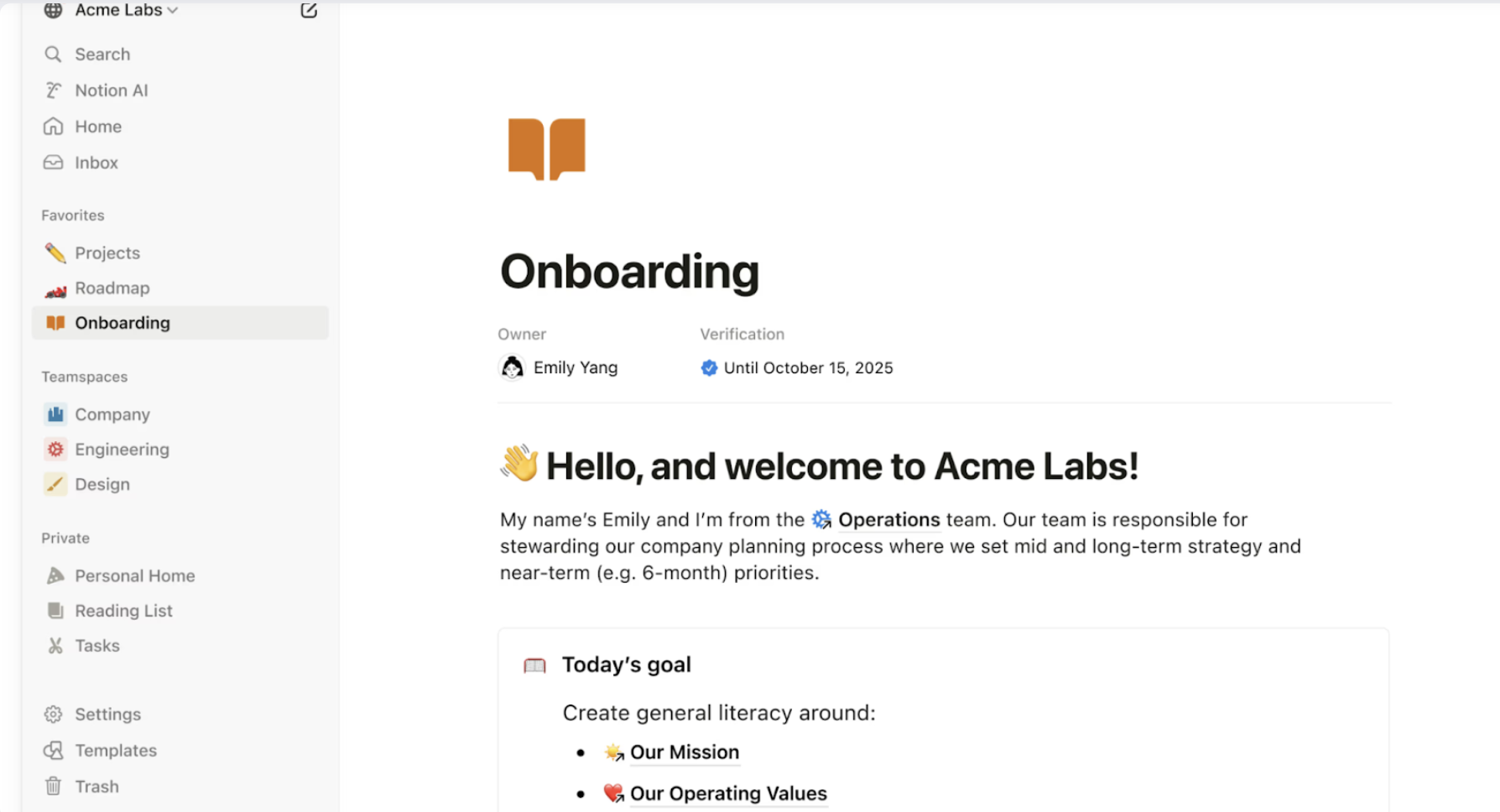
Best feature: Unmatched flexibility. The same tool can run a five-person startup or a department inside a Fortune 500.
8. Glean
Glean has changed more than anyone else on this list. It started as an AI-powered enterprise search tool. Now it's a full "Work AI" platform with three parts. Glean Search is the original retrieval layer. Glean Assistant is a personal AI co-worker. And Glean Agents are custom AI agents that can run multi-step work.
Glean released Waldo in 2026. It's a special AI search model built on Nvidia Nemotron. The release shows where they're heading. They want to be the search layer that every other AI agent runs on top of. With 100+ connectors across Google Workspace, Microsoft 365, Slack, Salesforce, Jira, and ServiceNow, Glean has become the default pick for big enterprises that want one AI layer over their whole SaaS stack.
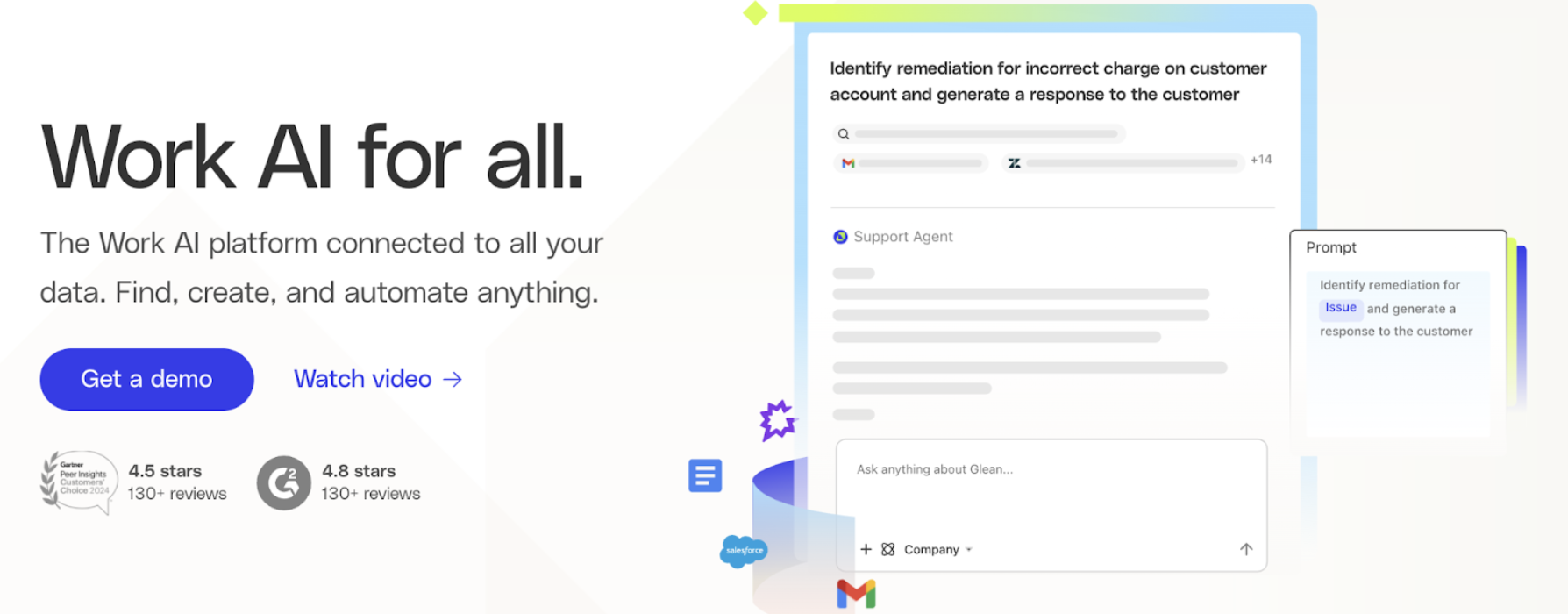
Best feature: AI search across your whole company stack, with permissions respected, plus agent-building tools on top.
9. Confluence
Confluence is still the default wiki for engineering orgs, especially the ones already using Atlassian products. Its Spaces and Pages structure, deep Jira integration, and huge template library make it the natural home for runbooks, RFCs, architecture docs, and tech specs. According to Gartner's reviews of knowledge management software, Confluence is one of the most widely deployed platforms in the category.
The big 2025 change was Atlassian bundling Rovo, their AI search, chat, and agents product, into all paid Confluence tiers at no extra charge. That includes Rovo Search across 80+ third-party apps, Rovo Chat for plain-language Q&A across your content, and a growing set of pre-built Rovo Agents. For Atlassian-heavy shops, that's a real AI upgrade with no separate purchase needed.
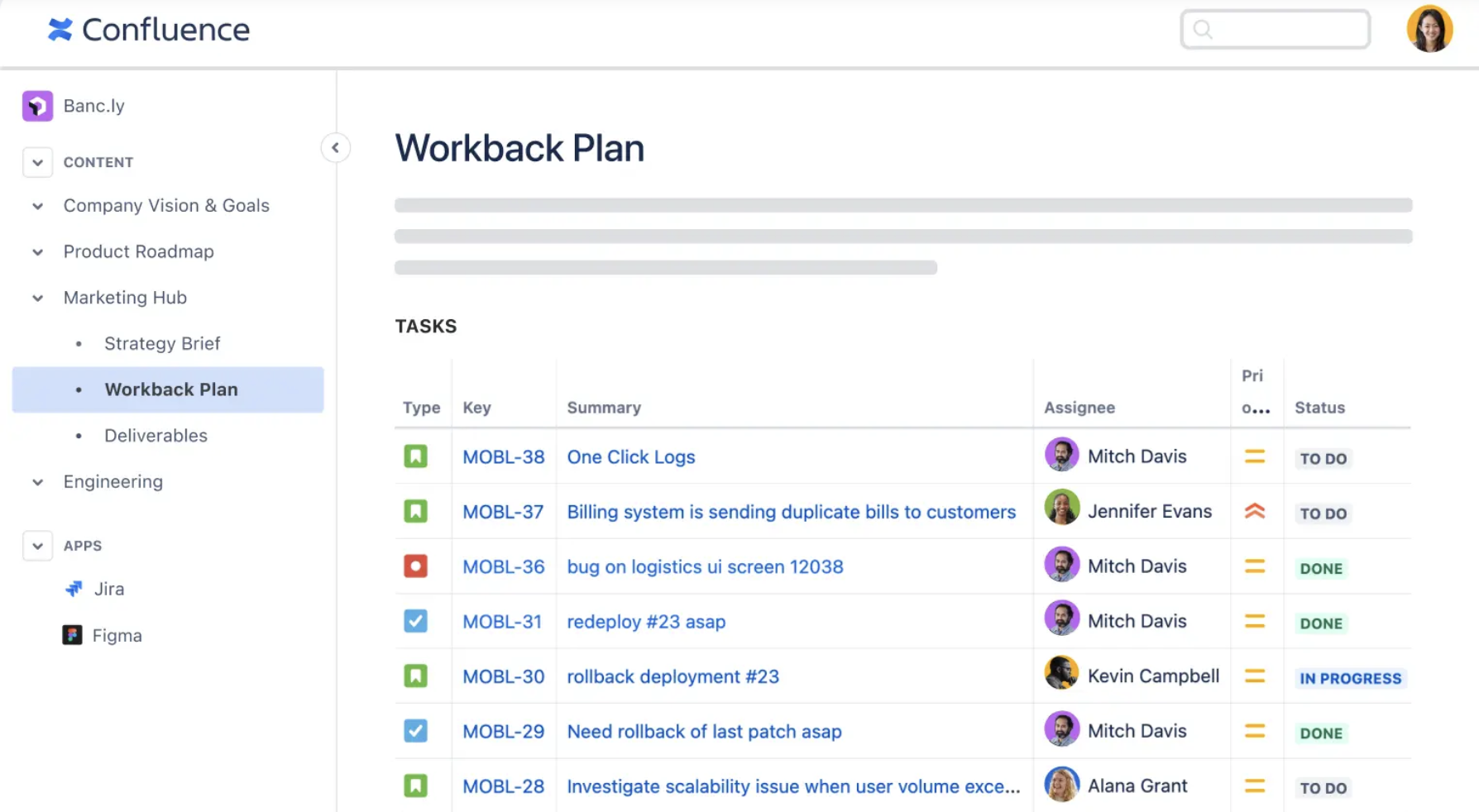
Best feature: a mature wiki with native Jira integration and now-bundled AI search and agents.
10. Tettra
Tettra is the Slack-native KM platform for small and mid-sized teams that already live in Slack. Ask a question in a channel. Tettra's AI surfaces a verified answer from your knowledge base, or flags the question for an expert to answer and capture.
That capture loop is the magic part. Tettra turns your Slack threads into structured, verified knowledge over time. It has content owners and stale-page reminders to keep things current. It struggles at scale with thousands of pages. But for a 50-person startup that lives in Slack, it sits nicely between Notion and a dedicated answer engine.
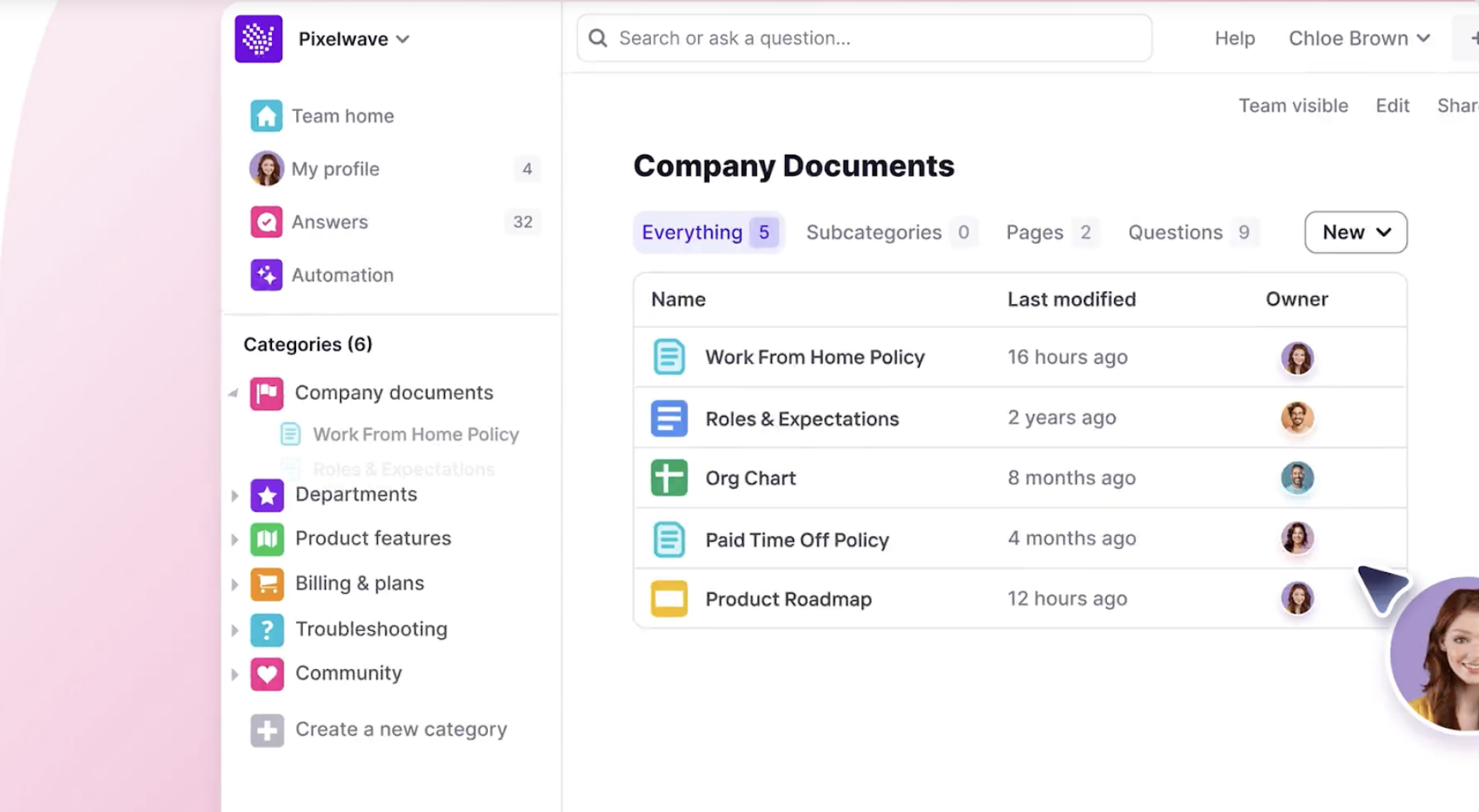
Best feature: Turns Slack questions into a verified, structured knowledge base, without making anyone leave Slack.
How to Pick the Right Tool
Here's a quick cheat sheet for the most common cases we see:
- Sales team buried in product questions? 1up or Guru.
- Reps interrupting each other in Slack all day? 1up, Guru, or Tettra.
- Filling out RFPs, security questionnaires, or DDQs? 1up will save you hours every week.
- Engineering team with sprawling tech docs? Confluence (especially if you're already on Atlassian) or Notion.
- High volume of customer support tickets? Intercom, Zendesk, HubSpot, or Helpjuice for the help center.
- Want an AI layer across every SaaS app you own? Glean if you're enterprise. 1up if you want fast time-to-value.
- Onboarding new hires is painful? 1up or Notion can help cut your ramp time in half.
- Sitting on a video library nobody can search? Bloomfire.
The bottom line: If you've got a knowledge problem, there's a tool on this list that fits. The bigger question is whether you want a place to store knowledge, or a system that actually delivers answers when your team needs them.
FAQs
The best knowledge management (KM) tool for sales teams depends on their specific needs, but Guru and 1up are top choices.
Yes, many KM software platforms offer seamless integration with Slack and Microsoft Teams.
AI enhances KM software by reducing search time, providing automated responses, learning user preferences, and keeping knowledge updated.
Far too many large businesses have a problem with too much knowledge in too many places behind too many silos. Fortunately, there's a solution for that, too.


The Payoff of Connecting Questionnaire work to your Sales Pipeline

Why Most Internal AI Assistants Get Built and Then Abandoned
.jpg)
Building AI Governance for Enterprise Knowledge

Why Your Internal AI Assistant Gives Wrong Answers: A Document Audit Guide

Your Buyer Is in the Room and You're Not: 5 AI-Native Sales Rooms