Speed is everything in sales.
Customers have questions about your products, pricing, and processes. They don't want to wait for answers. So naturally, AI gets involved.
But AI delivers speed at the cost of accuracy.
Bad answers = lost deals. Hallucinated AI answers have forced sales teams to keep humans on the frontlines.
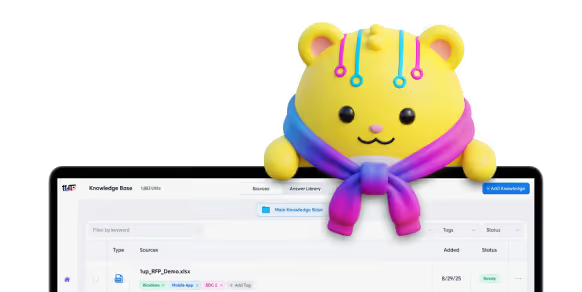
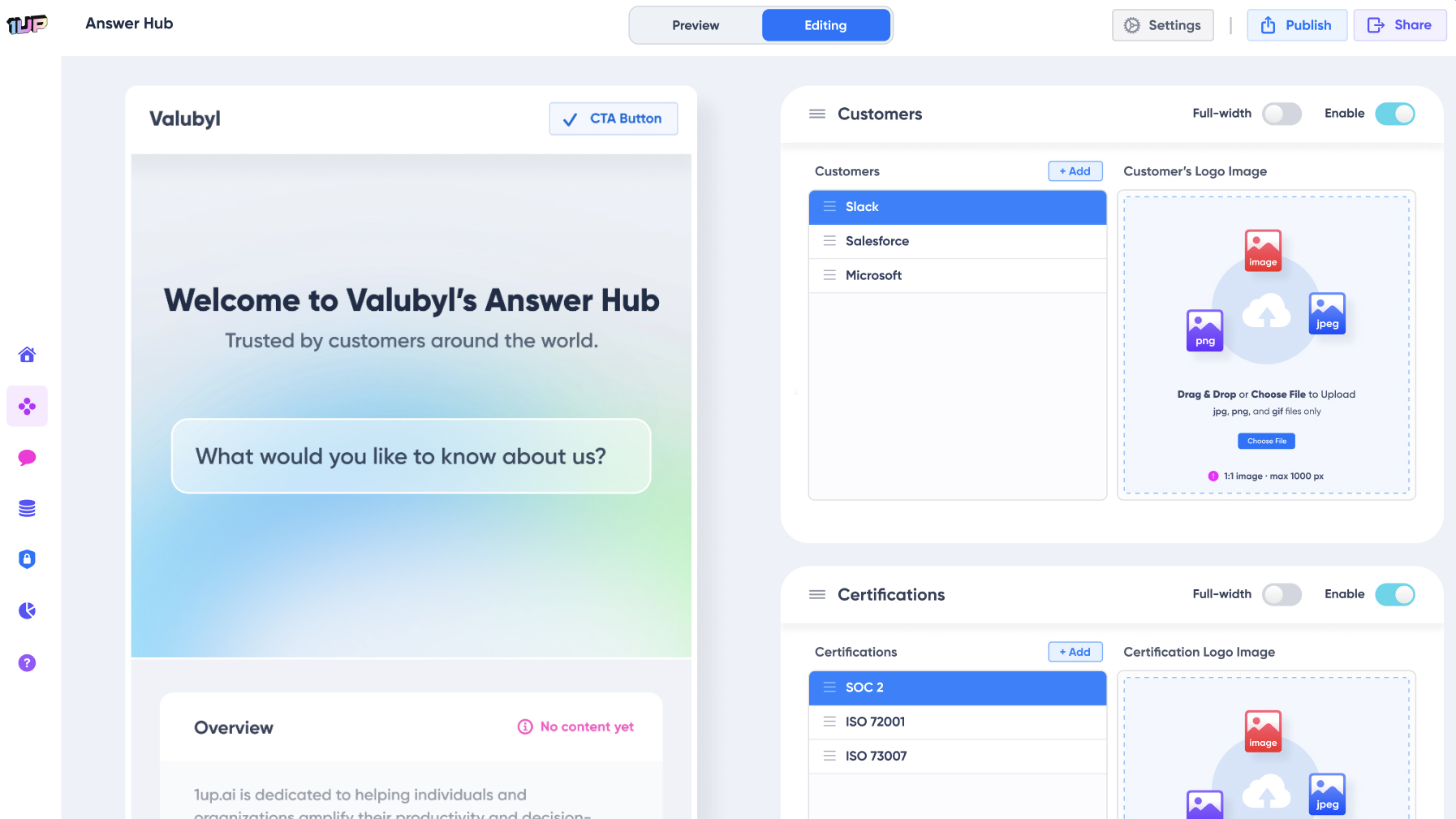
That’s why we built Answer Hub – an easy way to spin up smart sales agents that deliver accurate responses from sources you trust. Answer Hubs respond to customers, move deals forward, and loop in your reps when it matters most.
Replace spam bots with smart sales reps
The first stage of AI sales tools has been marred by cold outreach spam.
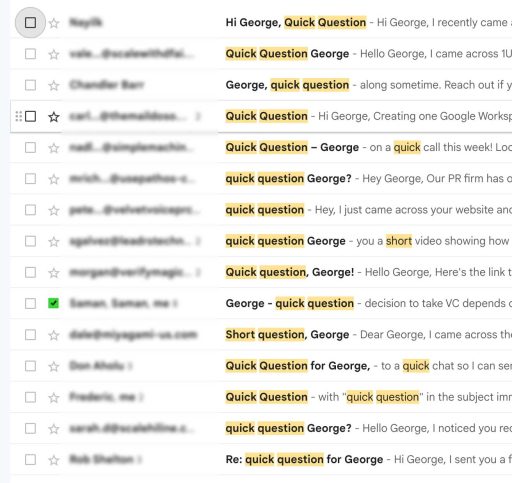
LLMs started being used to simulate human outreach and just didn’t cut it. Overnight, we saw thousands of emails being sent with the same subject lines, creepy over-personalized messaging, and an overall poor experience.
And that’s before you factor in hallucinations that come with throwing Large Language Models at your most critical customer interactions. We've written at length about automation's negative impact on sales.
With Answer Hub, we believe the real productivity is unlocked by accelerating knowledge across sales teams and customers.
That's why step 1 begins with connecting high-quality data about your products.
Connect trusted sources to your AI sales chatbot
First, set up your Knowledge Base in 1up.
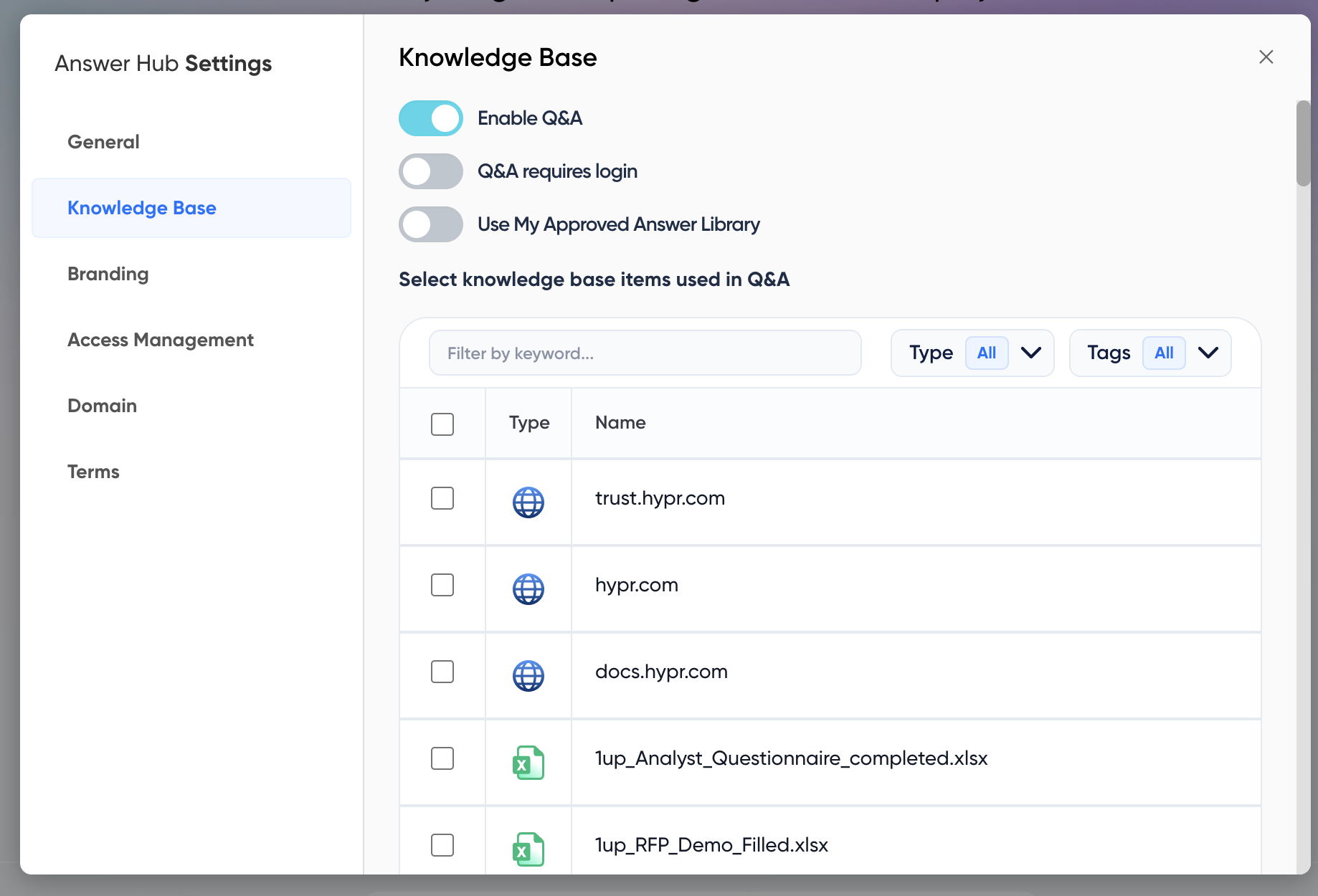
Head to Answer Hub and you’ll be asked to select at least one file or URL from your Knowledge Base. If you're already a 1up user, you can also use your existing Approved Answer Library.

Customize your logo and branding. You can use preset colors or define your own:

After completing this step, a preview of your Answer Hub will appear in the 1up dashboard. From this preview screen, you can manage content and admin settings.

Control answer sources
You can control all of your knowledge to ensure only trusted sources are used for generating answers.
You can even lock down answer generation behind a login. This allows your admins to allow or deny customers from asking questions:
Display customer logos and certifications
Add customer logos and product certifications to highlight key certs such as SOC 2, ISO 27001, or FedRAMP and build trust with prospects.

Add a downloads section
You can include publicly accessible files to download – think sales assets, support SLAs, and product docs.

Just like with Q&A, you can create a section for gated files by connecting sensitive sources like infosec policies and audit reports.
Setup a custom domain and share your Answer Hub
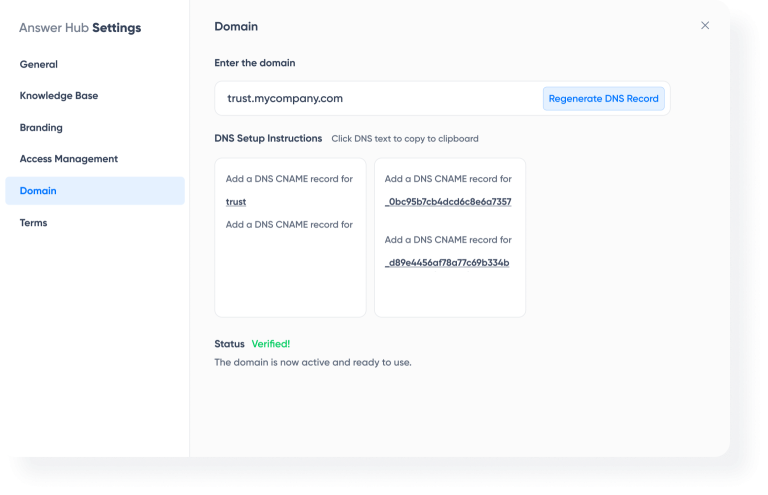
You can host your Answer Hub on a custom domain. For example, our security and compliance hub is available at trust.1up.ai
To configure this:
- Generate the required DNS records inside 1up.
- Provide these records to your IT team to complete the domain setup.
- Once configured, your Answer Hub will be accessible through your custom domain:
Create AI sales assistants for different products, regions, and topics
Sales teams have specialists – subject matter experts who excel in different products, regions, or topics. You should be able to do the same with AI sales assistants.
To spin up different Answer Hubs, click "Create New"
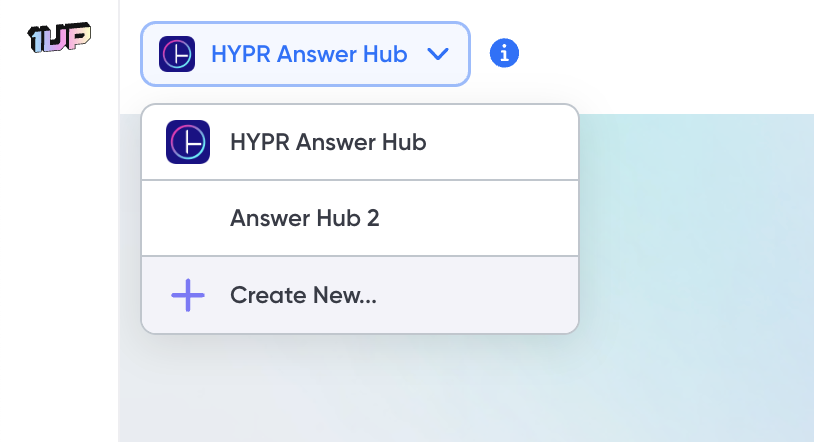
Examples of Answer Hubs in the wild include:
Product or Region-Specific Sales Teams
You may have different products, lines of business, or regional sales teams. Whatever the reason – it's not uncommon to have different responses. A common 1up use case is to have Regional Hubs that answer questions differently based on region:

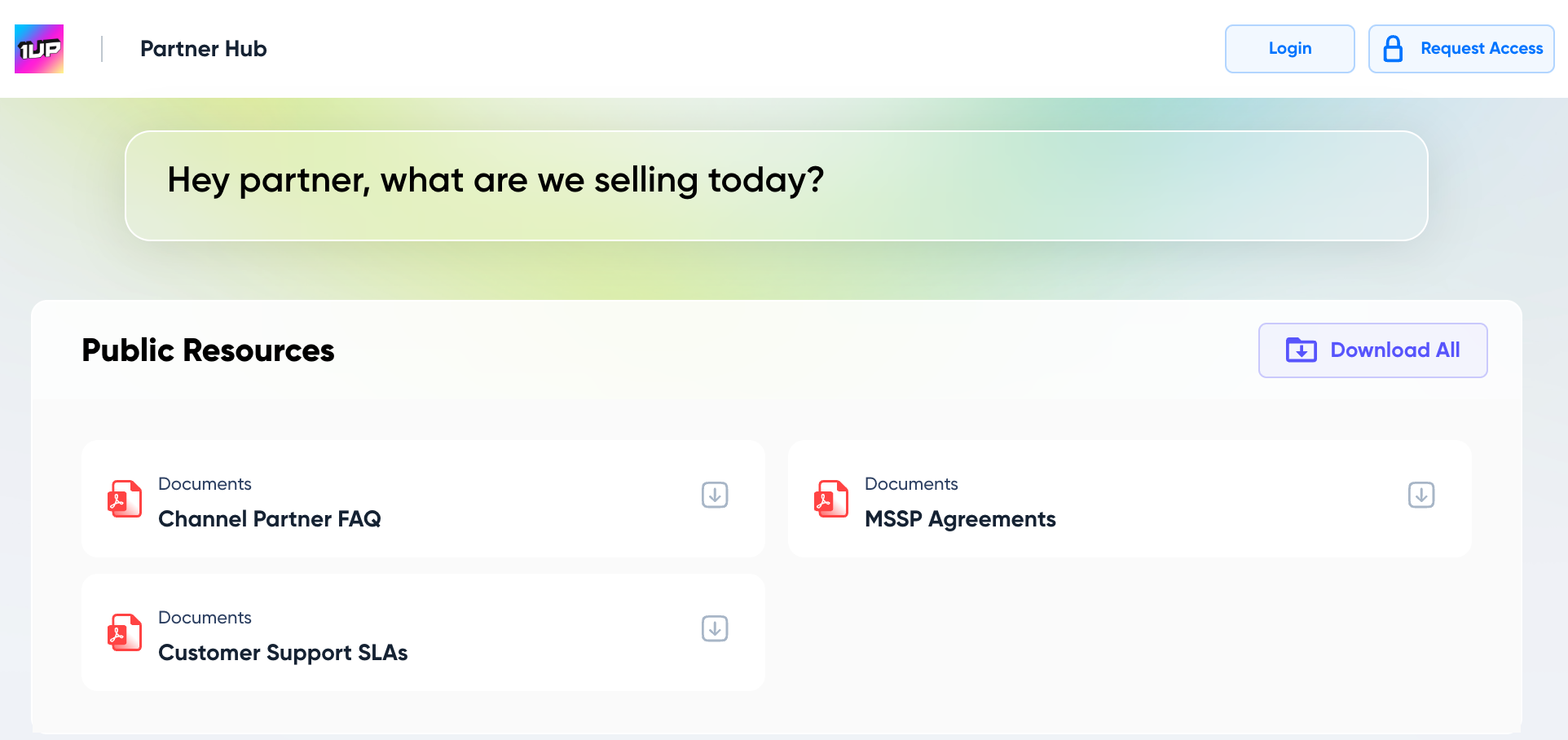
Channel Partners
Channel partners have LOTS of questions. With an Answer Hub, partners can access instant answers to product-related questions, messaging guidance, and brand positioning. Tools like 1up provide on-demand training and coaching. This gives your partners immediate access to your organization’s collective knowledge so they can confidently engage with customers.
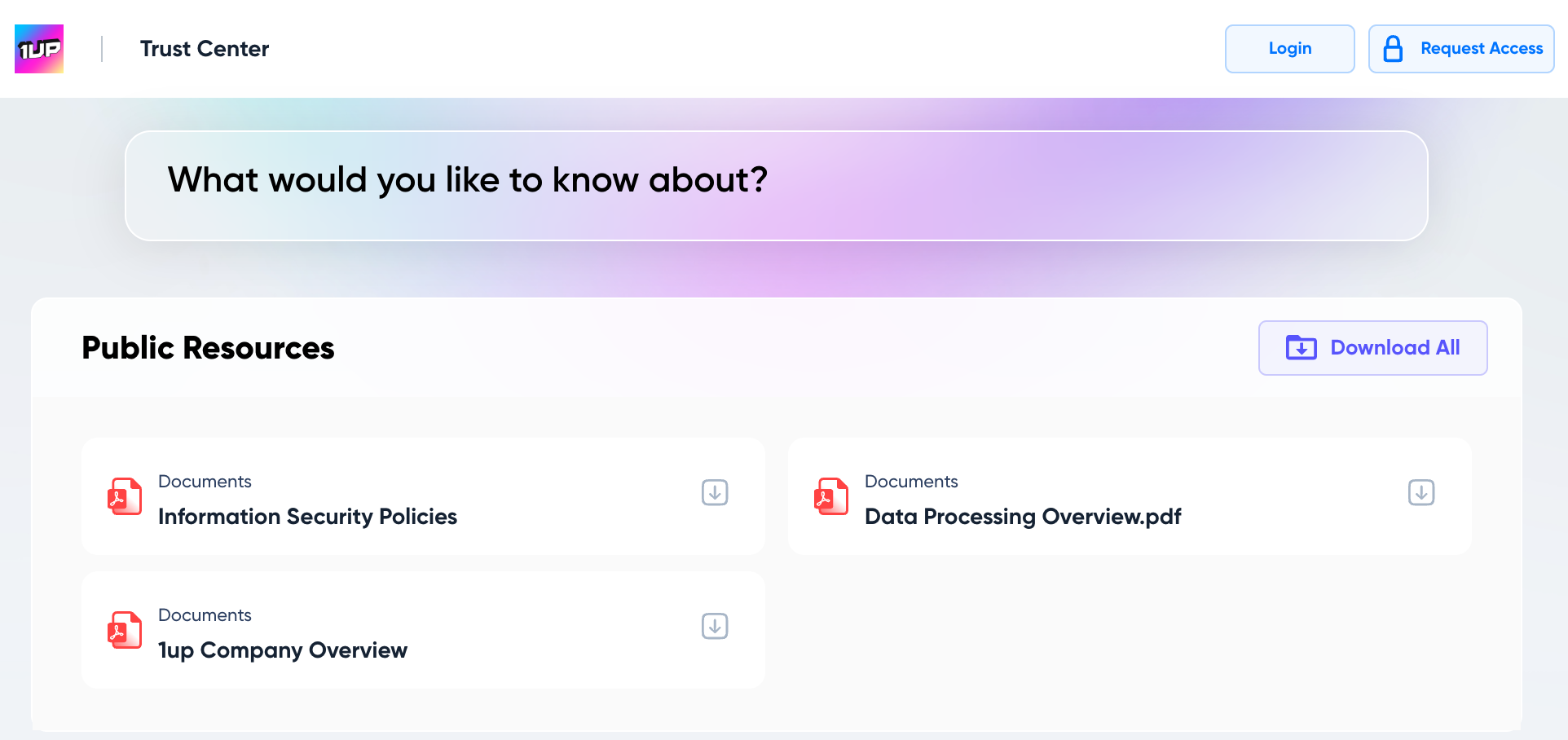
Trust Centers
A Trust Center for security and compliance questions. Check out 1up's Trust Centerfor example.

.png)
AI Made Writing Code Free and Moved the Bottleneck to Code Review

The Payoff of Connecting Questionnaire work to your Sales Pipeline

Shadow AI: What Your Reps Are Pasting Into ChatGPT Right Now

How to Write an RFP Response That Survives AI Scoring

SIG vs CAIQ vs VSA: A Simple Guide to the Big Three