From Security Review to Signed Deal: Build a Trust Center With AI

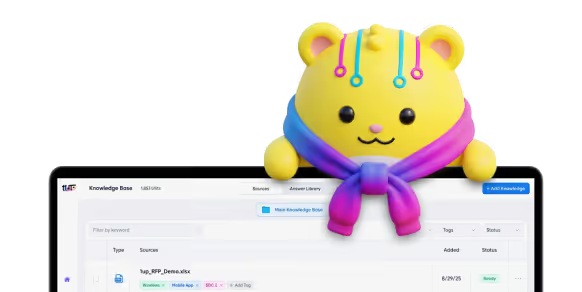
%20(1).jpg)
Security reviews are where good deals go to slow down. A buyer gets excited, they are ready to move, and then the security questionnaire shows up. By most industry estimates, a single one takes 12 to 18 hours to answer, and a busy enterprise team can field hundreds a year. So your rep waits, your engineers get pulled off real work, and the deal sits there losing steam.
A trust center takes a lot of that pain off your plate. It gives buyers one place to check your security posture, pull the documents they need, and get answers on their own time. Most people file a trust center under compliance, and sure, it belongs there. But it is also one of the best sales tools most teams never use, because faster reviews mean faster deals. The only catch is that a lot of these tools cost a small fortune. Here is how to build one with AI so you get the value without the eye-watering price tag.
Step 1: Gather and organize your core security artifacts
Before you build anything, get your documents in one place. A trust center is only as useful as what is actually inside it. And buyers are not running these reviews to be difficult. Verizon's 2025 Data Breach Investigations Report found that 30% of breaches involved a third party, double the year before, so a hard look at your vendors is just how deals work now.
The good news is that most of what buyers want, you already have. You just need it in one place. Start with the stuff they ask for again and again. That means your certifications, like SOC 2, ISO 27001, HIPAA, and GDPR paperwork. It means your policies and procedures, the ones that spell out how you handle data and respond to incidents. And it means your pen test reports and audit summaries. If you handle health data or sell in Europe, keep your HIPAA and GDPR docs close, since those come up fast.
Some of these carry more weight than others. A SOC 2 report is usually the first thing an enterprise buyer asks for, so make it easy to find. If you have the option, lead with your SOC 2 Type II, since it shows how your controls held up over a stretch of time instead of on a single day like a Type I. Right after that, buyers will want your data handling and incident response policies, because they want to know how you protect their info day to day and what happens when something breaks. Pen test results and recent audits fill in the rest, since they show your security holds up when someone actually pokes at it.
Selling to companies outside the US? You will get even more questions about global standards. An ISO 27001 certificate tells international buyers your security meets a recognized bar, and a lot of them will not move forward without one.
Quick tip: If you are not sure what belongs here, go look at your last ten deals. Whatever your reps kept scrambling to dig up is exactly what your trust center should surface first.
Step 2: Decide what to make public vs gated
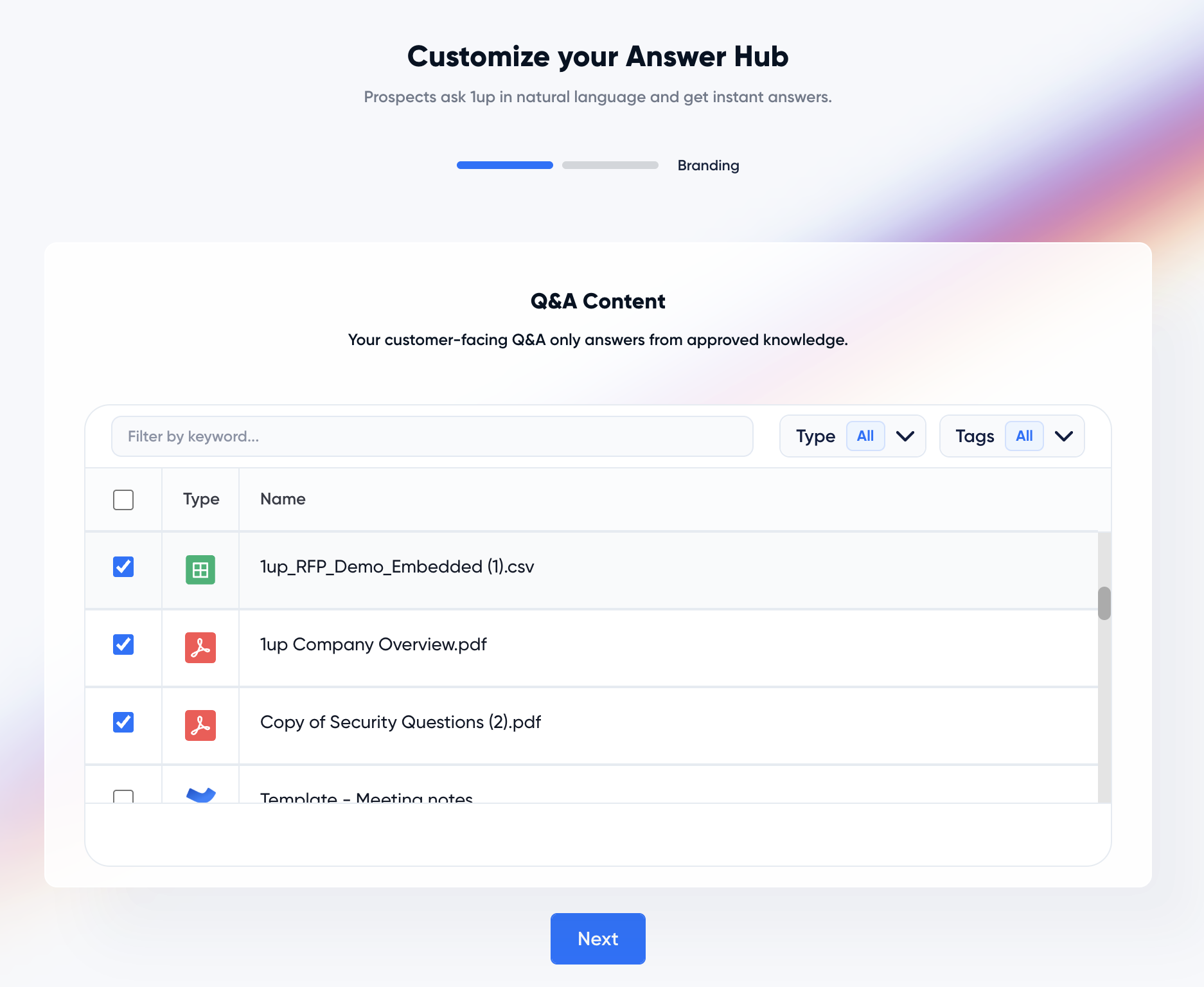
Not everything should be out in the open. You want to show enough to earn trust without handing over your crown jewels. The public side is the stuff that helps buyers relax early. The gated side is the sensitive material that should only reach serious buyers.
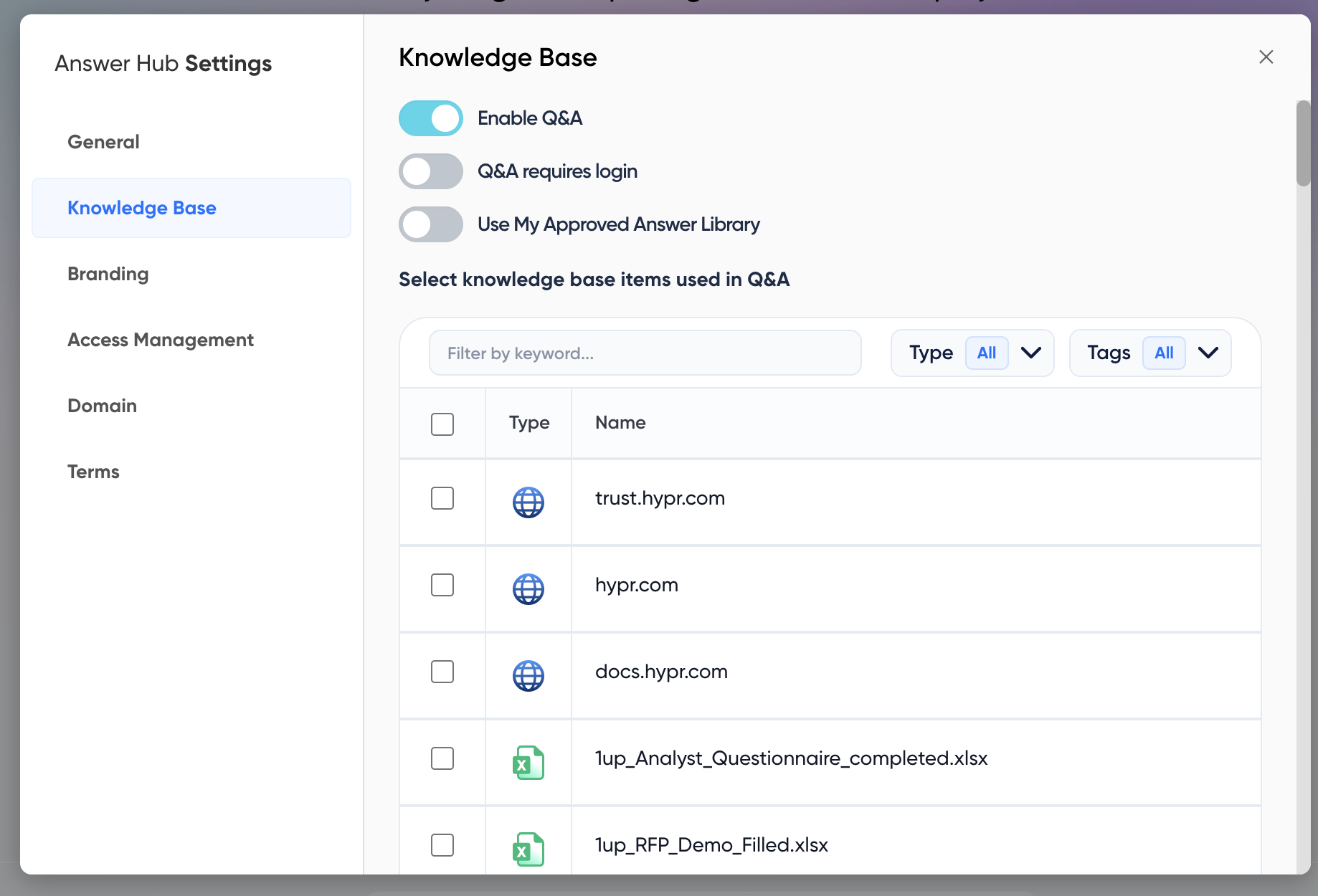
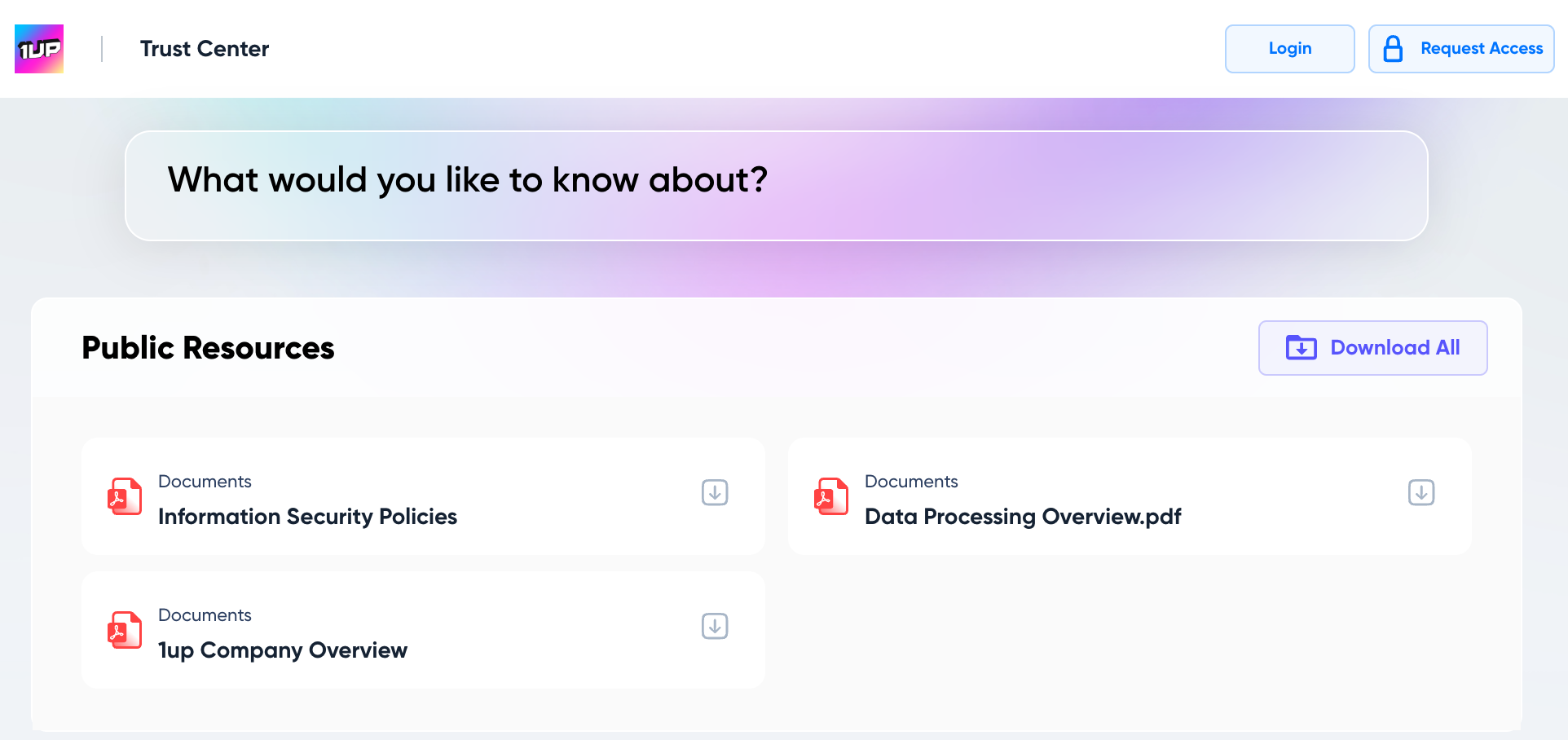
Lock the gated items behind an NDA, an SSO login, or role-based access, so you control exactly who gets in and what they can see. With 1up you can tag each item as buyer-safe or internal-only and decide who sees what at every stage. That control pays off on the sales side too. Reps who know exactly what a prospect can access stop guessing, and they start pointing people to the right document at the right moment. How much control you actually get here varies a lot across the top trust center products, so it is worth comparing your options before you commit to one.
Step 3: Add dynamic answering for questionnaires
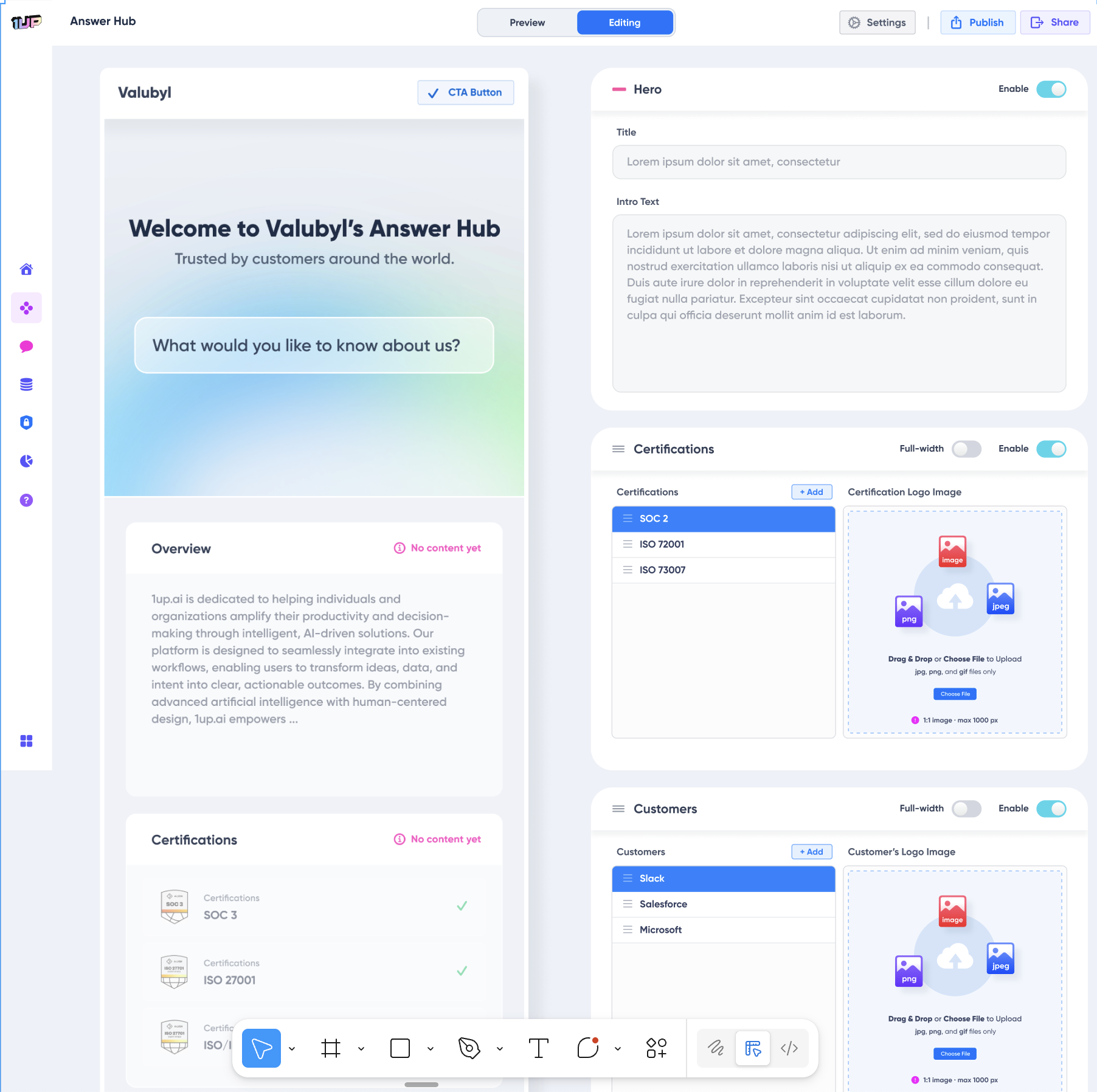
A pile of PDFs will only get you so far. Even with great documents, buyers are going to send you spreadsheets or paste questions into their own security portals like SAP Ariba or Coupa, and a static file cannot answer a 200-line questionnaire on its own. This is where AI earns its spot. Instead of making buyers hunt through documents, automated answering pulls from sources you trust and replies in plain English. A buyer asks a question and gets a real answer in seconds.
Speed is great, but it is not the whole story. A wrong answer on a security review is a real liability. Generic AI will answer with the same confidence whether it is right or dead wrong, and that calm certainty is exactly how a bad answer slips through. If a buyer later compares your answer to a reference customer or to your own documents and spots a mismatch, you have not just slowed the deal, you have dented their trust. So the bar is higher than speed. Every answer should trace back to an approved source, with a citation your reviewer can check in seconds.
That is how 1up works. It only answers from sources you have approved, attaches a source to every answer, and when a question comes up that it is not sure about, it says so and pulls in a human instead of making something up.
Step 4: Build collaboration and review workflows
Some answers really do need a human. A weird question about data residency or a one-off contract clause should not go out without the right person looking at it first. Good workflows make that painless instead of annoying. You tag your subject matter experts when a question needs a careful answer, set a clear approval step for anything sensitive, and keep an audit trail of who answered and who signed off.
That last part is bigger than it sounds. An audit trail gives your sales leaders peace of mind that nothing risky slipped out, and it shows buyers your process is solid and repeatable, not held together with duct tape.
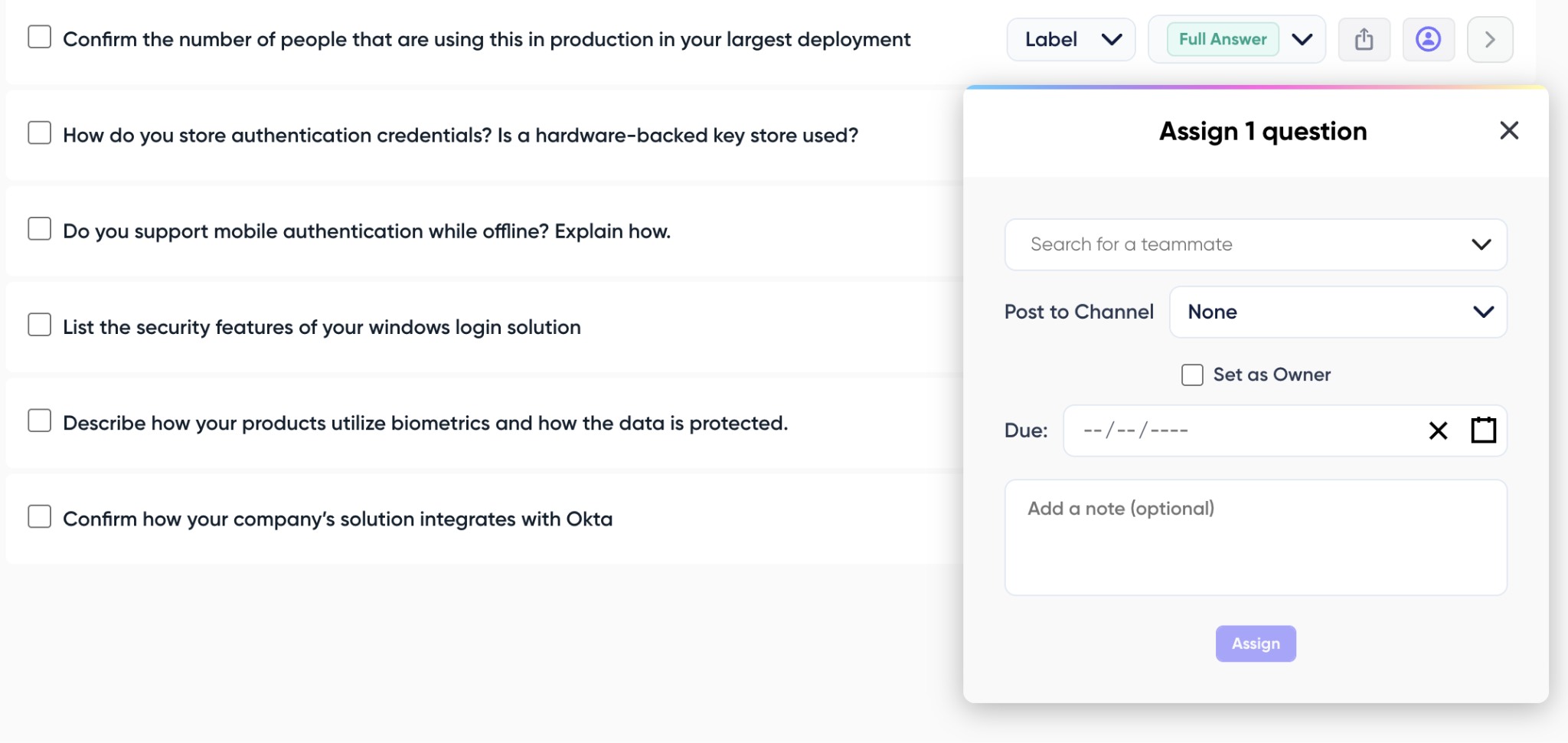
Step 5: Integrate into your sales process
A trust center that just sits off to the side does not do much. The value kicks in once it is wired into how your team already sells. Link buyer activity to your CRM so reps get a nudge the moment a prospect logs in or downloads something. Line it up with sales enablement so your decks and talk tracks match what the trust center says. And keep an eye on the analytics to see which questions and documents come up the most.
1up's Answer Hub logs every question a buyer asks and shares it with your team. Reps get a real feel for what buyers care about, the objections that keep coming up, even gaps in the product. You end up walking into the next call already knowing what is on their mind.
Step 6: Measure the impact
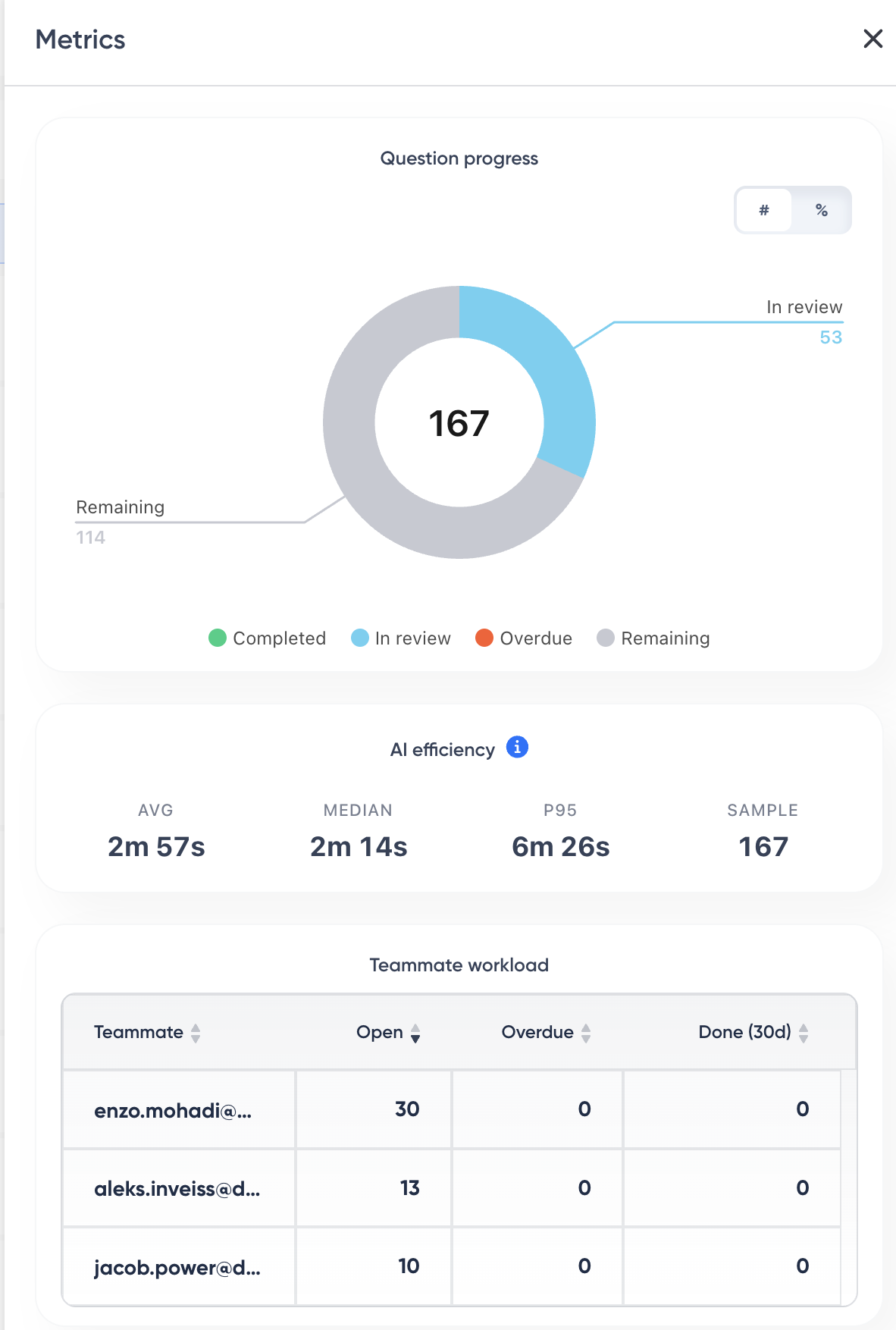
You cannot improve what you do not track. Once your trust center is live, keep an eye on a few numbers that tell you it is pulling its weight. Watch your deal cycle length to see if security reviews are wrapping up faster than before. Watch how much time your engineers and SMEs are getting back now that they are not answering the same questions over and over. And watch buyer engagement, the logins, document views, and downloads that show what people actually use.
Give it a couple of quarters and the pattern shows up. Shorter reviews and more engagement mean the thing is doing its job, which is pushing deals forward instead of holding them back.
Common mistakes to avoid
Building a trust center is not complicated, but a handful of avoidable mistakes can quietly undo the whole thing. Most of them come from good intentions, like locking everything down to be safe or setting it up once and assuming it will run itself. Here are the ones worth watching for.
1. Gating everything
If buyers have to fill out a form just to confirm you have a SOC 2, you have killed the self-serve win before it starts. Keep the basics public and save the gate for genuinely sensitive files.
2. Letting it go stale
A trust center full of last year's policies is worse than none at all, because now your outdated answers look official. Give it a real owner and set a schedule to refresh certs, policies, and answers.
3. Trusting AI answers you have not vetted
Automation is only safe when every answer is grounded and sourced. If your tool cannot show you where an answer came from, do not let it talk to buyers.
4. Setting and Forgetting
The teams that get real value keep reviewing what buyers ask, filling the gaps in their knowledge base, and tuning access over time.
Build a trust center without overpaying
The good news is, you do not need a giant enterprise contract to give buyers a great security experience. A lot of the sticker shock with legacy tools comes from things you may not even need, like per-seat licenses that punish you for adding teammates, credit systems that expire before you have used them, and heavy compliance suites bundled with features built for auditors instead of sales.
Building with AI skips most of that. Start with the documents that matter. Split public from gated. Let AI take the repetitive questions off your plate, add a simple review step, and hook the whole thing into how you sell. Then watch the numbers and adjust as you go.
Do it right and a trust center basically pays for itself. Shorter reviews, fewer interruptions for your team, and more time for reps to actually close. Want to see what this looks like in practice? Take a look at 1up's Answer Hub and start building yours.
FAQs
A trust center is one place where buyers can check your security posture, download your certifications, and get answers about how you handle their data. You need one because security reviews are one of the biggest things slowing your deals down. A good trust center lets buyers self-serve, so your team stops answering the same questions on every single deal.
A regular trust center is mostly a document library, so buyers still have to dig for what they need. An AI trust center adds automated answering on top of those documents. A buyer asks a question in plain language and gets a sourced answer in seconds. With 1up, every answer comes from sources you have approved, and it loops in a human whenever it hits something it cannot answer confidently.
Only let the AI answer from sources you have approved, and make sure every answer comes with a citation your team can check. That way a wrong answer gets caught in review instead of going out to a buyer. Steer clear of any tool that generates confident answers with no source behind them, since a security questionnaire is the last place you want a guess.
It depends on the tool. Legacy trust center software can run into five figures a year, often because of per-seat licenses and credit systems you may not need. Building one with AI is far cheaper, since you are pulling from documents and sources you already have instead of paying for a heavy compliance suite built for auditors.
.png)
AI Made Writing Code Free and Moved the Bottleneck to Code Review

The Payoff of Connecting Questionnaire work to your Sales Pipeline
Shadow AI: What Your Reps Are Pasting Into ChatGPT Right Now

How to Write an RFP Response That Survives AI Scoring
SIG vs CAIQ vs VSA: A Simple Guide to the Big Three