
How to Build a Sales Knowledge Base with AI
The Problem
Your sales reps are asking the same questions every day. How do I handle this objection? What do I say about this feature? How do I open a support ticket? The answers exist somewhere in your company, but they are scattered across playbooks, drives, and wikis that nobody has time to dig through.
The Solution
1up connects all of your sales content into a single knowledge base your team can actually query. Your reps get accurate answers in seconds, right in the tools they are already using.
How to Build a Sales Knowledge Base in 1up
Most revenue teams are not short on documentation. They have playbooks, product docs, security materials, old RFPs. The problem is that none of it is easy to get to when a rep needs it fast. 1up pulls all of that content together and makes it queryable so your team stops hunting and starts answering.
Getting your sales knowledge base up and running does not take long. A few steps and your team can start getting answers from everything your company has already built.
Step 1: Connect Your Docs to 1up
Head to Knowledge in your 1up dashboard and start adding your content. This is where you bring in everything your sales team needs to do their job well.
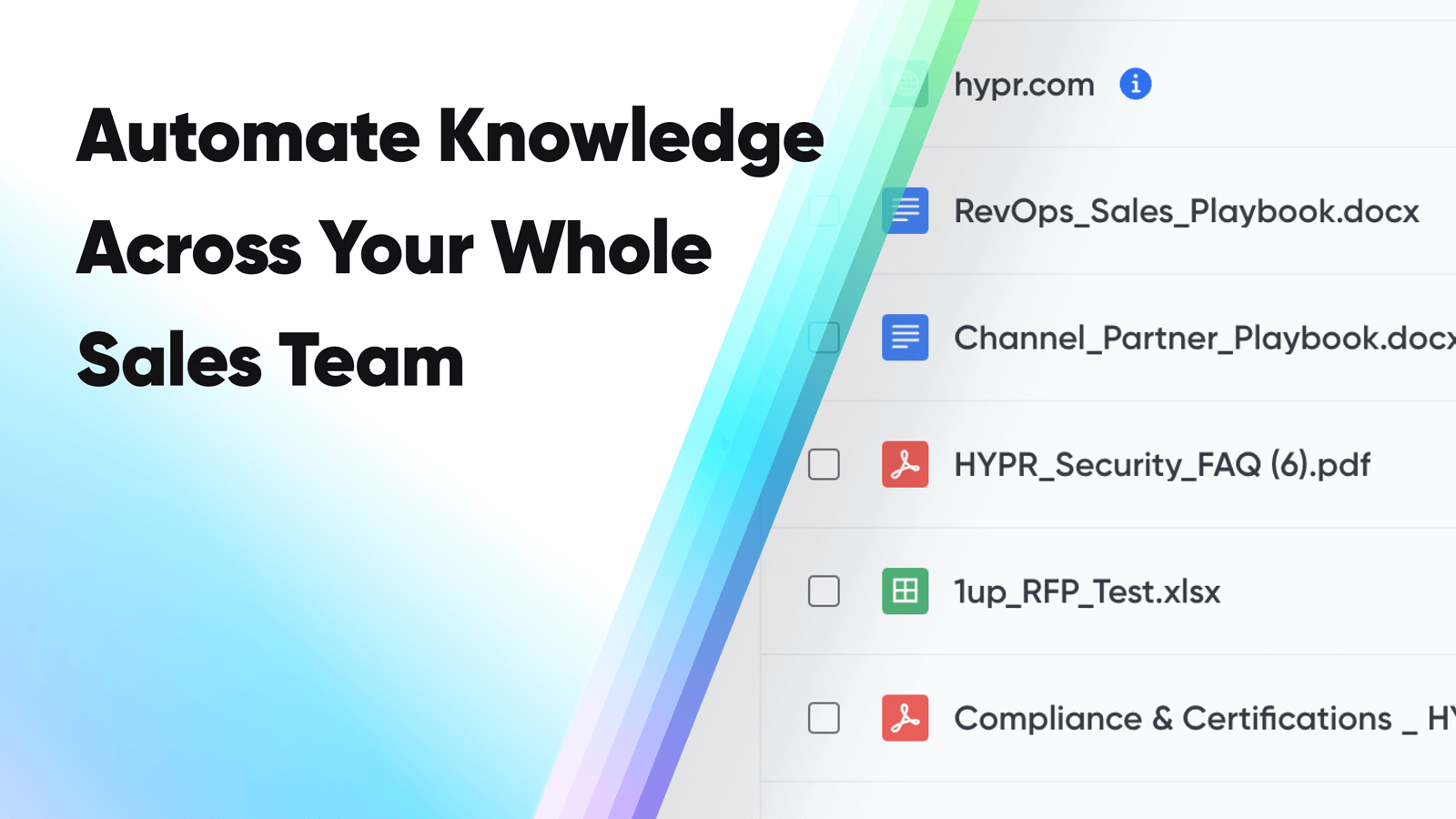
Start with the docs you already have on hand. Sales playbooks, channel partner playbooks, PDFs on security and compliance, product documentation, sales and marketing assets, even completed RFPs - all of it is fair game. If it helps a rep answer a question, it belongs in the knowledge base.
From there, connect your website. 1up can pull in thousands of URLs from your domain so your team can get answers from your web content without anyone having to go looking for it.
Then connect your third-party tools. SharePoint, Confluence, Google Drive, Highspot - wherever your team stores content, 1up can pull from it. These are the sources your team relies on every day but rarely gets fast answers out of. That changes once they are connected.

Step 2: Tag Your Sources So It's Easy to Navigate
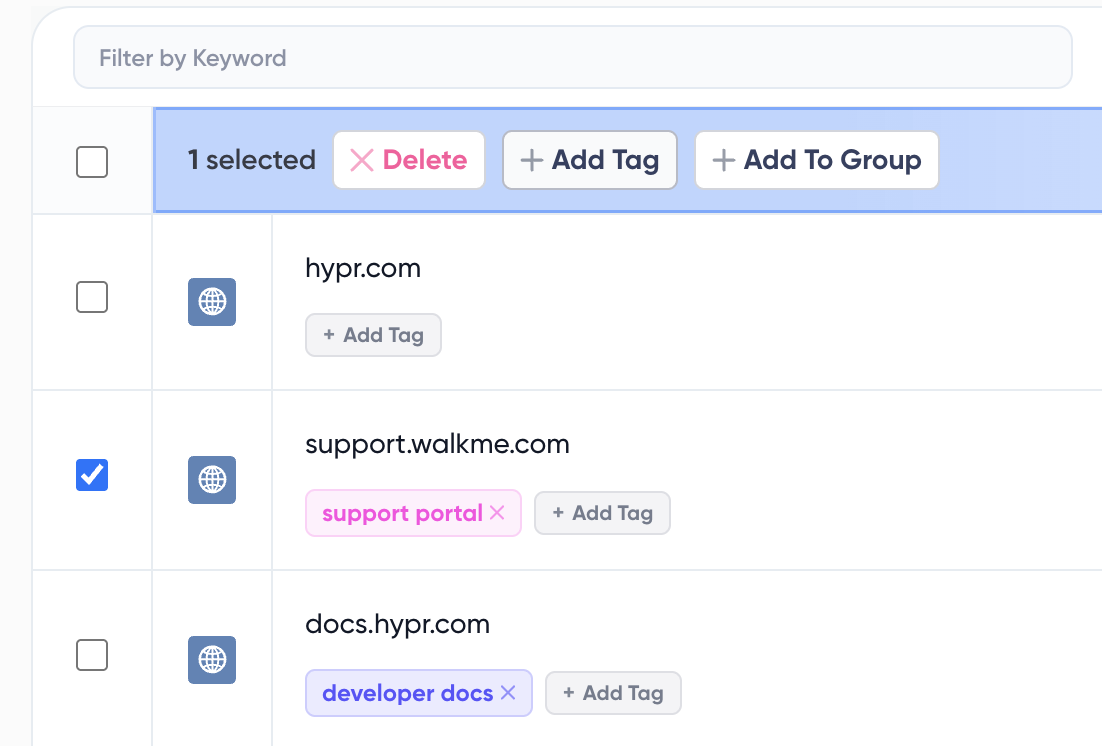
Once your content is in, add tags to keep things organized. Something like "Sales Playbooks," "Security Docs," or "Product Docs" works well. Tags tell 1up exactly which content to draw from when someone asks a question or when you are filling out a questionnaire. The more organized your tags, the more precise the answers.
Step 3: Add 1up to Slack, Teams, or Google Chat
Go to Ask 1up in your dashboard and connect whichever messaging tool your team lives in. Once it is connected, your reps can ask questions right in Slack, Teams, or Google Chat and get answers back in seconds without ever opening the 1up dashboard.

Step 4: Get Answers from Ask 1up, the Browser Plugin, or by Uploading Questionnaires
Once everything is set up there are a few ways your team can use it.
Ask @1up directly in Slack, Teams, or Google Chat. A rep asks something like "How do I hand off a deal to our Global AE?" and gets a sourced answer in seconds pulled straight from your playbooks.
Use the Browser Plugin to pull answers while browsing or filling out web forms without switching tabs.
Upload a questionnaire and let 1up generate answers in bulk. Works for customer questions, RFPs, DDQs, and compliance questionnaires. Select the right tag, pick your sources, and 1up handles the rest.
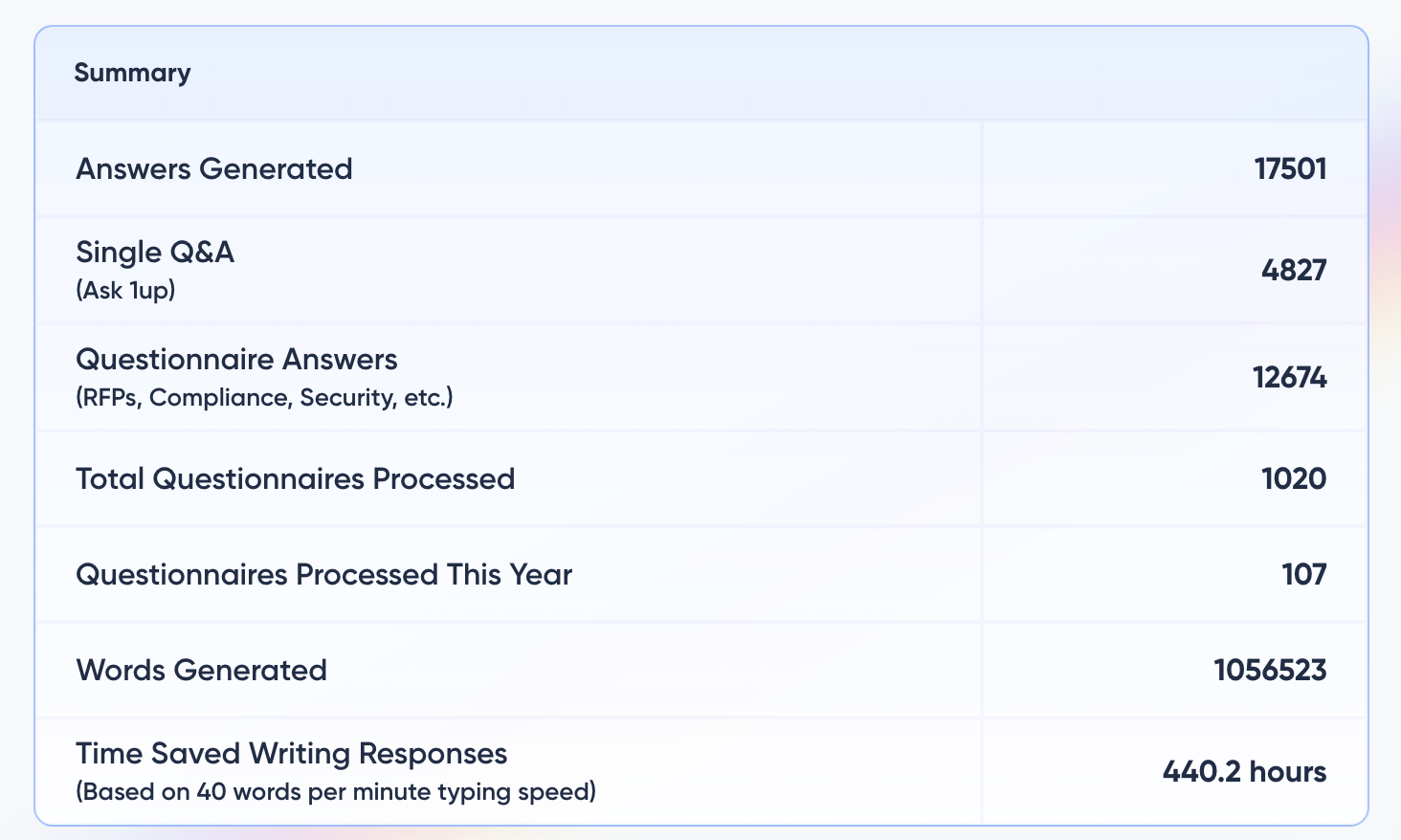
You can also monitor what your team is asking most to spot knowledge gaps and figure out where your content needs work.
Step 5: Bonus - Spin Up a Customer-Facing Answer Hub
Once your sales knowledge base is built out, you can take it one step further and publish a customer-facing Answer Hub. Your prospects and customers get answers on their own without waiting on a rep. Works especially well for teams with solid product or security documentation already in their knowledge base.

The teams that get the most out of this are usually the ones that have already put work into their documentation. All those playbooks and product docs that nobody was getting full value from suddenly become something the whole team can access every day.
A rep on a live call needs to know how to handle a deal handoff. Instead of pinging a colleague or digging through a folder they half-remember, they ask in Slack and get the answer in seconds. It comes from the channel partner playbook, sourced and verified. The rep stays in the conversation, the deal keeps moving.
That is what a sales knowledge base is supposed to do. 1up just makes it actually work.
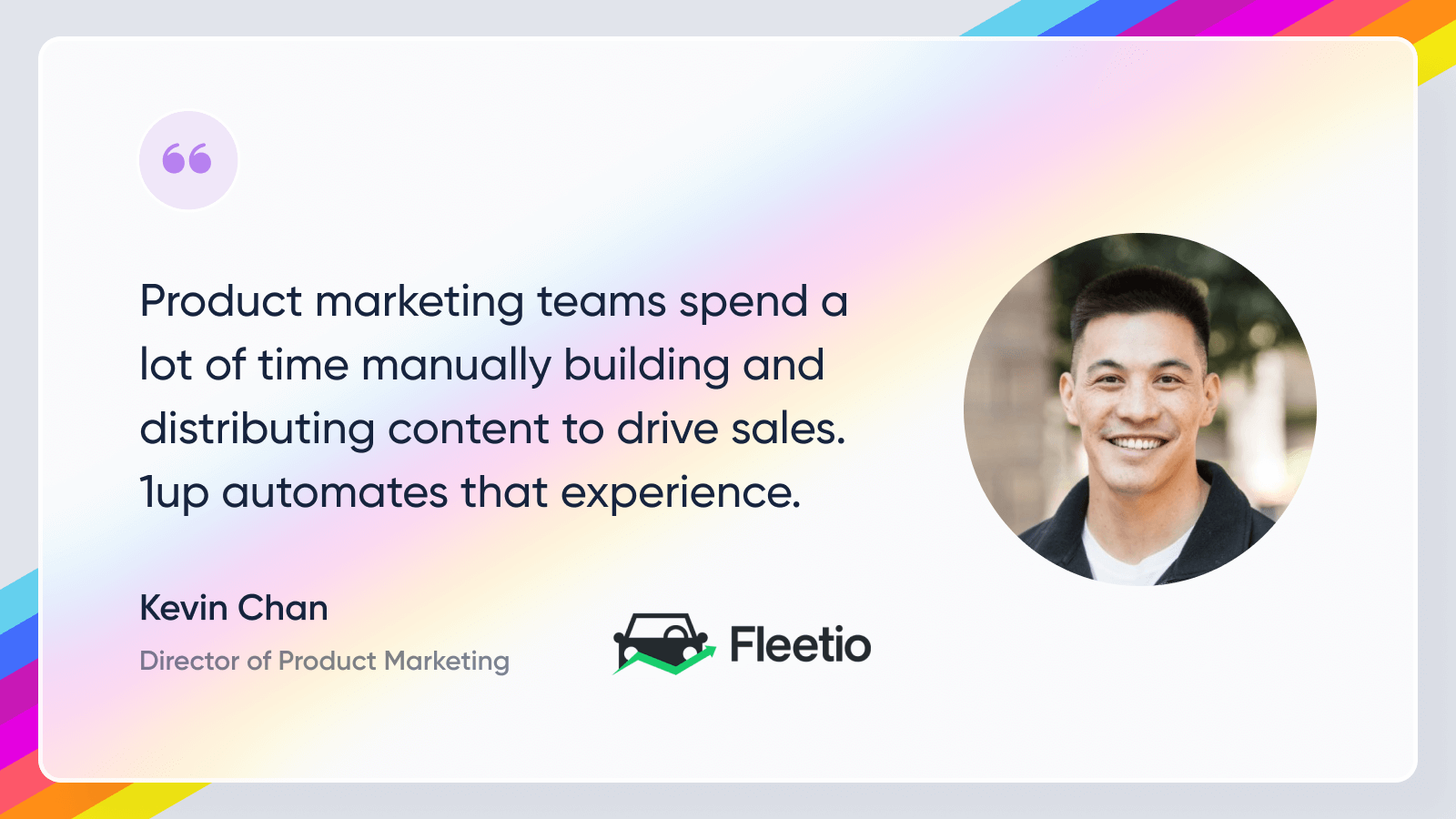
See how other revenue teams are using 1up to get answers faster and close more deals. Read Customer Stories
FAQs
As many as you have. 1up can handle thousands of documents. The Starter plan allows 25 files and the Pro plan allows up to 75 files.
1up only ever pulls accurate answers from your own sources while providing the sources used. This means you never have to worry about inaccurate information.
Yes. 1up does so much more than just answer single questions. The platform automates the completion of long documents with hundreds of questions.
In minutes. Start your free trial and see for yourself.




