How to Get Instant Answers from Your Highspot Content with AI
The Problem
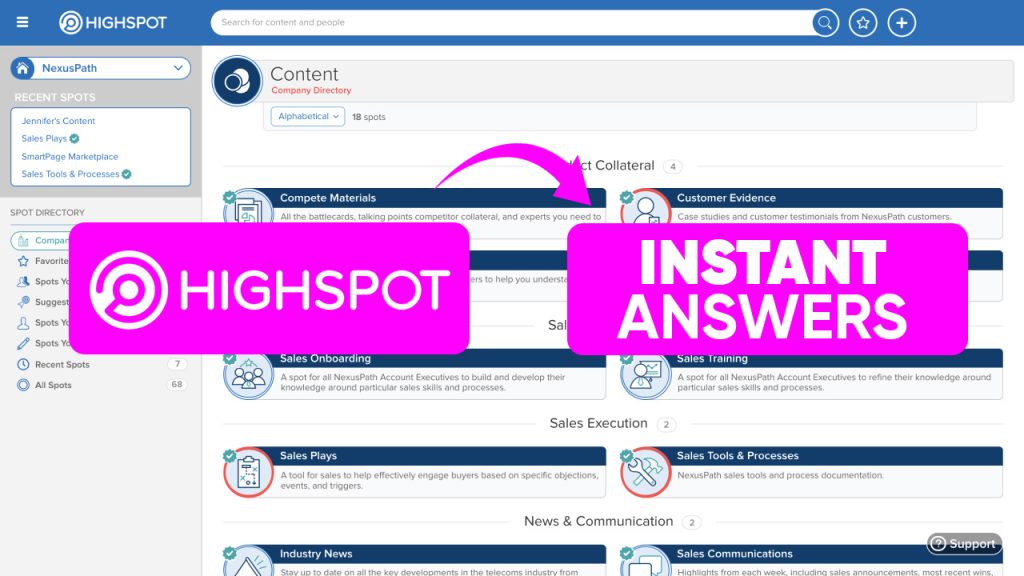
If you are using Highspot for sales enablement you probably have a lot of great content in there. Battlecards, competitive playbooks, product docs, sales assets. The problem is when a rep needs an answer fast - on a live call, in the middle of an email, responding to a customer question - they have to go searching through spots to find it. That takes too long.
The Solution
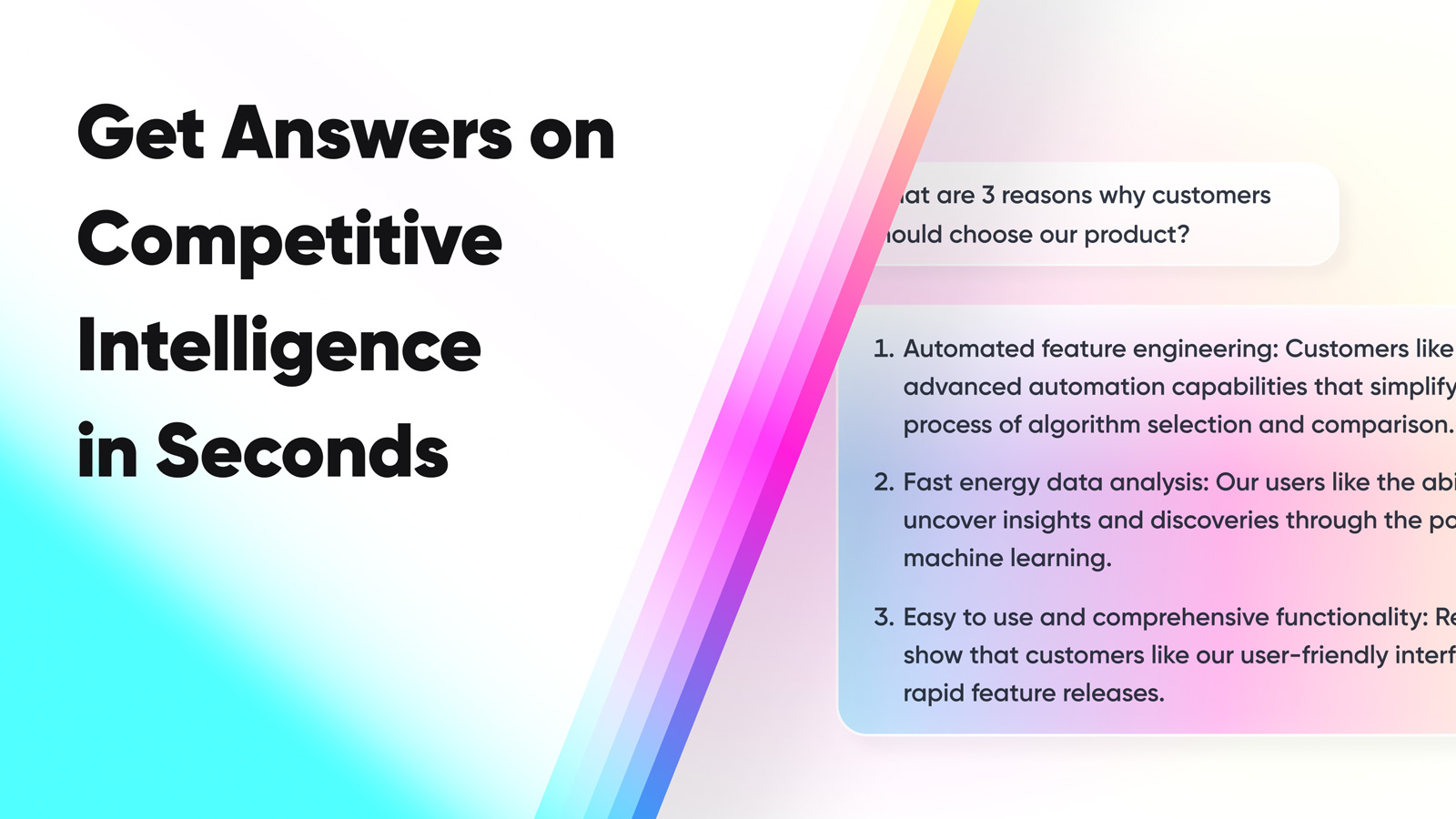
1up connects directly to Highspot and pulls your content into a knowledge base your team can query in seconds. A rep asks a competitive question in Slack and gets an answer sourced straight from the Highspot battlecard. No searching, no tab switching, no delay.
Make Your Highspot Content Work Harder with 1up
Sales teams put real effort into building out their Highspot content. The problem is getting people to actually use it in the moment when they need it. Most reps are not going to stop mid-call to search through Highspot. 1up solves that by making your Highspot content instantly queryable from wherever your team is working - Slack, Teams, Google Chat, or an RFP questionnaire.
You already have the content. 1up just makes it accessible in real time from wherever your team needs it.
Head to Knowledge in your 1up dashboard, click Add Knowledge, and hit the Highspot connector. Enter your credentials and 1up pulls your Highspot content straight in. Battlecards, competitive playbooks, sales assets, product documentation - all of it becomes part of your knowledge base immediately. Tag it as "Highspot" or "Enablement" so your team always knows where the answer is coming from.

From there, your team can get answers three ways. In Slack or Teams, a rep asks "How do we compete with this provider?" and gets an answer in seconds sourced directly from your Highspot battlecard. You can even set up a dedicated Highspot channel in Teams or Slack that only draws from your enablement content - so every answer in that channel comes from your approved Highspot material. For competitive intelligence use cases specifically, this is one of the most effective setups.
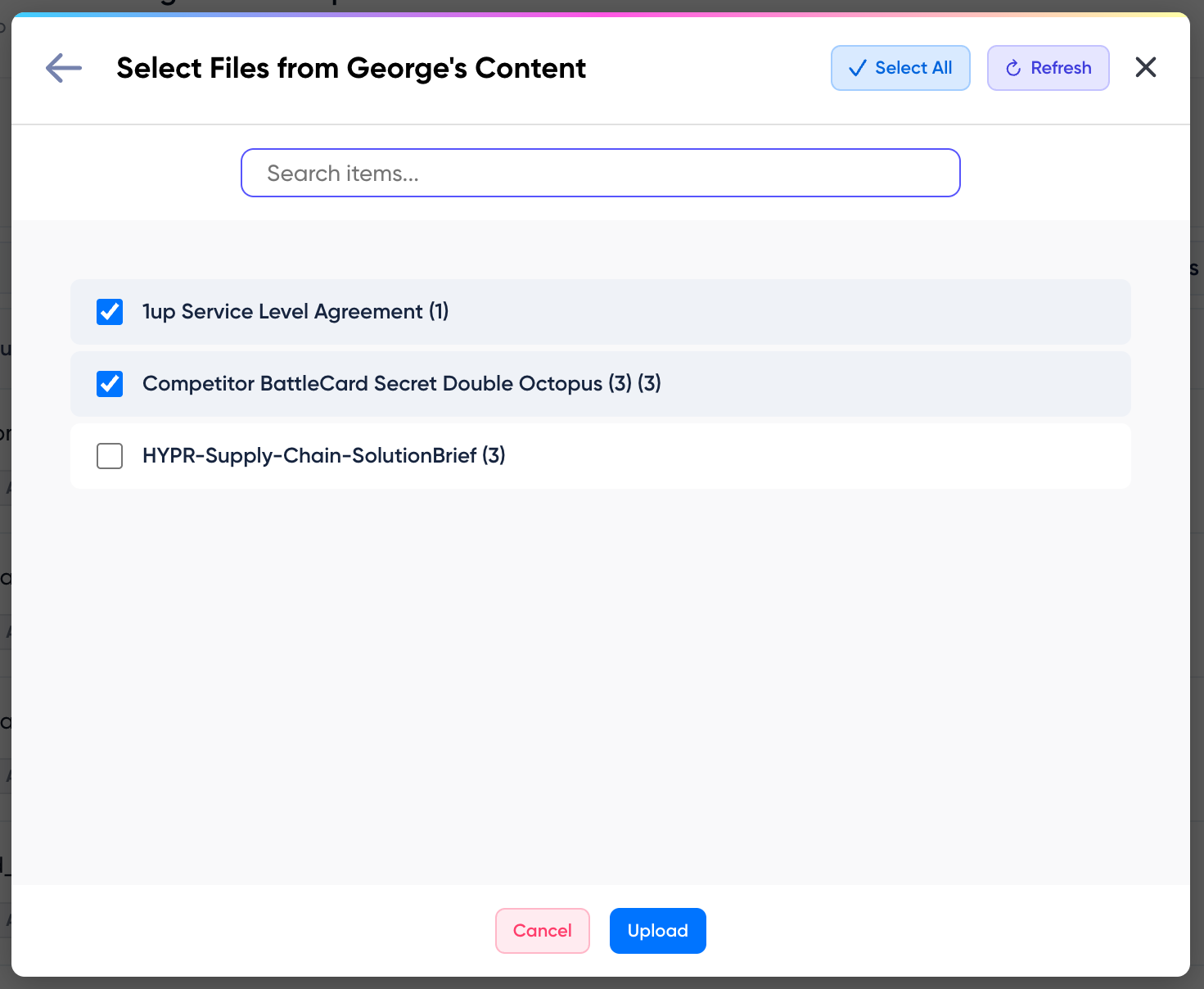

When RFPs, DDQs, or compliance questionnaires come in, upload them to 1up and tell it to draw from your Highspot content combined with your RFP library and other sales assets. Your Highspot content does not just answer quick questions in Slack - it powers your questionnaire responses too.
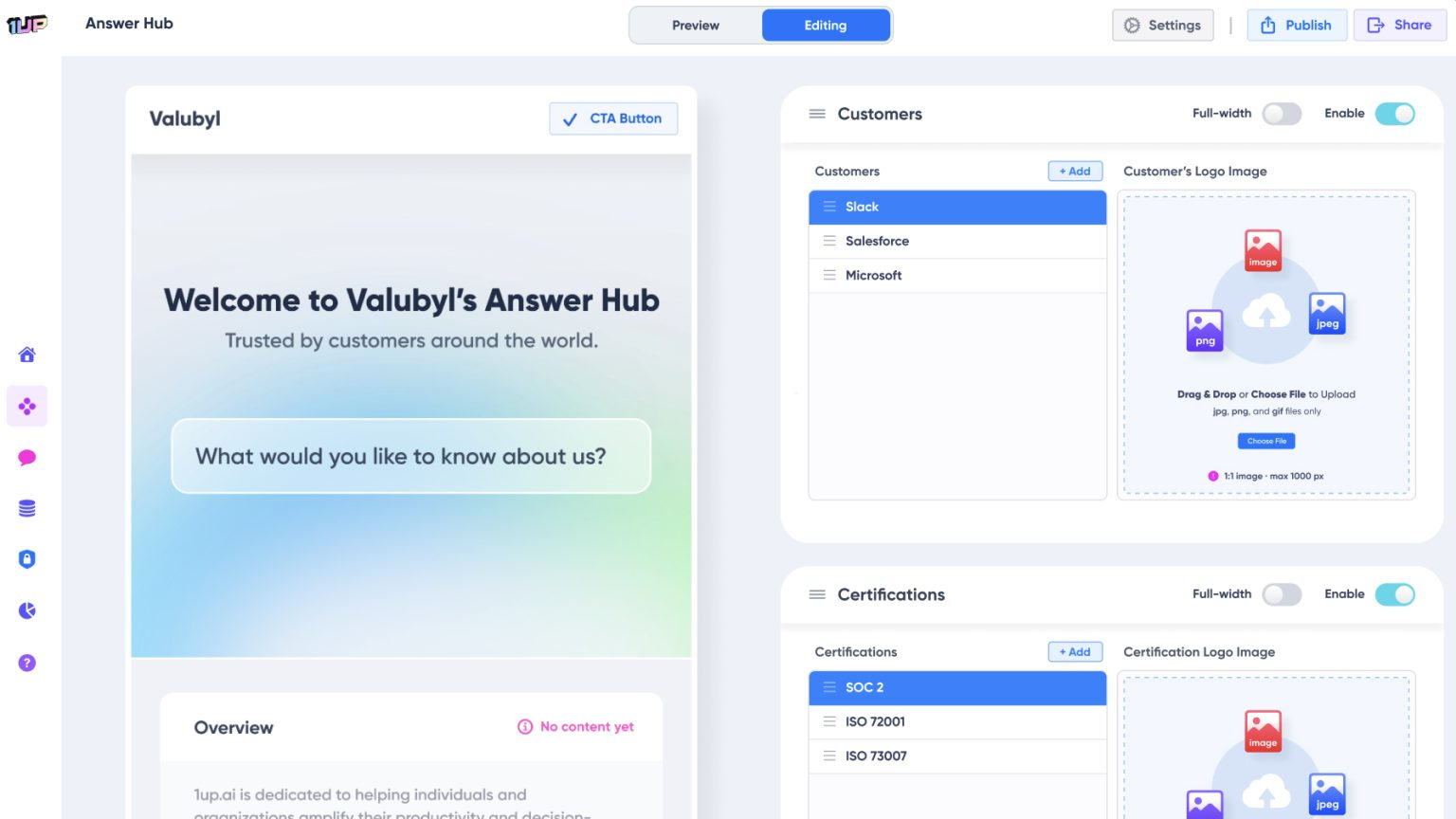
And if you want to extend your Highspot content to customers directly, spin up an Answer Hub. Point it at your Highspot knowledge base and customers can ask questions about your product, your security posture, and your sales materials and get answers on their own without waiting on a rep.
Sales teams that connect Highspot to 1up usually find that content they spent months building suddenly gets used every day. A battlecard that was buried in a spot becomes the source of three competitive answers in Slack before noon. A product doc that nobody opened becomes the engine behind a completed RFP.
That is what 1up does for Highspot content - it makes it accessible in real time across every workflow your team actually uses. The content was always good. Now it actually gets used.
What Your Team Gets with Highspot Connected to 1up
- Highspot content gets used in the moment it is needed: Most Highspot content gets searched for after the fact or not at all. 1up puts it in the channel your reps are already in so the battlecard surfaces when the competitive question comes up, not after the call.
- Dedicated channels for dedicated content: Set up a Highspot channel in Slack or Teams that only draws from your enablement content. Your reps know exactly where the answer is coming from and your content governance stays clean.
- Powers questionnaire responses too: Your Highspot content does not just answer live questions. Combine it with your RFP library and other sources when running questionnaire automation and it feeds into the responses. Better sources mean better answers.
- Extends to customers through Answer Hub: Once your Highspot content is in 1up you can publish a customer-facing Answer Hub that draws from it. Customers get answers from your approved sales and security content on their own without ever reaching a rep.
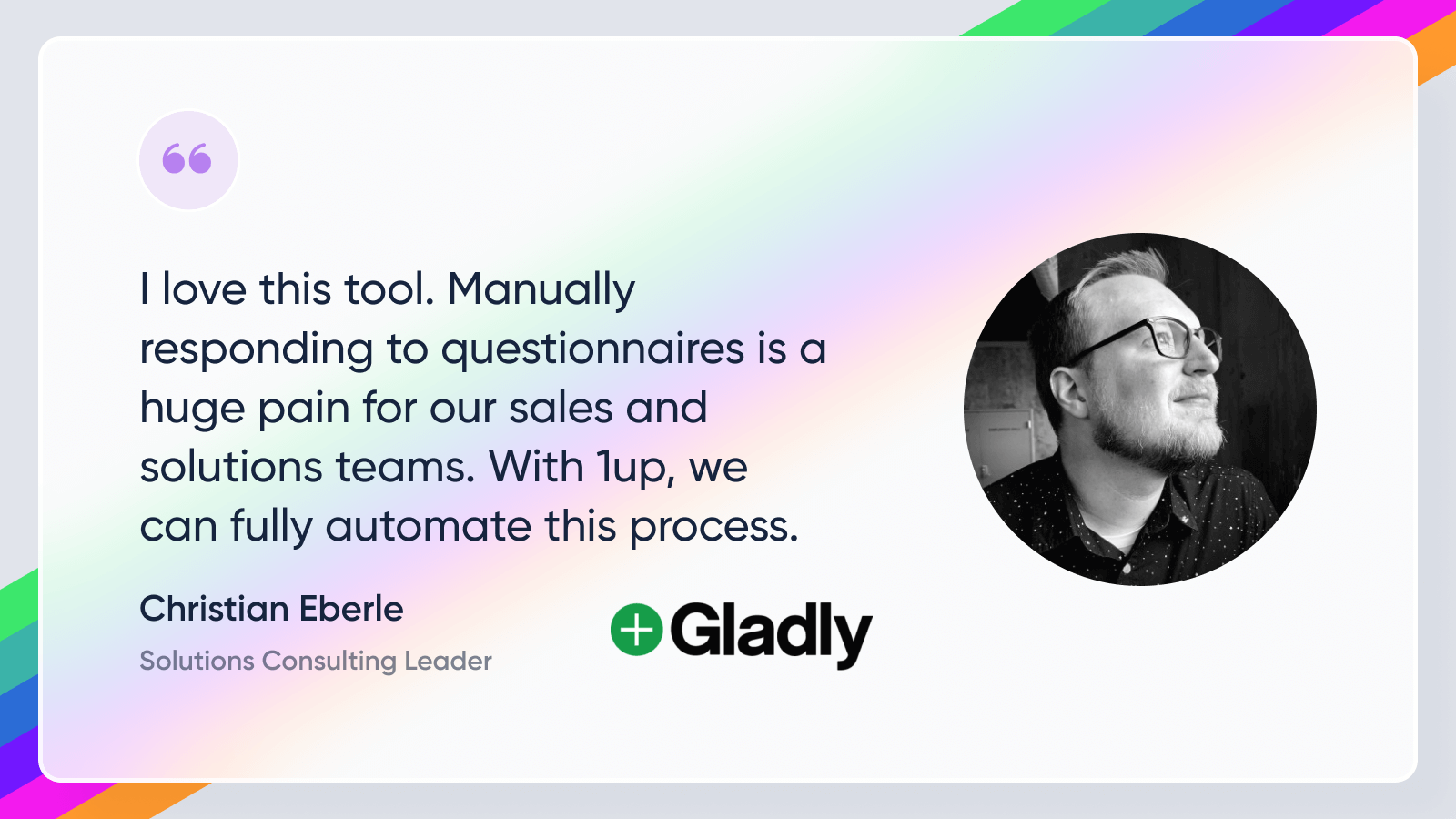
See how other teams like Gladly use 1up to make their enablement content work harder. Read Customer Stories
FAQs
In your 1up dashboard, go to Knowledge, click Add Knowledge, and select the Highspot connector. Enter your Highspot credentials and 1up pulls your content in immediately. Tag it and your team can start getting answers right away.
Yes. You choose which content to import and use tags to control which sources 1up draws from for different channels and use cases. You can set up a dedicated Highspot channel in Slack or Teams that only draws from your enablement content.
Yes. When running questionnaire automation you can select your Highspot content as a source alongside your RFP library and other materials. 1up combines them to generate the best possible response.
Yes. Spin up an Answer Hub and point it at your Highspot knowledge base. Customers can ask questions and get answers from your approved content directly without waiting on a rep.