How to Automate Sales Training and Coaching with AI

The Problem
Sales reps are overwhelmed with information from day one. Product questions, customer objections, technical queries, RFPs - it is all happening at once and most of it requires answers they do not have yet. New reps distract senior teammates. Experienced reps spend time on questions that should answer themselves. And when your team spans multiple regions and languages, the problem compounds.
The Solution
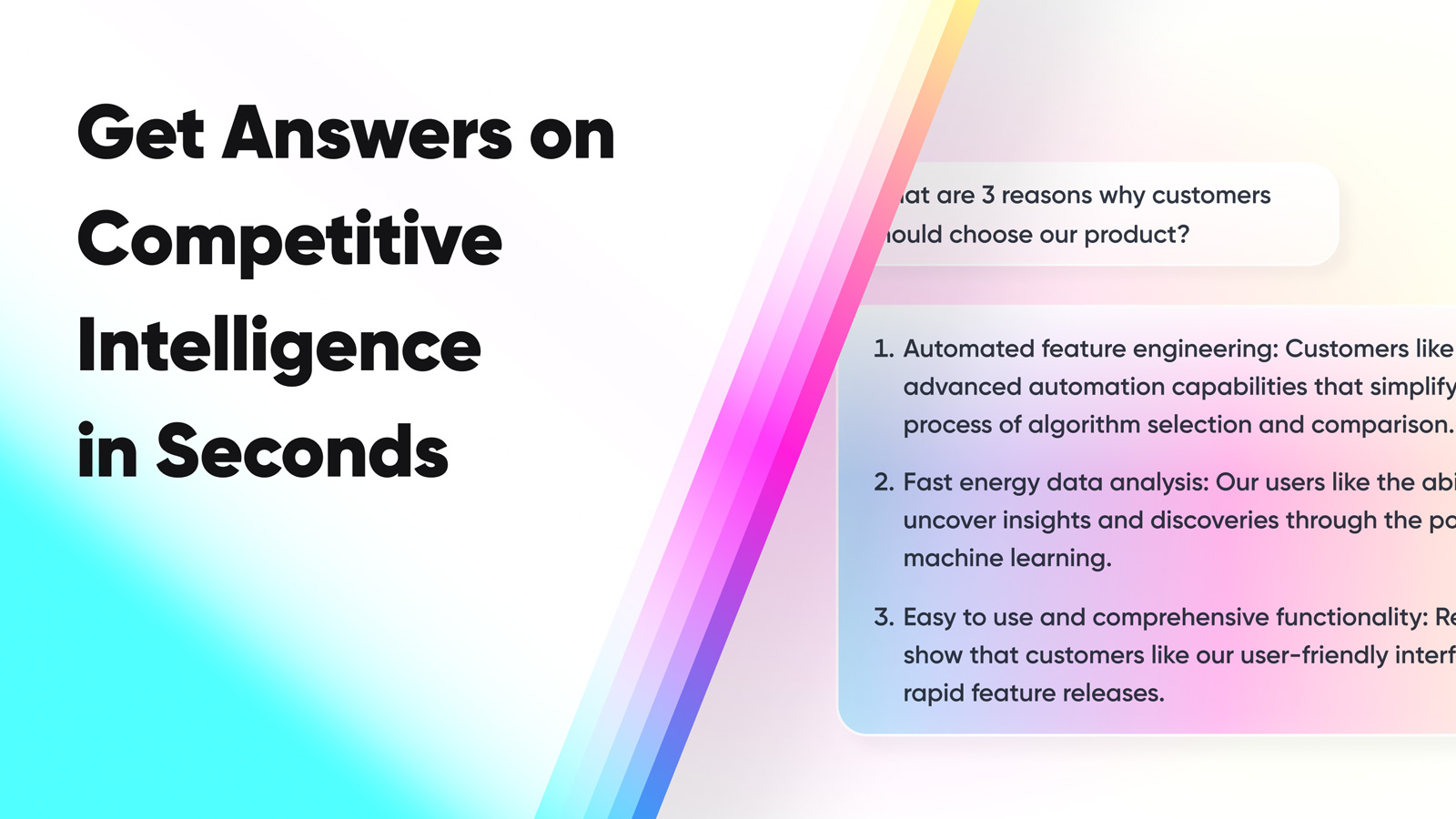
1up gives your sales team instant access to accurate answers from your actual documentation, right in the tools they are already using. New reps get up to speed faster. Experienced reps stop getting interrupted. And global teams get answers in any language without waiting on a translator.
How to Set Up Sales Training and Enablement Automation with 1up
The information your sales team needs to do their job is already in your company somewhere. Product docs, call transcripts, competitive battlecards, previously completed RFPs. The problem is none of it is accessible when a rep needs it fast. 1up connects all of that content and makes it queryable so your team gets answers in seconds instead of pinging a colleague or waiting for manager availability.
Getting this set up takes just a few minutes. Once your knowledge base is loaded, your reps can start getting answers right away without anyone having to stop what they are doing.
Step 1: Connect Your Docs to 1up
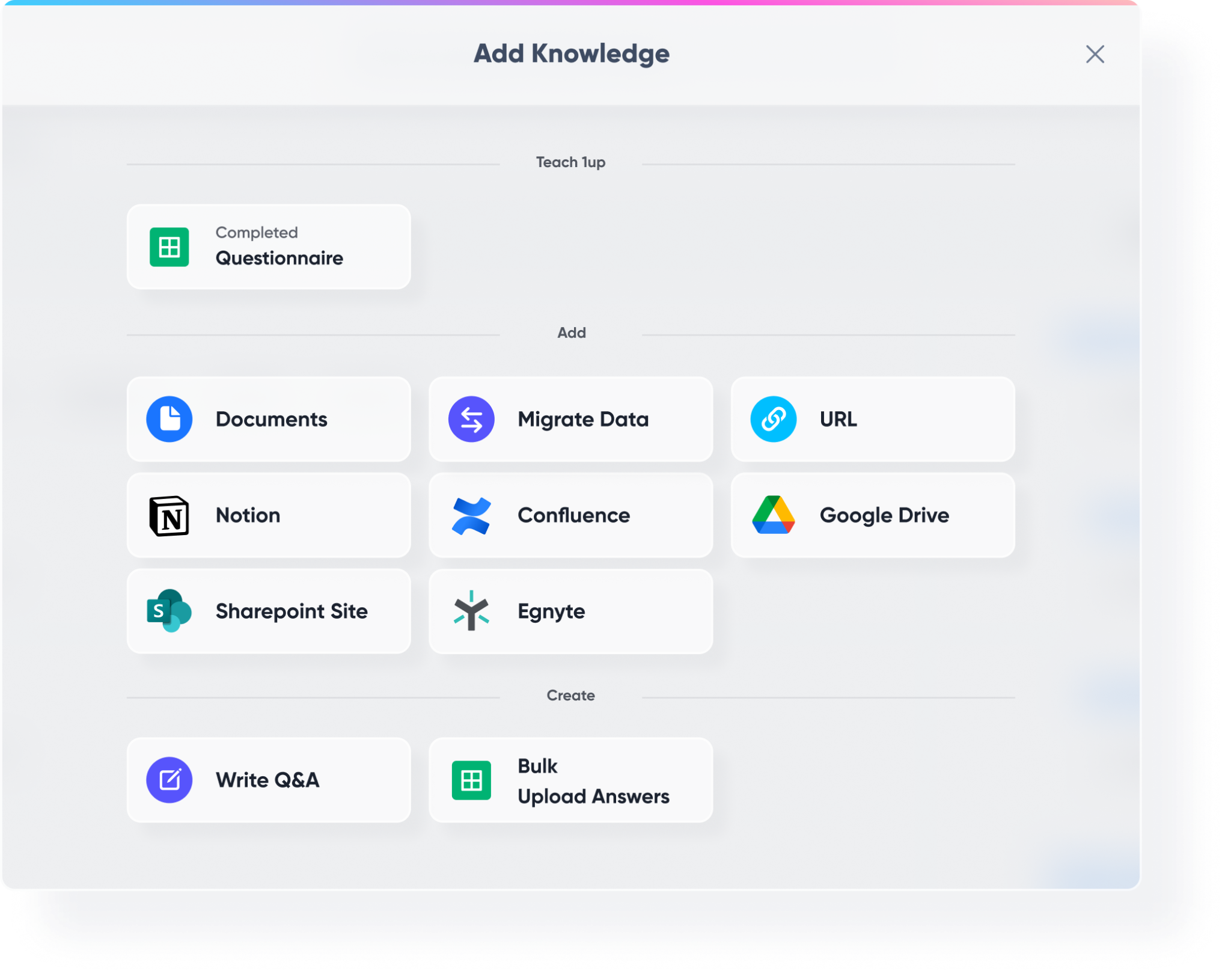
Head to Knowledge in your 1up dashboard and start loading your content. Bring in your sales playbooks, product documentation, competitive battlecards, compliance materials, onboarding guides, and previously completed RFPs and questionnaires. All of it belongs here.
Then connect your third-party tools. Highspot, Google Drive, SharePoint, Confluence - wherever your sales content lives, 1up can pull from it. This gives your reps access to everything they need without you having to maintain a second knowledge base or rebuild anything.
Step 2: Tag Your Sources So You Know What's Approved for the Sales Team
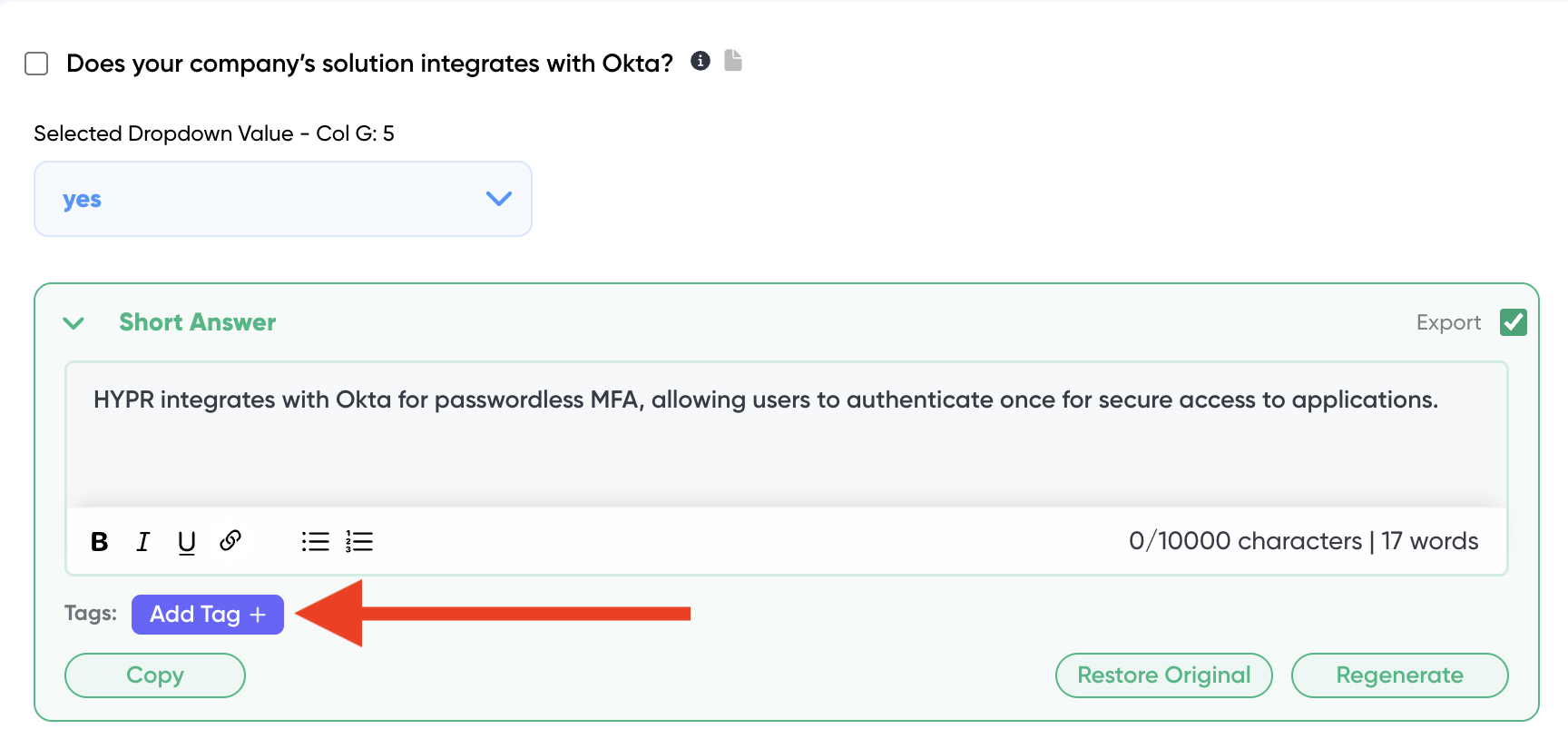
Once your content is in, add tags to keep things organized. Use tags like "Sales," "Product," or "Competitive" to mark the content that is appropriate for your sales team to draw from. This is how you make sure reps only get answers sourced from approved material and not internal content that was not meant for them.
Step 3: Add 1up to Slack, Teams, or Google Chat
Go to Ask 1up in your dashboard and connect your messaging tool. Once that is done your reps can ask questions right in Slack, Teams, or Google Chat and get answers back in seconds. A rep on a live call asks "What is a good case study to share with a banking prospect?" and gets a response with a link to the right asset. No distracting a colleague. No context switching. Spelling errors do not matter - 1up handles those too.

Step 4: Add the 1up Browser Plugin So Reps Can Get Answers to Emails and Web Questionnaires
Install the Browser Plugin so your reps can get answers anywhere on the web without switching tools. When a customer sends a questionnaire through a web portal, your rep fires up the plugin, scans the page, and 1up generates answers from your knowledge base on the spot. Works for emails, web forms, and any web-based questionnaire that does not let you download the file.

Step 5: Get Answers from Ask 1up, the Browser Plugin, or by Uploading Questionnaires
There are a few ways your team can use 1up once everything is connected.
Ask @1up in Slack, Teams, or Google Chat for instant answers to product questions, customer objections, and anything else covered in your knowledge base.
Use the Browser Plugin for answers on any webpage or web form.
Upload a questionnaire to automate answers in bulk. Works for RFPs, DDQs, customer questionnaires, and compliance assessments. Select your sources and 1up handles the rest.
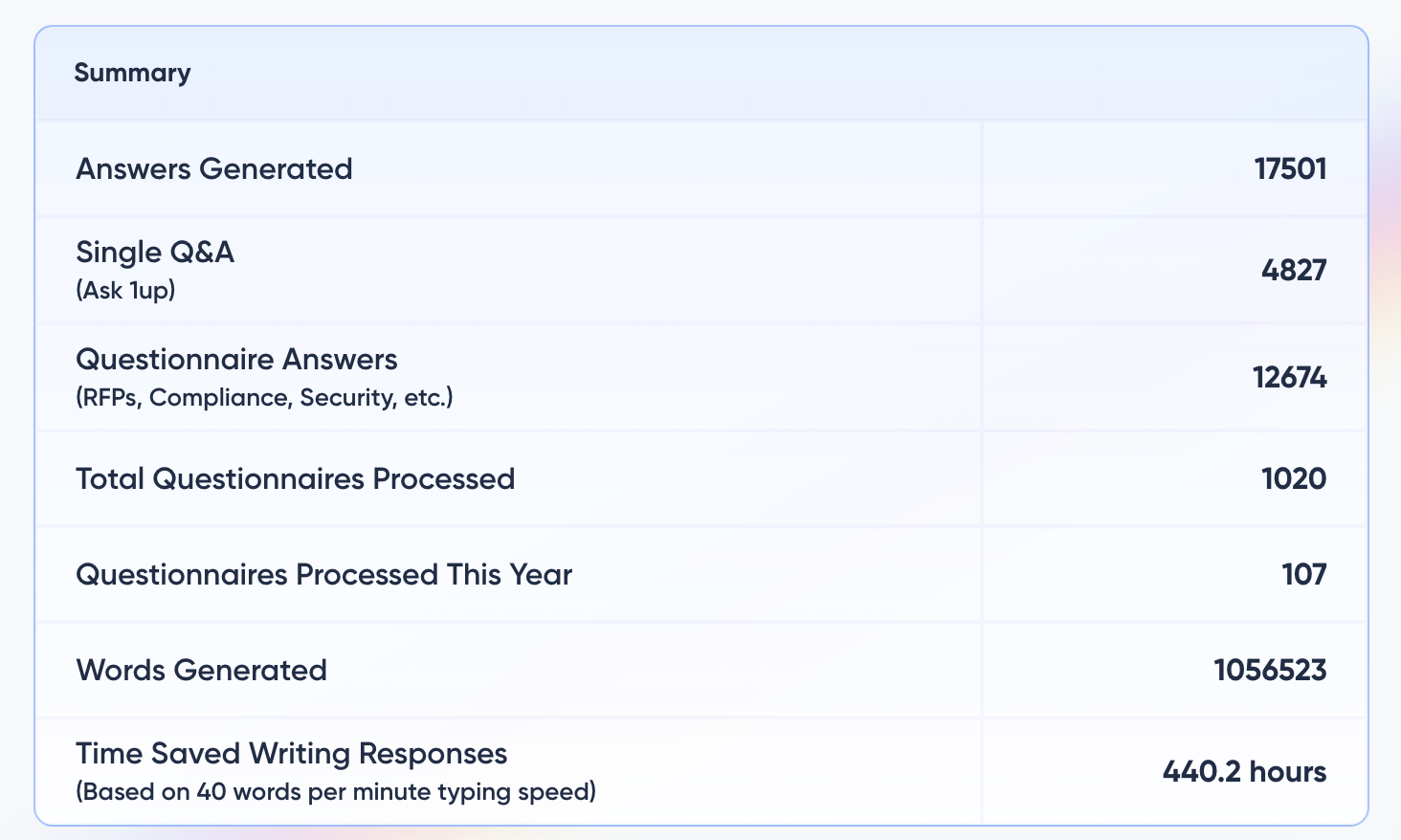
You can also monitor what your team is asking most to spot knowledge gaps and figure out where your sales content needs work.
Step 6: Bonus - Support Multi-Language Teams with AI Translation
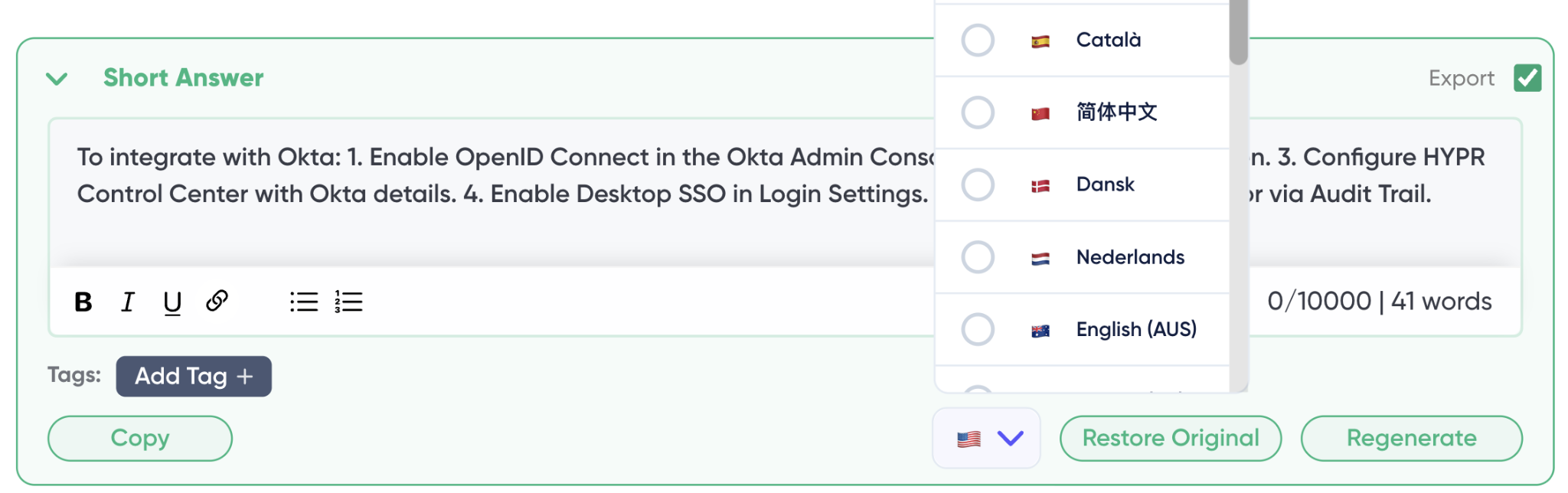
If your sales team spans multiple regions, 1up removes the language barrier entirely. A rep in Germany can ask a question in German and get an answer in German even if every document in your knowledge base is written in English. 1up translates from your source content into whatever language your rep needs - and it preserves context, tone, and meaning rather than producing a robotic literal translation.
This works for questionnaires too. Upload an RFP or security questionnaire in French, select French as the output language, and 1up generates a fully completed response in French from your English documentation. Your knowledge base stays in one language. Your team works in theirs.
The teams that see the fastest results are usually the ones that loaded up their knowledge base before launch. Onboarding guides, competitive battlecards, previously completed RFPs - all of that content goes in on day one and immediately starts paying off.
From there it compounds. Every correction a rep makes gets saved back to the knowledge base. Every question they ask helps surface where the content gaps are. Over time the answers get sharper and the review cycle gets shorter. What started as a tool for new hire onboarding becomes something the whole team relies on every single day.
What Your Team Gets with 1up
- New reps get up to speed without distracting anyone: Instead of pulling a senior rep away every time a new hire has a question, they ask 1up and get the answer immediately. The more they use it, the more they learn on the job in real time. Onboarding new sales hires gets measurably faster.
- Experienced reps stop losing time to repeat questions: The same questions come up constantly across every sales team. With 1up those questions get answered automatically so your experienced reps stay focused on deals instead of fielding the same requests over and over.
- Answers come from your actual documentation: Every response traces back to a source your team connected and approved. A rep asks how to integrate with Okta and gets an answer sourced directly from your product docs with a link to the original material. No guessing, no made-up responses.
- Global teams get answers in their language: Your reps in Spain, Germany, Japan, and anywhere else your team operates can ask questions and get answers in their own language - even when all your source material is in English. Customer questions, RFPs, DDQs - all of it works across languages without a translator involved.
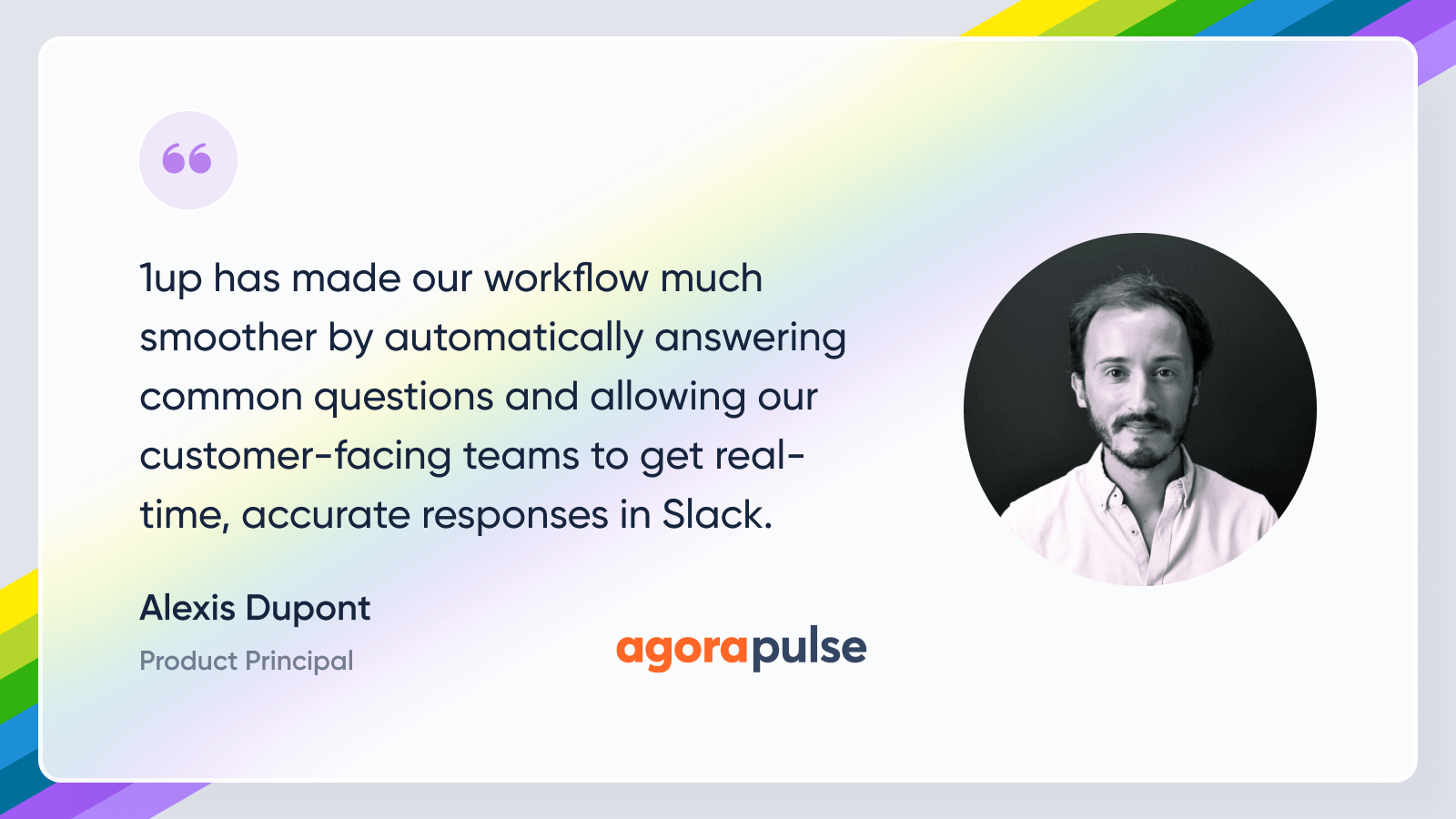
See how other teams like AgoraPulse are using 1up to get their reps up to speed and keep them there. Read Customer Stories
FAQs
By centralizing all sales knowledge. That way, sales reps can get answers to all their questions instantly. It’s a much more effective, real-time coaching process than the hours of concentrated training that sales reps will forget in days.
It won’t replace your sales training, but it will supplement it, so your reps won’t forget what they learn. Plus, you’ll be able to identify knowledge gaps and figure out what additional training your reps need.
Any sales knowledge you’ve got, 1up can store it, and your sales reps can access it, at your discretion. It’s as simple as that.
Yes. Reps can ask questions in their own language and get answers in the same language even if all your source material is in a different language. It works for individual questions, RFPs, DDQs, and customer questionnaires.