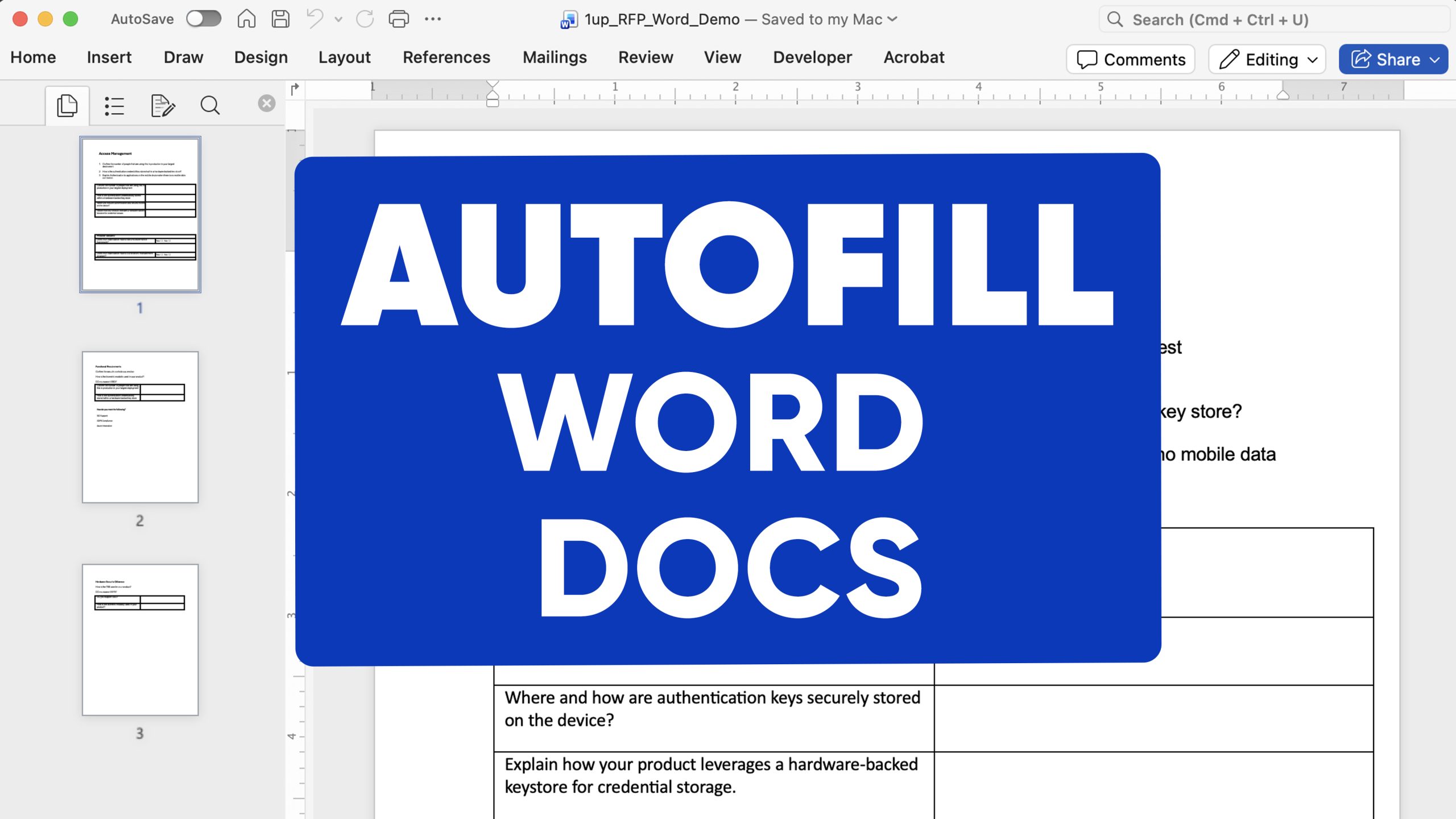
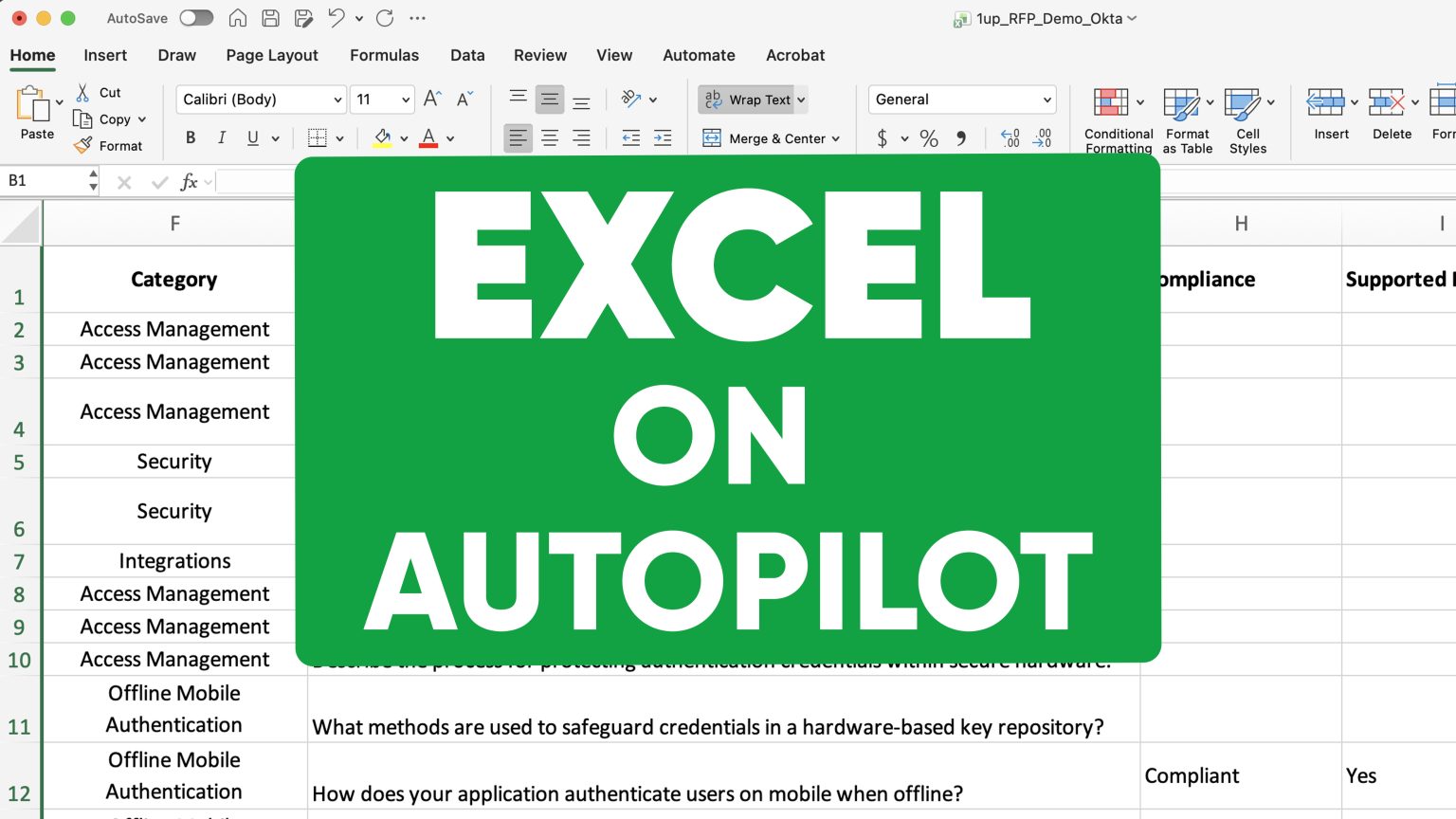
How to Automate PDF Forms and Questionnaires with AI

The Problem
PDF questionnaires are the worst thing to get in the middle of a deal. You have to stop what you are doing, hunt down answers, fill in fields manually, and by the time you are done the momentum you had is gone. Nobody wants to do this.
The Solution
1up automates PDF questionnaires end to end. Upload the form, point 1up at your knowledge sources, and it scans every text field, dropdown, and multiple choice question, pulls the right answer from your connected content, and fills everything in. In moments you have a completed questionnaire ready to review.
Use 1up to Automate PDF Questionnaires:
PDF forms show up as vendor assessments, compliance reviews, security questionnaires, and DDQs. The format does not matter - they are all time-consuming to fill out manually and they all slow down your deals. 1up fixes that by treating your PDF like any other questionnaire - upload it, run it, and get back a completed document sourced from your actual content.
Stop Filling Out PDF Questionnaires by Hand
A PDF questionnaire lands in your inbox mid-deal. Normally that means stopping everything, digging through folders, pinging colleagues, and spending an hour filling out fields one by one. With 1up, you upload the PDF and get back a completed questionnaire in about 60 seconds.
First, connect your sources in the Knowledge tab. Previously completed PDF questionnaires, product docs, security policies, Excel sheets, Google Drive, Notion - whatever your team already relies on. 1up uses that foundation to generate answers. Connect it once and every PDF that comes in after that draws from the same trusted base.
When a questionnaire arrives, head to Questionnaire Automation, upload the PDF, and tell 1up which sources to use. 1up scans the document, extracts every answerable element - text fields, dropdowns, multiple choice - and generates responses from your connected content. You get back a completed questionnaire with every field filled in and every answer grounded in your own documentation. For a deeper look at what makes a strong foundation for this kind of automation, the knowledge base setup guide is worth reading before your first run.

Sales and IT teams dealing with a high volume of PDF questionnaires get the most out of this. Instead of routing every form to a subject matter expert and waiting two days for a completed draft, one person uploads the file and has a reviewed, sourced response ready in under an hour.
The knowledge base compounds too. The more previously completed questionnaires you load in, the sharper the answers get. A PDF that came in last quarter with similar questions gets answered even faster this quarter because 1up already knows what your team approved last time. Over time the process gets faster and the output gets better without any extra effort.
What Changes Once You Automate PDF Questionnaires with 1up
Deals stop getting blocked by paperwork A PDF form used to mean stopping everything and spending an hour on it. With 1up it takes minutes. Your team stays in flow and the deal keeps moving.
Every field type handled automatically Text fields, dropdowns, multiple choice - 1up identifies and fills every answerable element in the document. You do not need to do anything manually. Whatever the PDF throws at you, 1up handles it.
Answers come from sources you trust 1up only pulls from the content you connected and approved. No guessing, no hallucinations. Every answer traces back to a verified source your team put there. When you hit send you know the responses are accurate.
Works for any type of PDF questionnaire Vendor assessments, compliance reviews, security questionnaires, DDQs - if it arrives as a PDF with questions in it, 1up can handle it. The same workflow handles every format.
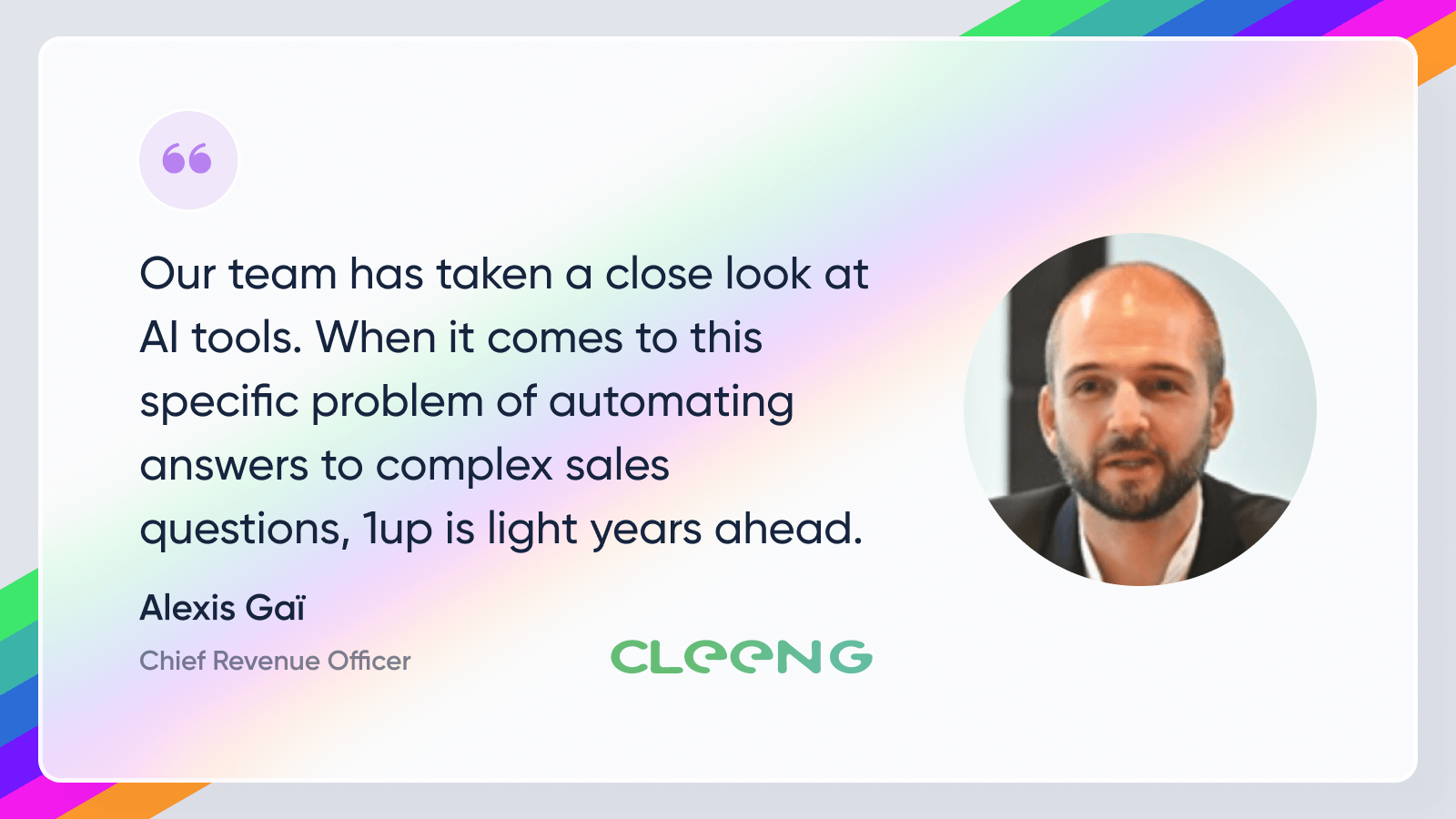
See how teams like Cleeng use 1up to get PDF questionnaires done faster and keep deals moving. Read Customer Stories
FAQs
1up processes PDFs with text fields, dropdowns, and multiple choice questions. It scans and extracts every answerable element in the document automatically and fills them all in from your connected sources.
You connect the sources - previously completed questionnaires, product docs, security policies, Excel sheets, Google Drive, Notion, and more. 1up only uses what you have approved so every answer is grounded in content you trust.
Most questionnaires are fully processed in about 60 seconds. You will be up and running faster than it takes to read through the PDF yourself.
Absolutely. 1up is built for RFP automation, security questionnaires, and all kinds of sales documents, not just PDFs. Whatever questionnaire format comes your way, 1up can handle it.