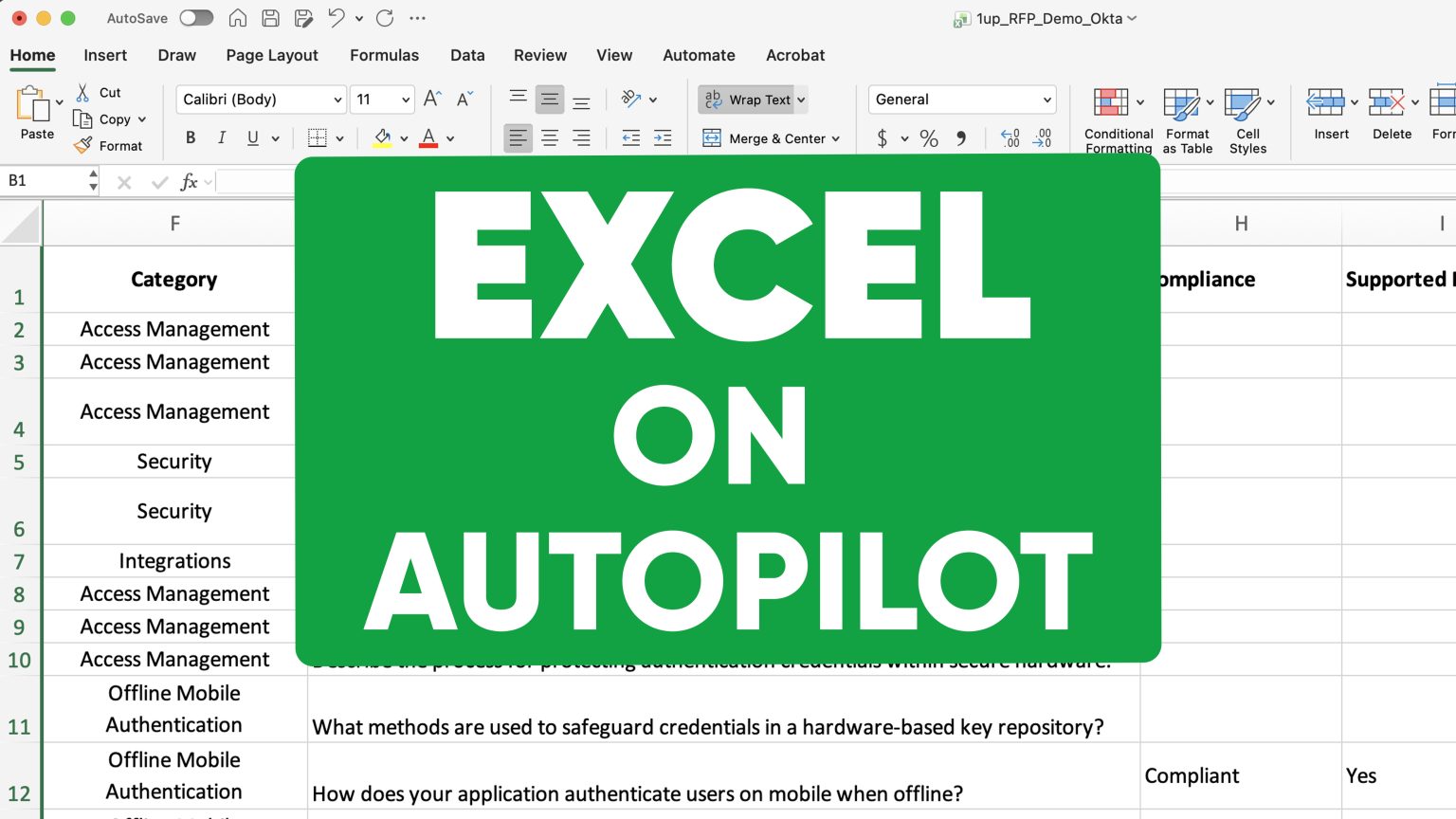
How to Automate Microsoft Word Questionnaires with AI
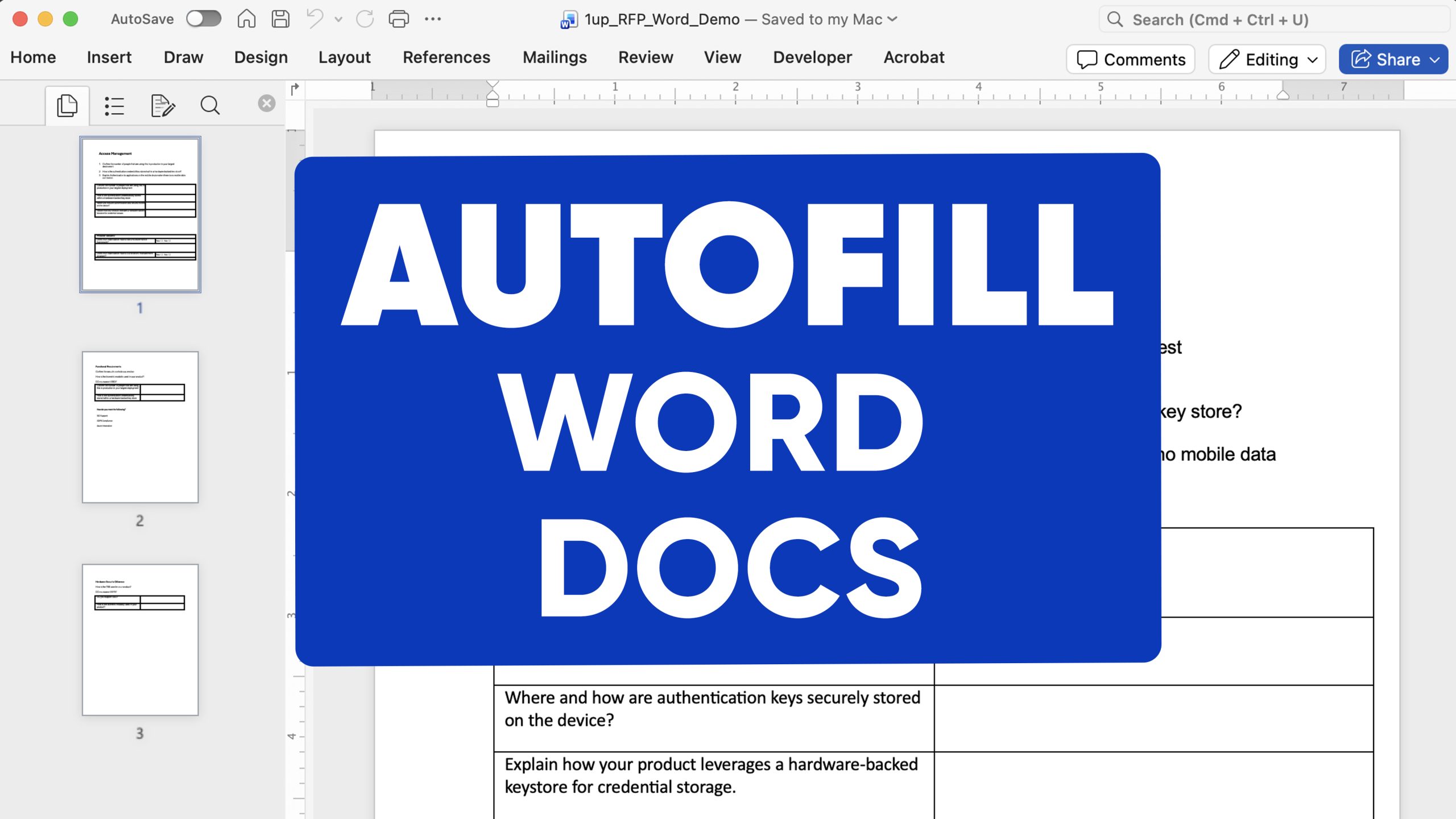
The Problem
Word questionnaires are annoying. DDQs, sales questionnaires, compliance reviews, security assessments - they all show up as a Word doc someone has to fill out by hand. They slow down deals, pull your team away from real work, and nobody wants to do them.
The Solution
1up automates the whole thing. Upload the Word doc, tell 1up which sources to use, and it analyzes every question, generates accurate answers, autofills the document in real time, and returns it in the exact same format you uploaded. Your team reviews instead of writes.
Stop Filling Out Word Questionnaires by Hand
Word questionnaires are one of the most common formats for DDQs, sales questionnaires, and compliance reviews. They are also one of the most tedious to fill out by hand. 1up treats your Word doc like any other questionnaire - upload it, run it, and get back a completed document with answers sourced from your actual content.
Nobody has time for this. A Word questionnaire comes in and it is either going to sit in someone's queue for three days or pull a rep away from an active deal to go hunting through docs and typing answers into tables.
With 1up, you upload the Word doc and tell it what sources to draw from - compliance content, sales assets, product docs, previously completed questionnaires, all of it. 1up immediately starts analyzing, extracting, and answering everything in the document. Text fields get filled in, checkboxes get ticked, tables get populated. You can watch it work in real time.
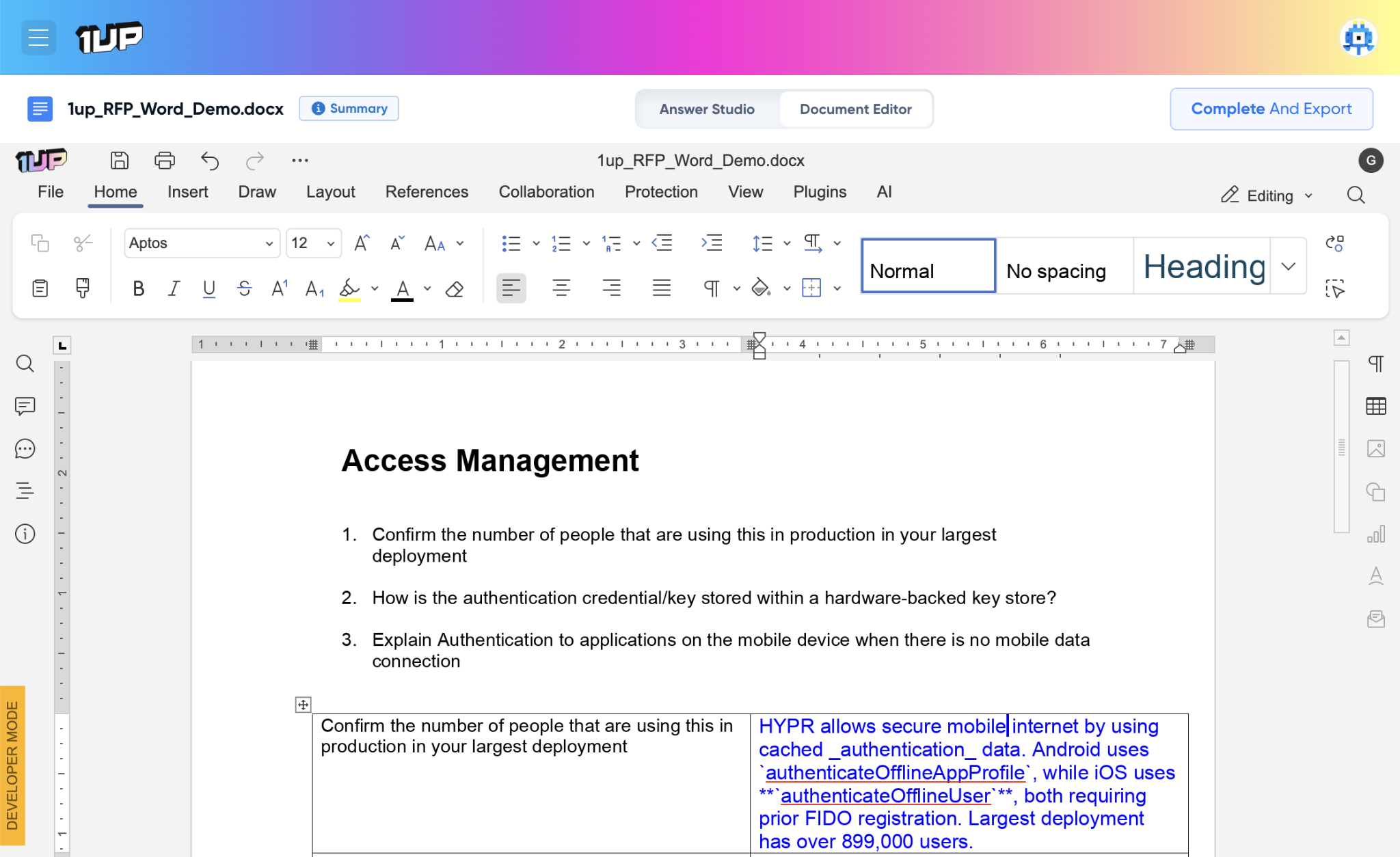
Switch to Document Editor mode and you see the Word doc exactly as it will look when complete - blue text answers filled in, checkboxes ticked, the original layout fully preserved. What you see is what you get when you export. 1up also automatically fixes spelling, grammar, and punctuation in every generated answer so you never have to proofread the output before sending.
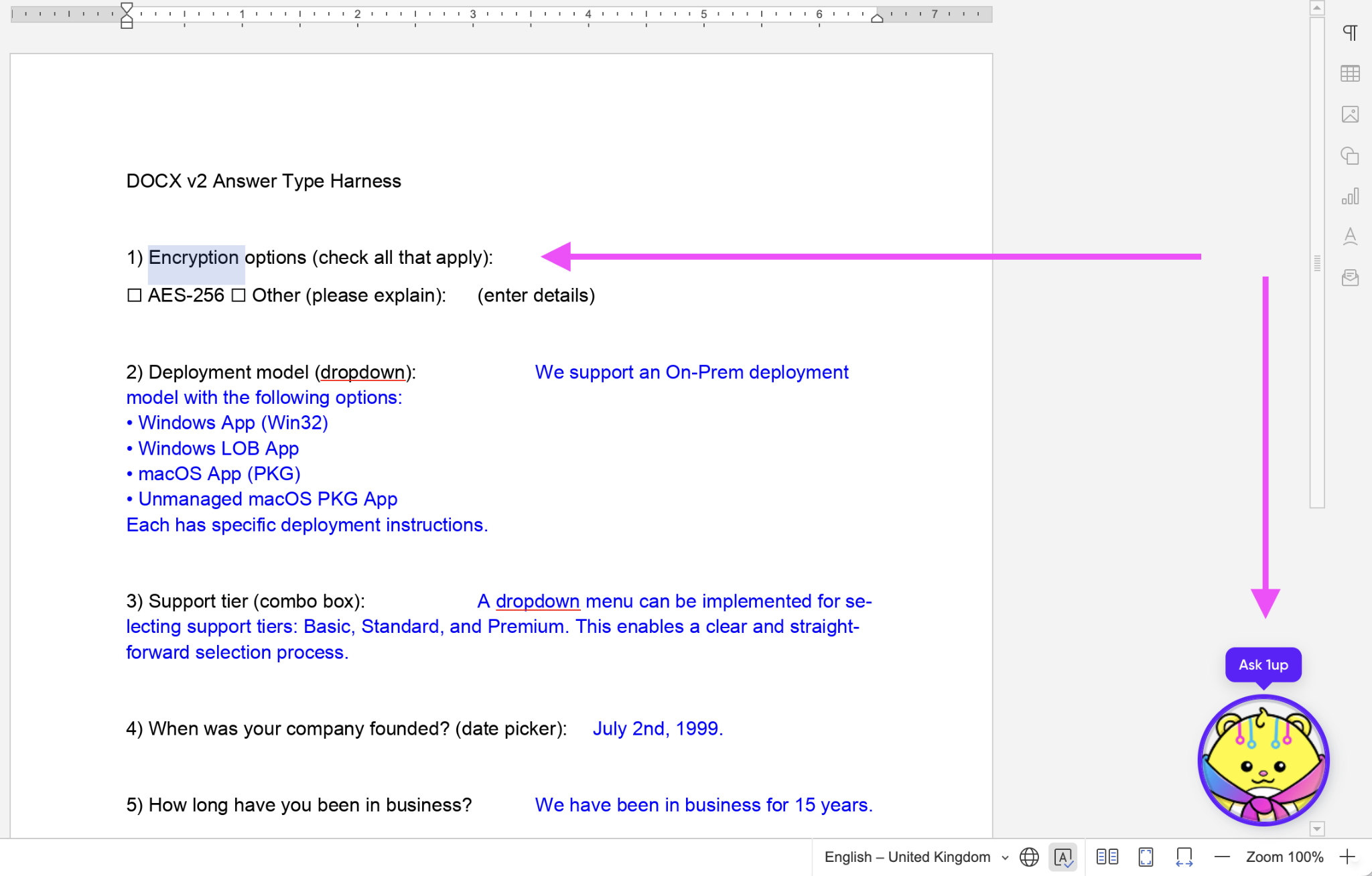
When everything is populated, switch to Answer Studio to review each response. Make edits directly, or assign specific answers to a teammate if you want a second set of eyes. They review, approve, and you export - the completed Word doc, original format, ready to send.
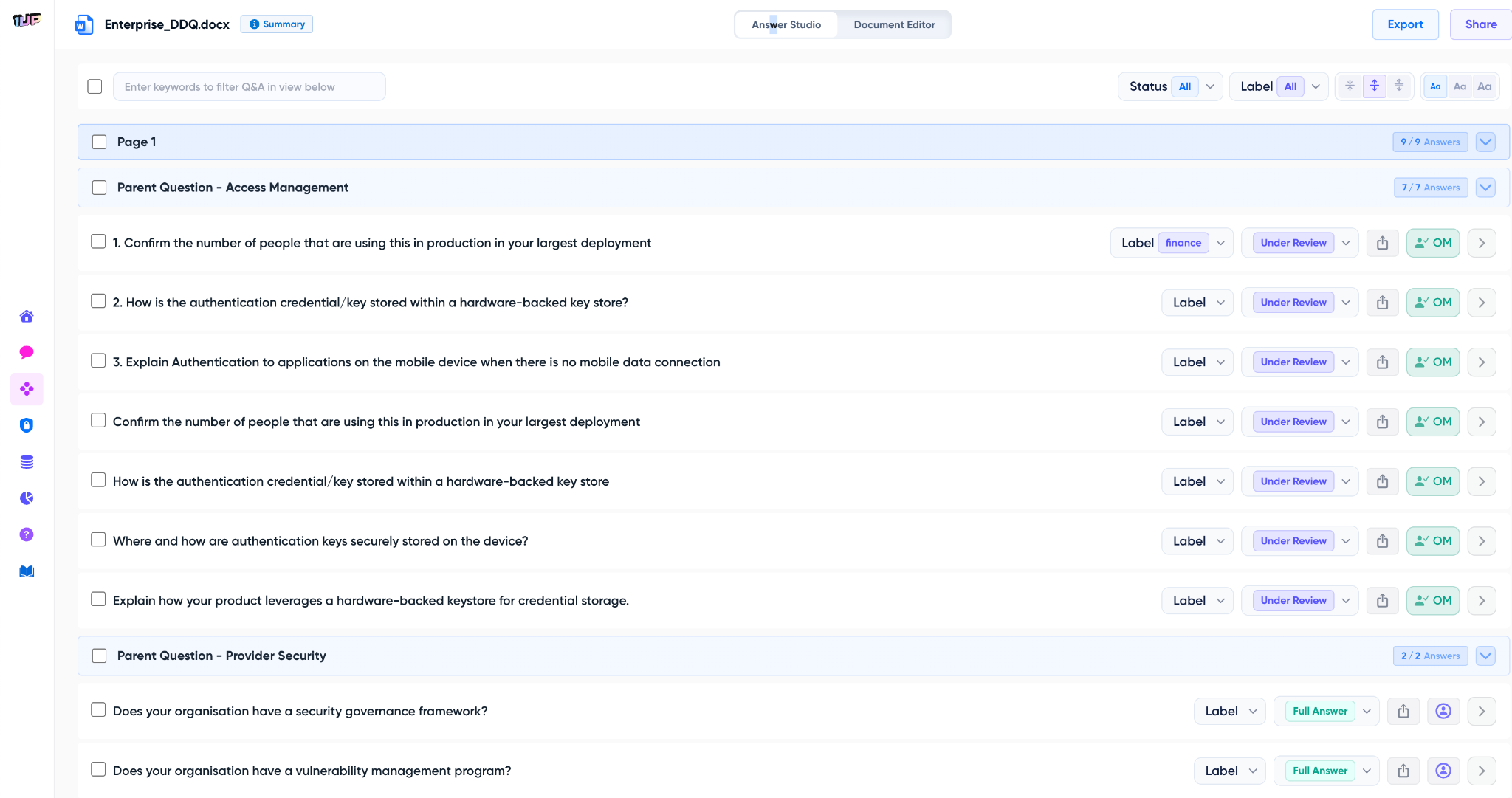
The teams that benefit most are usually the ones dealing with a steady stream of Word questionnaires - DDQs from enterprise prospects, compliance reviews from partners, security assessments that show up as a doc attached to an email. With 1up that stack stops being a bottleneck.
One person uploads the doc, reviews the output in Answer Studio, assigns anything that needs a closer look, and exports. What used to take a day takes an hour. Deals stop getting held up by paperwork and your team gets back to the work that actually moves the number. If your goal is to win more of the deals you are working, a faster questionnaire process is a real advantage in winning RFPs.
What Changes Once You Automate Word Questionnaires with 1up
- Hours of work done in minutes: A Word questionnaire that used to require half a day to research and fill out gets processed in minutes. Your team reviews clean, sourced answers instead of writing from scratch.
- The document comes back exactly as it went in: 1up preserves the original Word layout - tables, form fields, nested sections, checkboxes, all of it. When you export you get back the same document structure with every answer filled in, formatted correctly, and ready to send.
- No proofreading required: 1up automatically corrects spelling errors, grammar mistakes, and punctuation issues in every generated response. Your source documents do not need to be clean - the output always is.
- Gets smarter every time: Every correction your team makes gets saved back to the knowledge base. The next time a similar question comes in the improved answer is already there. The more Word questionnaires you run, the sharper the responses get and the less review work you have to do.

FAQs
1up connects to your trusted sources and creates a Knowledge Base. Then, 1up pulls relevant answers to all the questions in your questionnaires from that base.
Yes. 1up preserves the original document layout including tables, form fields, nested sections, and checkboxes. What you see in Document Editor mode is exactly what you get when you export.
Yes. 1up handles dropdowns, parent and child questions, tables, checkboxes, and complex nested structures. It also supports legacy .docx formats.
Yes. Every correction your team makes gets saved to the knowledge base. Future responses to similar questions get better automatically the more you use it.