
How to Automate Answers in Slack with AI
.jpg)
The Problem
When someone on your team has a question, the first thing they do is ask in Slack. That is fine until it means pinging a teammate who is in the middle of something else, or digging through internal docs that nobody organized well enough to actually find anything in.
The Solution
Connect 1up to Slack and your team gets accurate answers in seconds, sourced from your actual knowledge base. No more interrupting teammates, no more hunting through docs.
How to Set Up 1up in Slack
Your team is already in Slack all day. The problem is that when someone needs a real answer - a product question, a process question, something technical - Slack just becomes a place to bother people. 1up changes that by turning your internal knowledge into something your team can actually talk to, right there in the channels they are already using.
Getting 1up running in Slack is fast. The whole setup takes a few minutes and once it is done your team can start asking questions right away. Here is how it works.
Step 1: Connect Your Knowledge to 1up and Tag Your Sources
Go to Knowledge in your 1up dashboard and add the sources you want your team to use. Docs, URLs, SharePoint, Confluence, whatever you have. Once they are in, add tags to organize your content. Tags are how you tell 1up which material is appropriate for Slack answers versus what should stay internal.
Step 2: Connect 1up to Slack
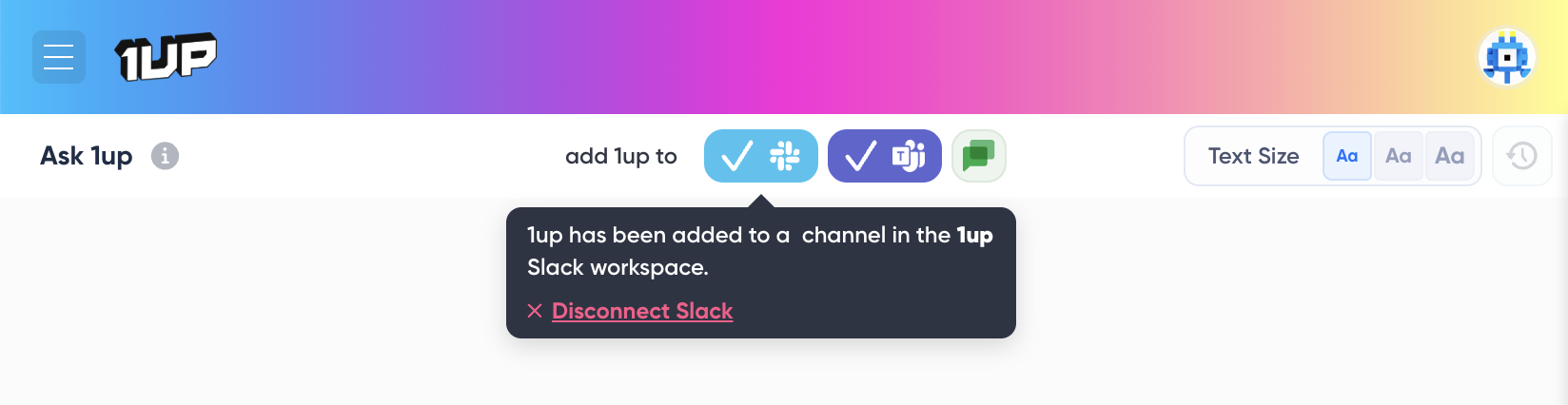
Go to Ask 1up in your dashboard and click the Slack connector. Approve the integration when prompted. If your workspace requires admin approval, your IT team may need to enable it. Once it is done, 1up appears as an app inside Slack.
Once it is done, 1up appears as an app inside Slack.
Step 3: Set Up Which Tagged Sources Are Allowed in Slack Answers
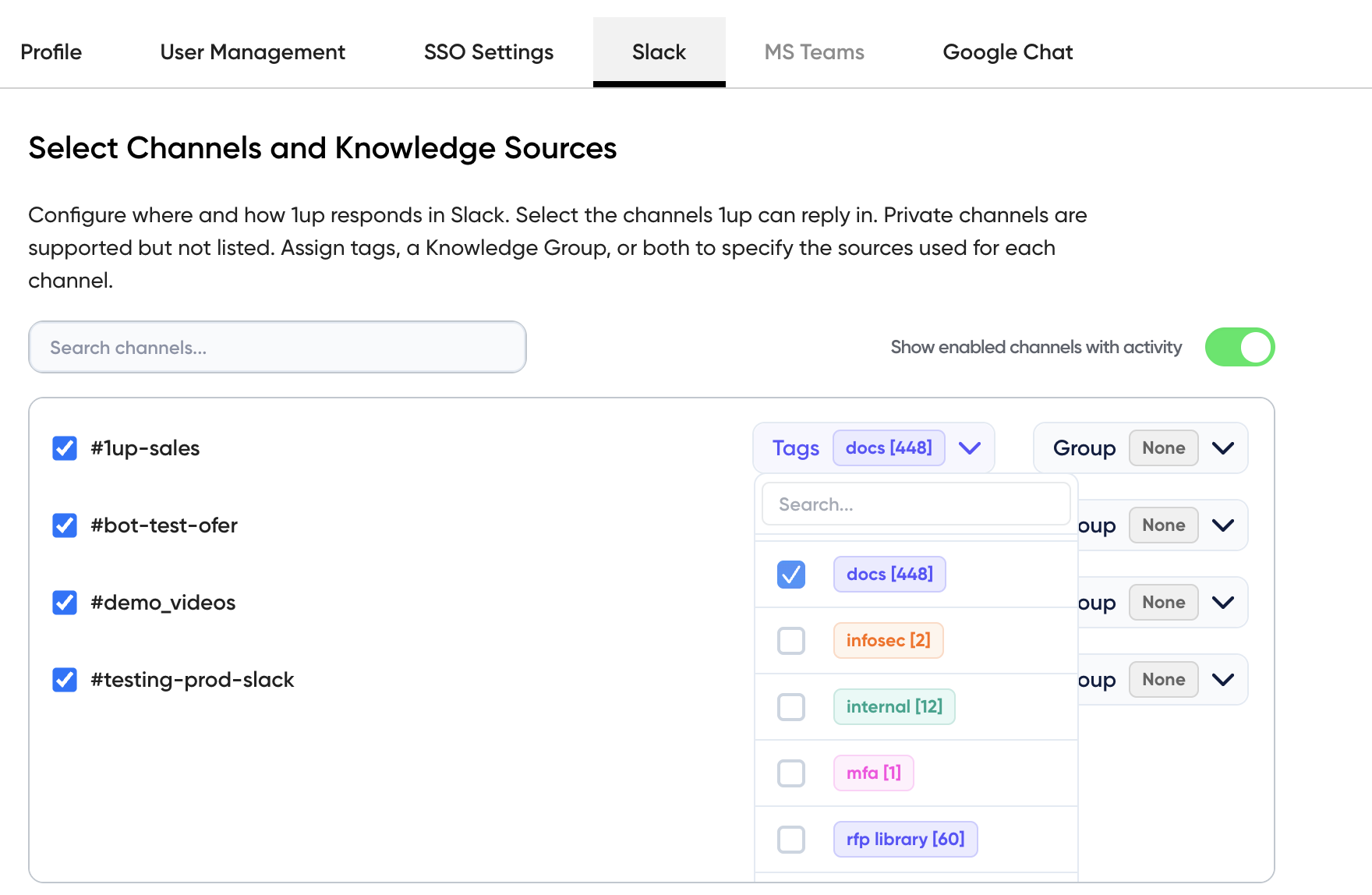
Go to Settings, then Slack Settings. From here you can whitelist or blacklist specific channels and choose which knowledge base tags 1up is allowed to draw from. This is how you make sure the right content shows up in the right places and sensitive material stays where it belongs.

Step 4: Monitor Usage and What Employees Are Asking
Tag @1up in any channel or DM 1up directly for a private conversation. The first time you tag 1up in a channel, Slack will ask if you want the bot added. Click Add Them and you are set. Over time you can track what your team is asking most to spot knowledge gaps and keep your content up to date.

A lot of teams start by using 1up for simple questions in Slack. That alone cuts down on noise across channels. Then it starts to handle the repeat questions that come up every day, and instead of the same thing getting asked again and again, your team gets a consistent answer every time.
Once your knowledge is connected, it also applies to more structured workflows -- customer questions, onboarding, internal support. If your team stores content in tools like Confluence, 1up can pull answers from there too. Everything stays in Slack so your team does not have to switch tools or break focus.
The teams that get the most out of this are usually the ones who have already put real work into their internal knowledge base. All of that effort starts paying off the moment 1up is connected.
What Your Team Gets with 1up
- No more pinging people for answers Every team has a few people who get tagged constantly because they know where everything is. 1up takes that load off by giving everyone a place to ask questions without bothering a colleague. The answer comes back in seconds, sourced from your actual docs.
- You control exactly what it knows Not all content should be available everywhere. With 1up you tag your sources and configure which channels can access which material. Sensitive content stays locked down, and your team only gets answers from the stuff you have approved.
- Consistent answers every time When the same question gets asked ten different ways across ten different channels, it usually gets ten slightly different answers. With 1up, the response comes from the same source every time. That consistency matters when your team is talking to customers.
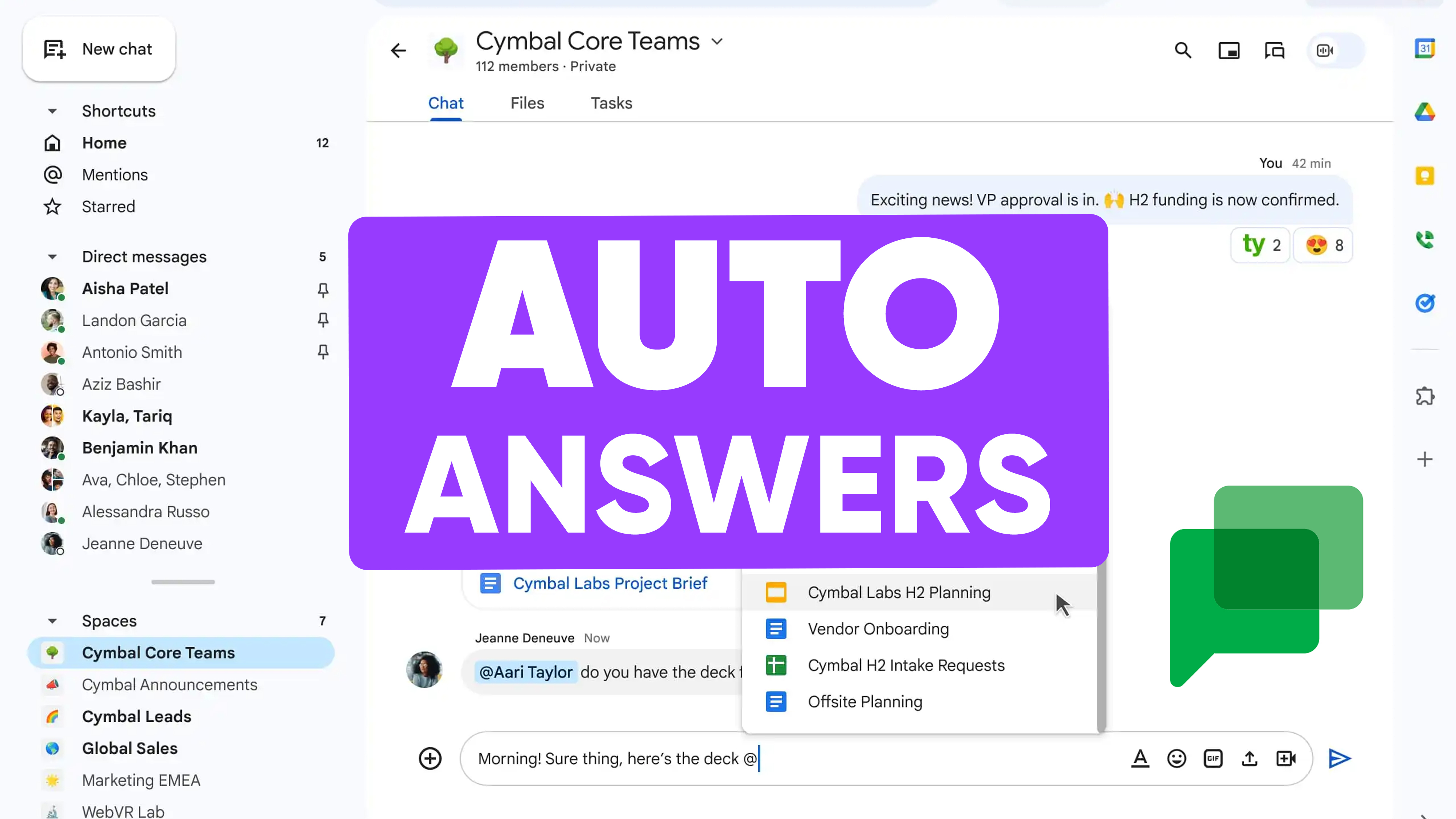
- Visibility into what your team actually needs As 1up gets used, you start to see patterns. Which questions come up most. Where the gaps are. What content needs updating. It becomes a feedback loop that makes your knowledge base better over time. Works great alongside tools like Google Chat if your team uses multiple messaging apps.

See how other teams like Optimove are using 1up to make their knowledge base work harder. Read Customer Stories
FAQs
Yes. Tag @1up in any channel or send it a direct message and get an answer instantly without switching tools.
All answers are pulled from your connected knowledge sources like internal docs and websites. Nothing comes from the open internet or gets made up.
Yes. In Slack Settings inside your 1up dashboard, you can whitelist or blacklist specific channels and choose which knowledge base tags 1up can draw from.
No. It makes your existing documentation easier to access and use. Your docs stay where they are - 1up just makes them queryable.
.jpg)



