How to Get Instant Answers from Your Seismic Content with AI
The Problem
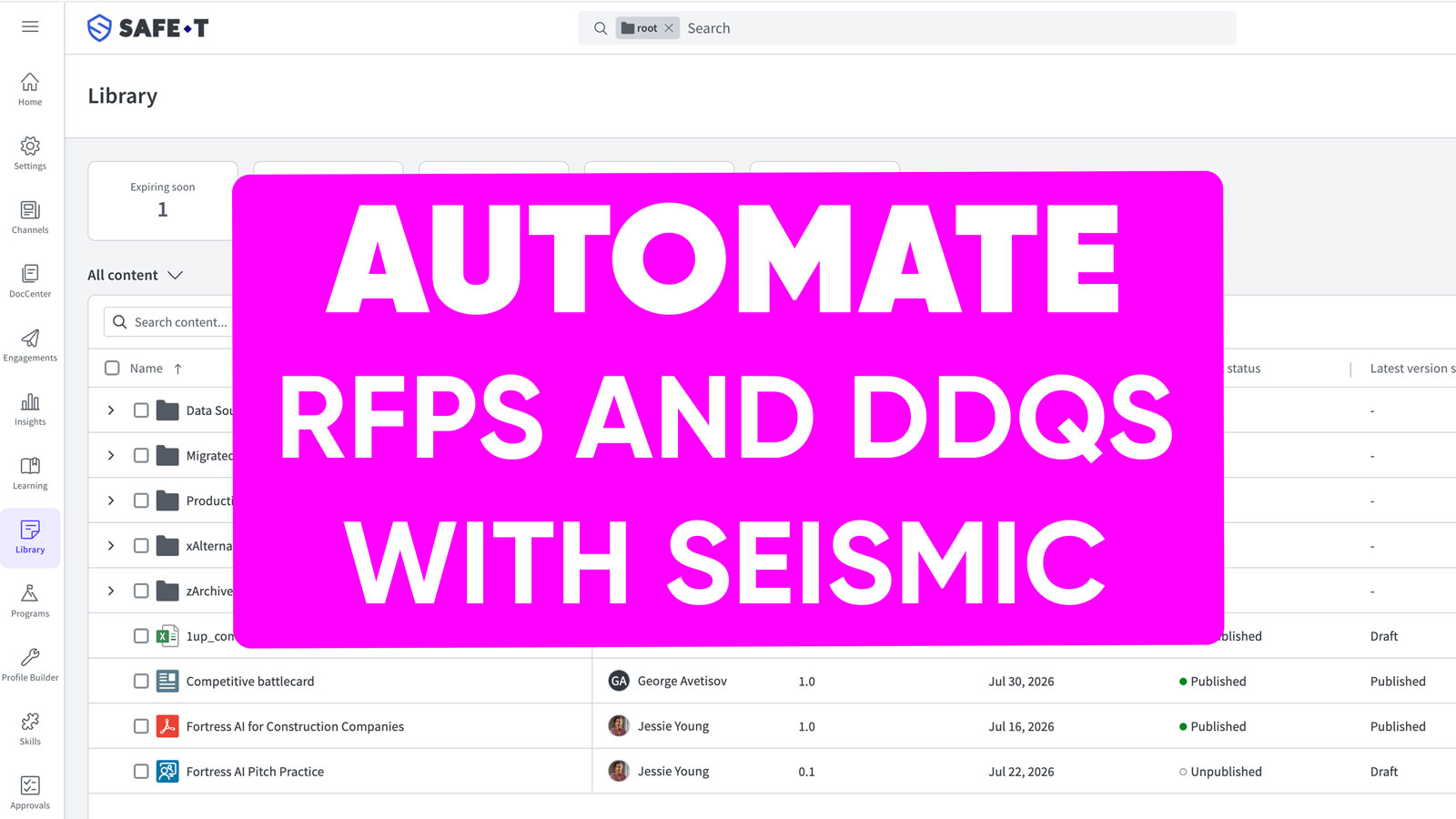
Teams running enablement in Seismic build a deep library over time. Decks, one-pagers, product PDFs, pricing sheets, spreadsheets. The problem is when a rep needs an answer fast, on a live call, in the middle of an email, responding to a customer question, they have to open Seismic, find the right folder, open the right deck, and scan for the slide. It is a huge time-waster.
The Solution
1up connects to Seismic and pulls your content into a knowledge base your team can query in seconds. A rep asks a product question in Slack and gets an answer sourced straight from the deck that already covers it. No folder hunting, no tab switching, no delay.
Put Your Seismic Content to Work Every Day
A Seismic library takes months of work to build. Getting reps to open it during a live conversation is the part that never quite happens. Nobody is going to pause a call and start clicking through folders. 1up fixes that by making your Seismic content answerable from the tools your team already has open, whether that is Slack, Teams, Google Chat, or an RFP questionnaire.
The content exists. 1up handles the part where people can reach it when the question comes up.
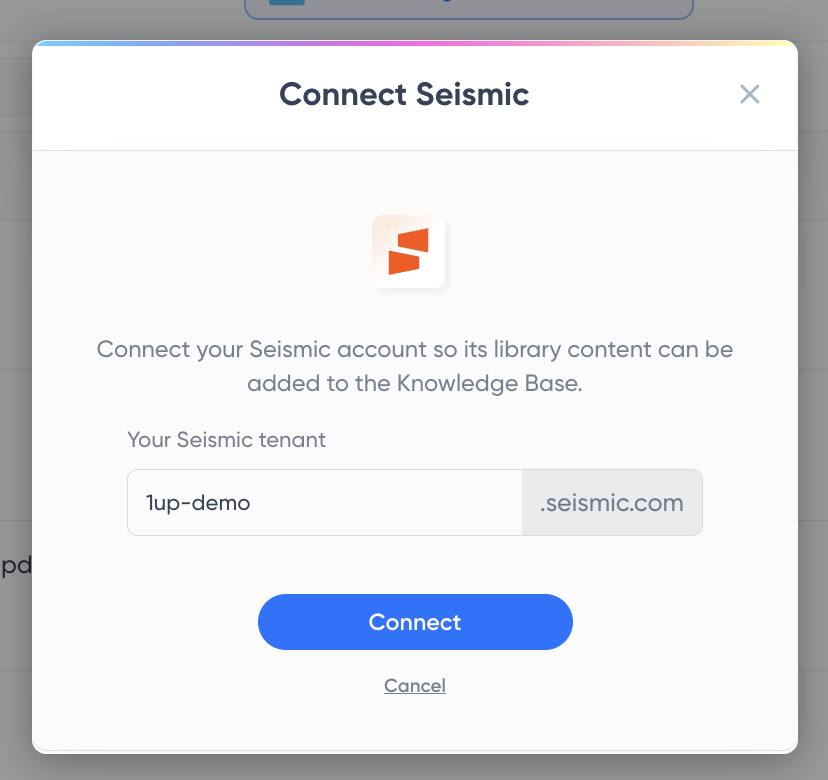
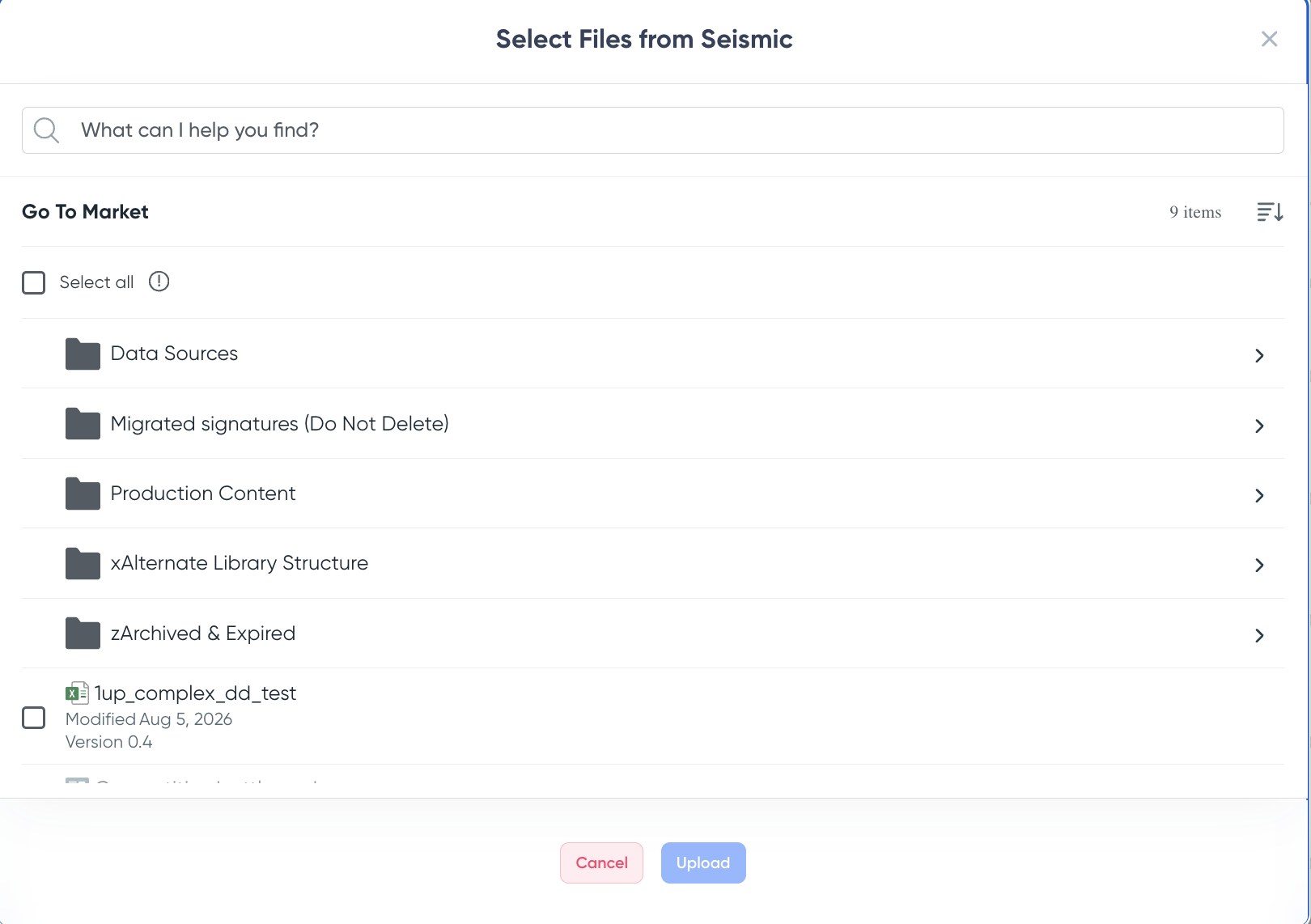
Go to Knowledge in your 1up dashboard, click Add Knowledge, and select Seismic. Enter your Seismic tenant, sign in, and your library opens up. Pick the files you want from there.
Once your files land, tag them as "Seismic" or "Enablement" so your team always knows where an answer is coming from. Tags are also what let you point specific channels at specific content later.

From there, your team can get answers three ways. In Slack or Teams, a rep asks a question and gets an answer in seconds sourced directly from the Seismic file that covers it. You can even set up a dedicated Seismic channel that only draws from your enablement content, so every answer in that channel comes from approved material. For competitive intelligence use cases specifically, this is one of the most effective setups.
When RFPs, DDQs, or compliance questionnaires come in, upload them to 1up and tell it to draw from your Seismic content combined with your RFP library and other sales assets. Your Seismic content does not just answer quick questions in Slack. It powers your questionnaire responses too.
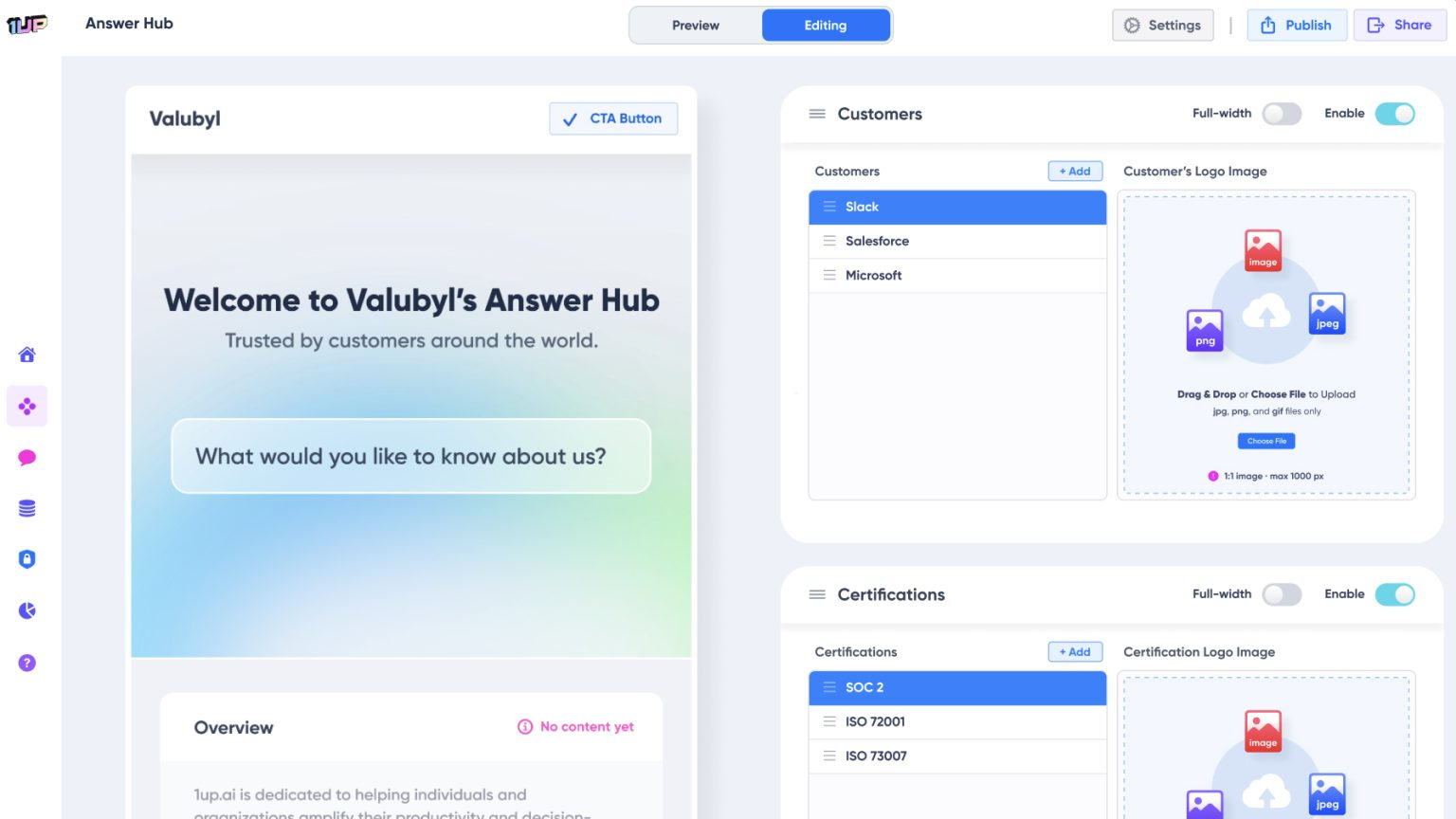
And if you want to extend your Seismic content to customers directly, spin up an Answer Hub. Point it at your Seismic knowledge base and customers can ask questions about your product, your security posture, and your sales materials and get answers on their own without waiting on a rep.
Sales teams that connect Seismic to 1up usually find that content they spent months building suddenly gets used every day. A deck that got opened twice since launch becomes the source of three answers before noon. A product PDF that nobody touched becomes the engine behind a completed RFP.
That is what 1up does for Seismic content. It makes it accessible in real time across every workflow your team actually uses. The content was always good. Now it actually gets used.
What Your Team Gets with Seismic Connected to 1up
- Seismic content gets used in the moment it is needed: Most Seismic content gets searched for after the fact or not at all. 1up puts it in the channel your reps are already in so the answer surfaces when the question comes up, not after the call.
- You control exactly what goes in: You pick the files, folder by folder. 1up ingests nothing you have not selected, so archived material and old versions stay out of your answers.
- Dedicated channels for dedicated content: Set up a Seismic channel in Slack or Teams that only draws from your enablement content. Your reps know exactly where the answer is coming from and your content governance stays clean.
- Powers questionnaire responses too: Combine your Seismic content with your RFP library and other sources when running questionnaire automation and it feeds into the responses. Better sources mean better answers.
- Extends to customers through Answer Hub: Once your Seismic content is in 1up you can publish a customer-facing Answer Hub that draws from it. Customers get answers from your approved sales and security content on their own without ever reaching a rep.
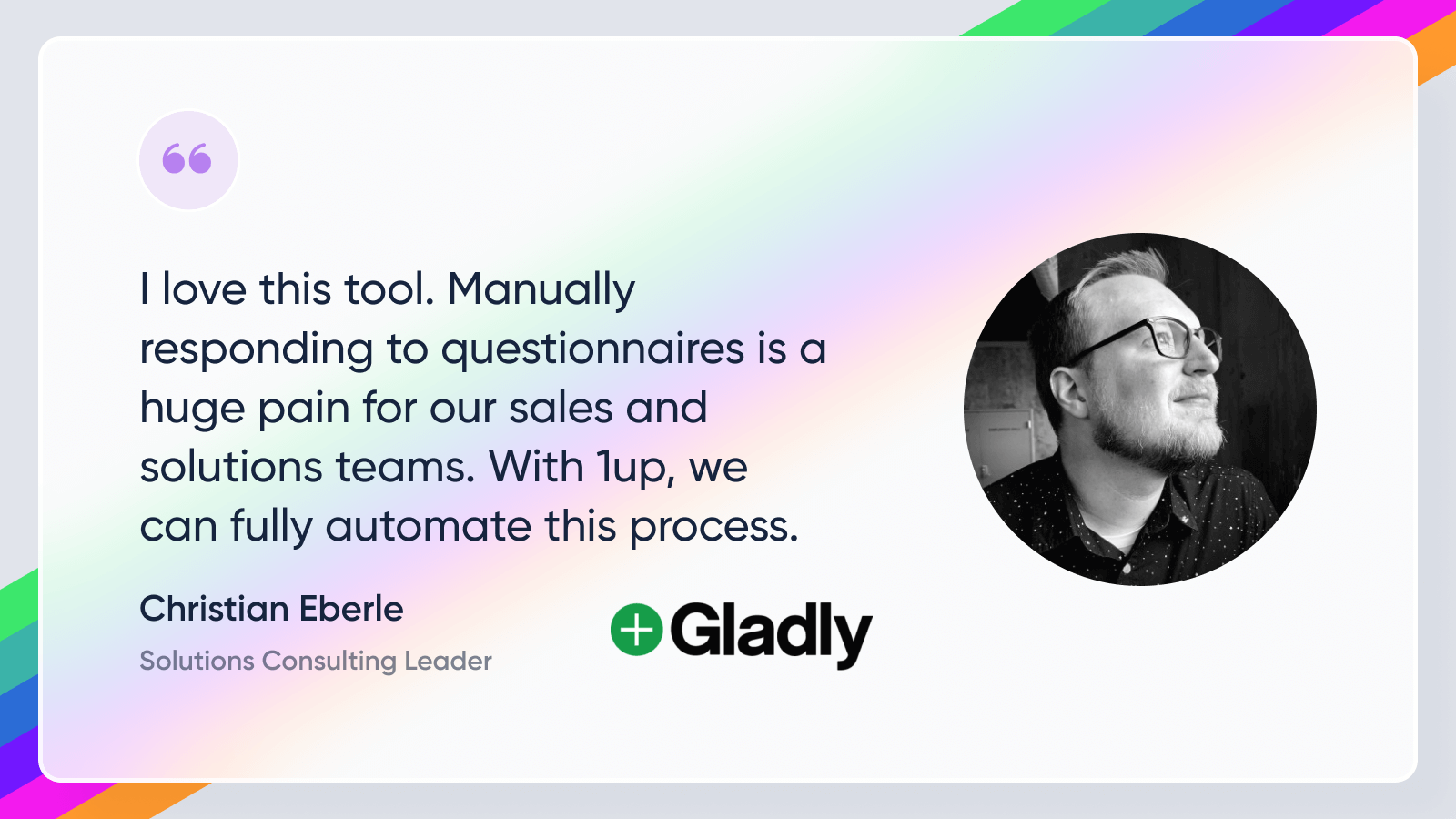
See how other teams like Gladly use 1up to make their enablement content work harder. Read Customer Stories
FAQs
Yes. When running questionnaire automation you can select your Highspot content as a source alongside your RFP library and other materials. 1up combines them to generate the best possible response.
In your 1up dashboard, go to Knowledge, click Add Knowledge, and choose Seismic. Enter your Seismic tenant, sign in with your credentials, and 1up opens your library so you can pick the files you want.
No. You select the specific files that go into your knowledge base, and 1up does not ingest anything you have not chosen. You can browse folder by folder or search across your whole library.
Yes. Spin up an Answer Hub and point it at your Seismic knowledge base. Customers can ask questions and get answers from your approved content directly without waiting on a rep.