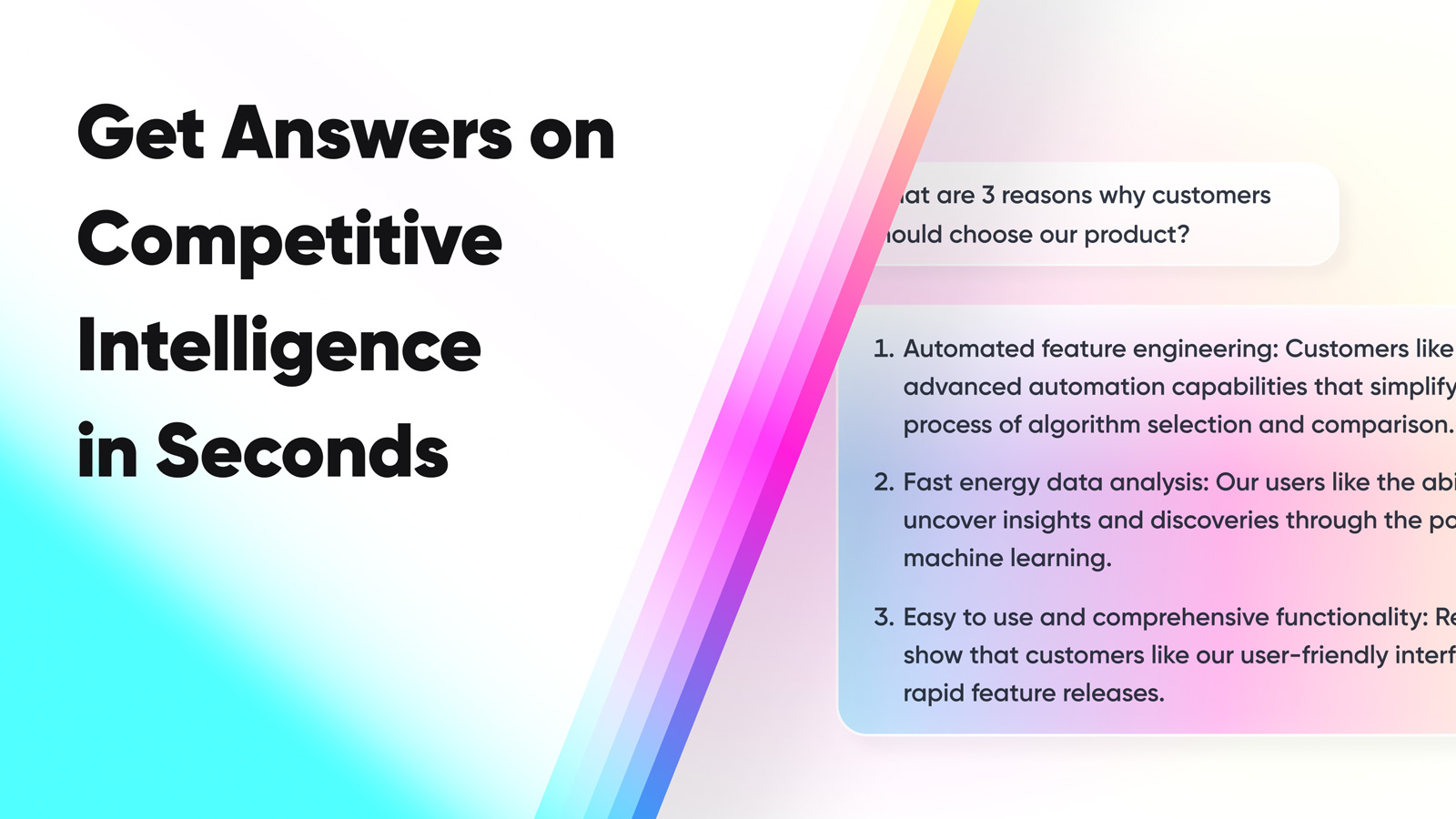
How to Get Answers 10x Faster from Confluence with AI
The Problem
You have put real time into building your Confluence knowledge base. Product docs, sales process guides, RevOps playbooks. And yet most of your team never opens it. Nobody wants to log into another tool and search through docs when they need an answer right now. That is just not how people work.
The Solution
1up connects to your Confluence spaces and makes that content answerable from wherever your team already is. No more logging in, no more searching. Accurate answers in seconds.
How to Connect Confluence to 1up and Start Getting Answers
Great documentation is only useful if people can actually find it. Most reps are not going to pause a live call to dig through Confluence pages. 1up plugs your Confluence content into the tools your team already works in, so getting an answer is as simple as asking a question.
The setup takes just a few minutes and once it is done, nobody on your team ever needs to open Confluence to get an answer again.
Step 1: Connect Confluence to 1up
Head to Knowledge in your 1up dashboard, click Add Knowledge, and select Confluence. You will be prompted to install the 1up app from the Atlassian Marketplace. Click Get it now, pick your Confluence site, and follow the install flow. Once that is done, hit Get Started and then Pair with 1up to finish connecting your workspace.


Step 2: Tag Your Sources So It's Easy to Navigate
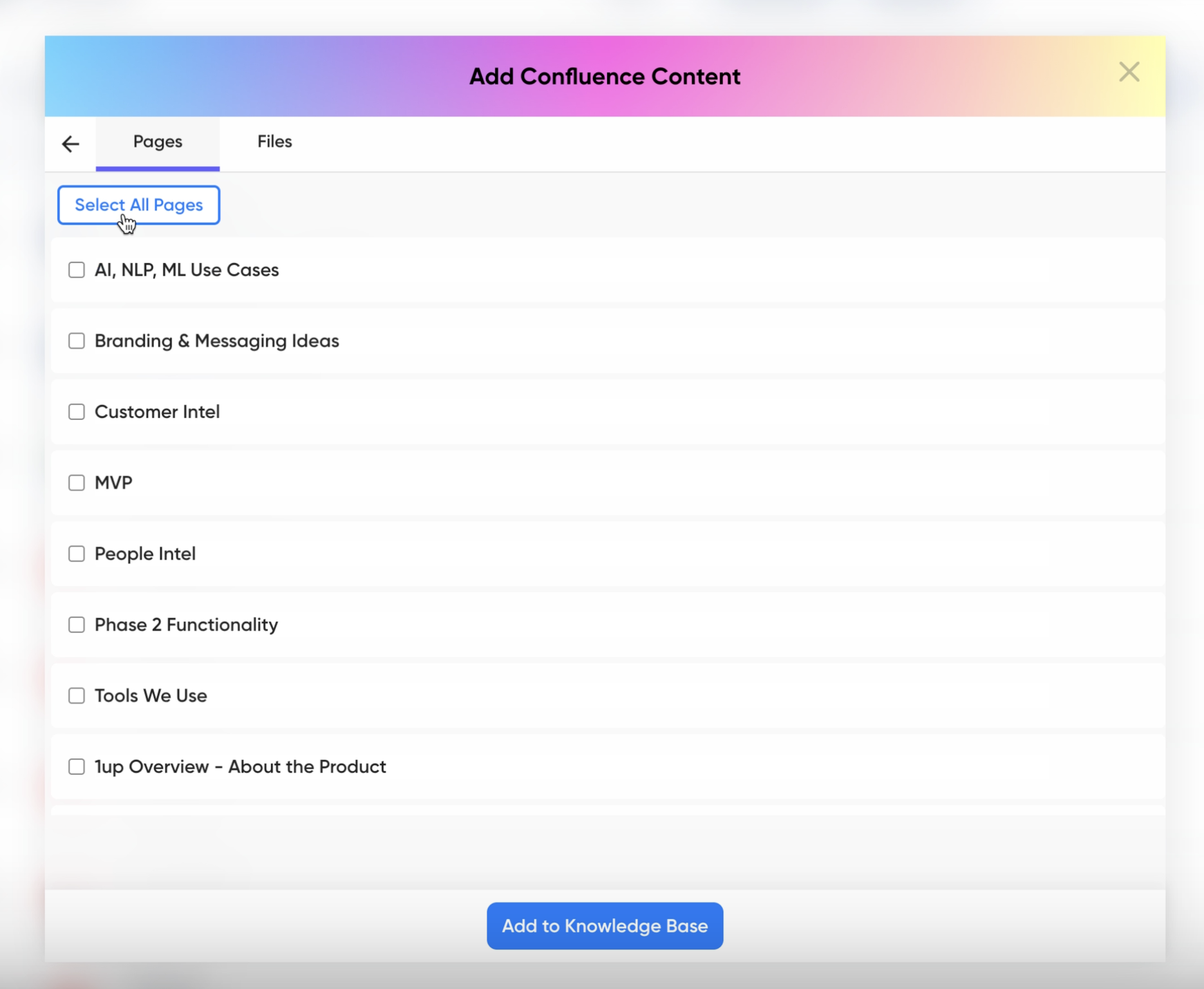
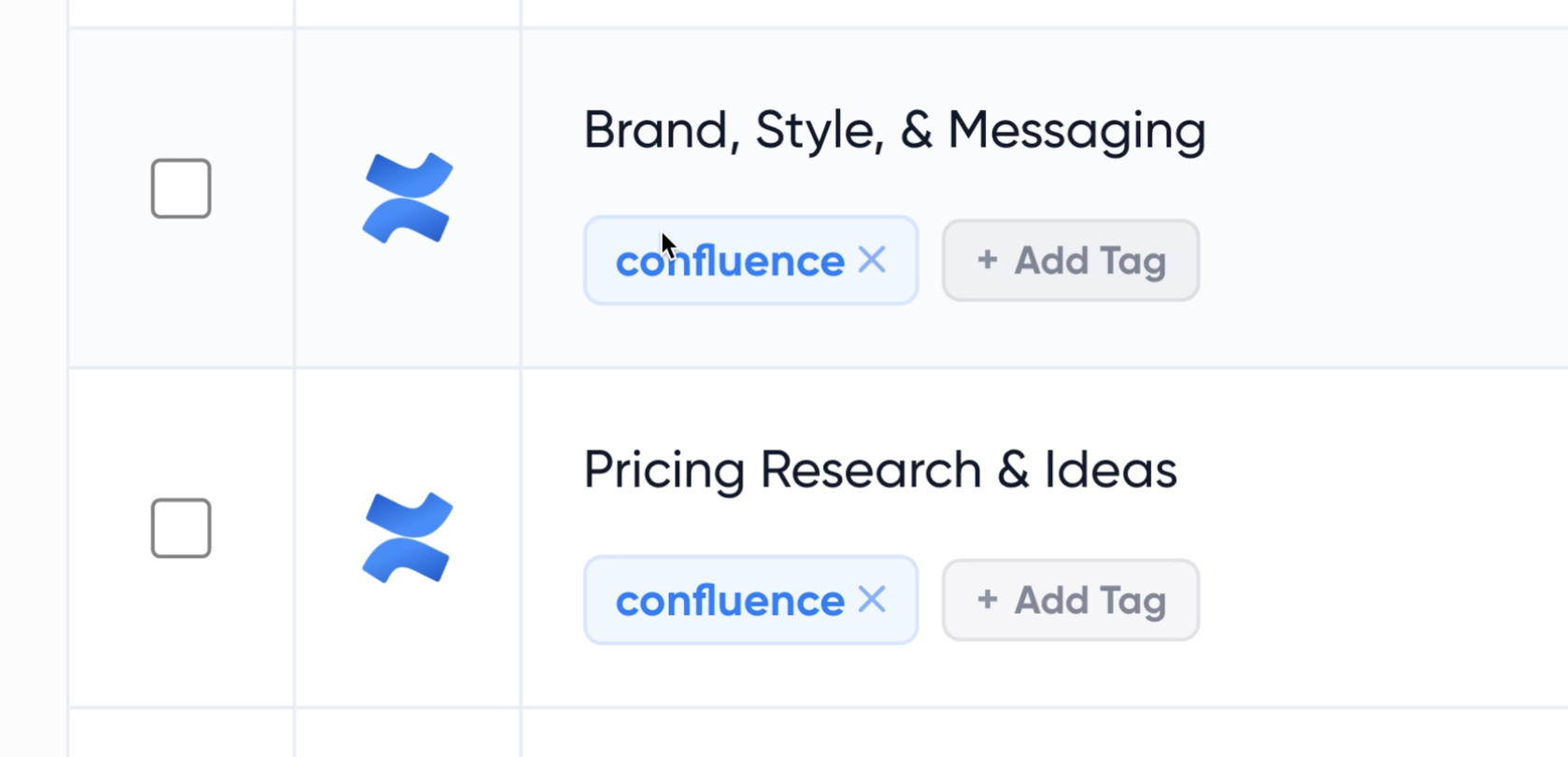
Go back to Add Knowledge and select Confluence. Pick the spaces, pages, or files you want. Confluence updates flow into 1up on their own, so your team is always working from current content. Once things are synced, add tags to stay organized. Something like "Confluence," "RevOps," or "Product Docs" works well. You can also push pages into 1up straight from Confluence itself using the three-dot menu.
Step 3: Add 1up to Slack, Teams, or Google Chat
Go to Ask 1up in your dashboard and connect your messaging tool. Once that is in place, anyone on your team can ask a question in Slack, Teams, or Google Chat and get an answer pulled from Confluence right in the thread.

Step 4: Get Answers from Ask 1up, the Browser Plugin, or by Uploading Questionnaires
Ask @1up in Slack, Teams, or Google Chat. Whether it is a customer question, an RFP, or a DDQ, if the answer is in Confluence, 1up will find it. Use the Browser Plugin to get answers while browsing or filling out web forms, or upload a questionnaire and let 1up draft responses in bulk.
Bonus: Build a Customer-Facing Answer Hub
Once your Confluence content is live in 1up, you can also publish a customer-facing Answer Hub. Your customers and prospects get answers on their own without waiting on your team. Works especially well for teams with solid product or technical documentation already in Confluence.
Here is a real example. A sales rep in Slack needs to know how to route a Zendesk ticket. The answer is sitting in your RevOps playbook in Confluence. Normally they would either interrupt a colleague or spend ten minutes clicking around. With 1up they just ask in Slack and the answer shows up in the thread. No login, no tab switching, no bothering anyone.
Teams that have put real effort into their Confluence space tend to see the biggest payoff. The more content 1up has to work with, the better it gets. And if competitive intelligence questions are coming in through Slack, your Confluence docs can cover those too.
What Changes Once Confluence Is Connected to 1up
- Your Confluence content finally gets used Most teams put serious work into building out their Confluence space. The problem is that people do not go back to it when they actually need something. 1up makes all of that content queryable from the tools your team is already in, so it stops sitting idle.
- Answers in Slack, Teams, or Google Chat in seconds No logging in, no tab switching, no interrupting a colleague. Your team asks a question wherever they are already working and gets an answer back pulled straight from Confluence. Customer questions, RFPs, DDQs - it handles all of it.
- Always working from the latest version When you update a page in Confluence, it updates in 1up automatically. Your team never has to wonder if they are looking at something outdated. The content stays current without anyone having to manage it.
- Works for the big stuff too Quick questions are just the start. Teams handling RFPs, DDQs, and compliance questionnaires use 1up to generate answers in bulk from their Confluence content. It also works well alongside tools like Notion if your team uses both.

See how other teams like Deliveroo are putting 1up to work on their toughest RFPs. Read Customer Stories
FAQs
Tag @1up in Slack, Teams, or Google Chat with any question and get an answer sourced from your Confluence docs. Ask 1up also works in the web app and the Browser Plugin works anywhere on the web.
No problem. Ask 1up works in the web app directly. The Browser Plugin also gives your team instant answers on any webpage they are visiting.
They come from your own Confluence content. 1up only draws from the sources you connect, so nothing gets made up or pulled from somewhere else.
A few minutes. Grab the app from the Atlassian Marketplace, connect it to 1up, choose what to sync, and you are good to go.
.jpg)