
How to Automate SIG Lite Assessments with AI

The Problem
SIG Lite assessments are painful. Your customers want to know about your product, your compliance posture, your security practices. The questions are detailed, the format is rigid, and filling one out manually can take hours or even days. Meanwhile your team has other things to do.
The Solution
1up connects to your knowledge base and automates the whole process. Upload the assessment, select your sources, and get accurate answers generated in minutes instead of days.
How to Automate SIG Lite Assessments with 1up
Security teams at companies like Gladly, Docebo, WalkMe, and Varonis are already using 1up to automate their questionnaire workflows. The process is the same whether you are dealing with a full SIG or a SIG Lite. You connect your compliance materials, upload the assessment, and 1up handles the rest. Here is how it works.
Getting set up takes just a few minutes. Once your knowledge base is loaded, you can start generating answers for SIG Lite assessments, DDQs, and any other security questionnaire that comes your way.
Step 1: Connect Your Docs to 1up
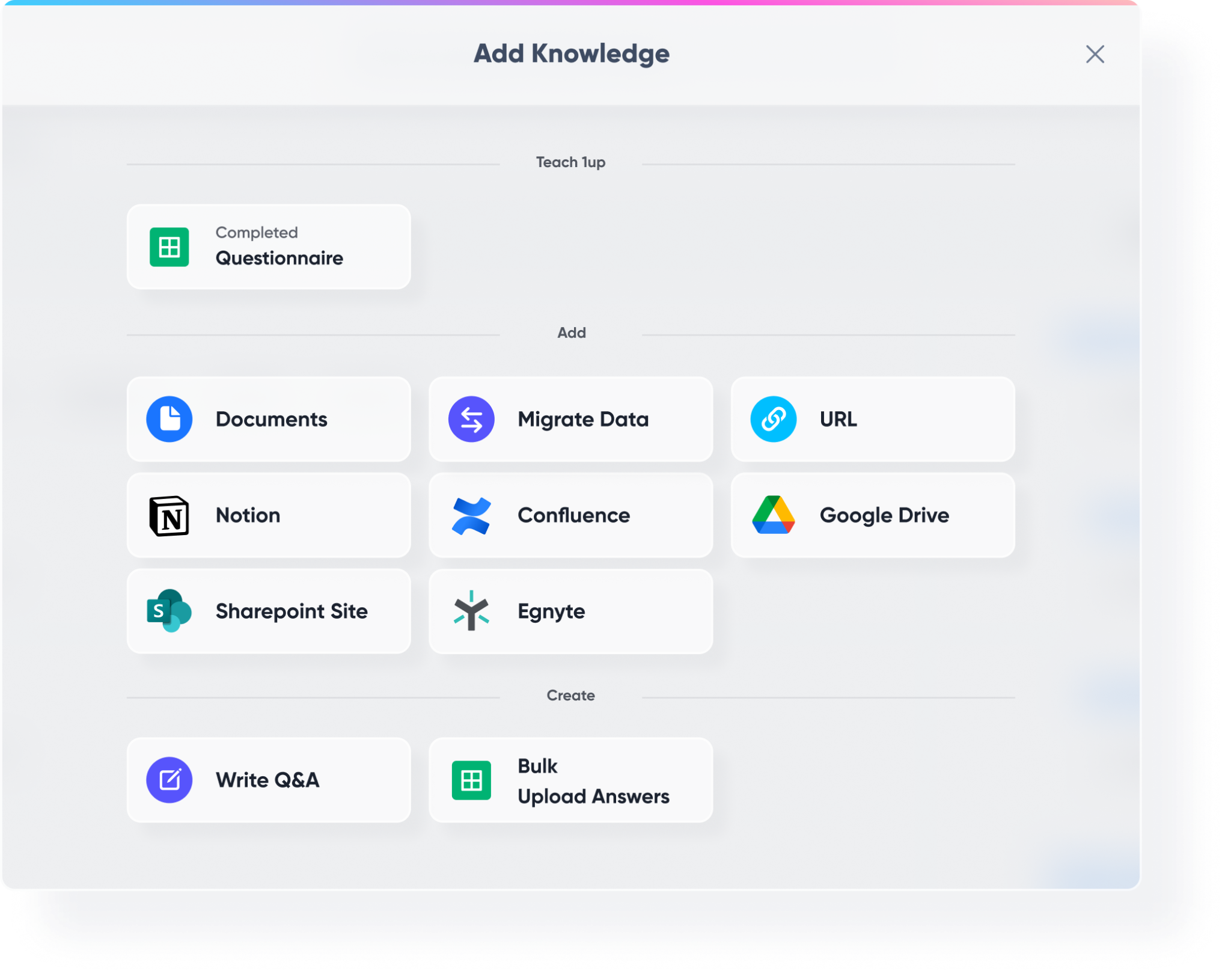
Head to Knowledge in your 1up dashboard and start building your knowledge base. This is where everything comes together.
Bring in your compliance materials, cybersecurity documentation, API docs, past completed assessments, and any other content that helps answer security questions. Previous SIG responses are especially valuable here - they give 1up a strong foundation to work from.
Then connect your third-party tools. Notion, SharePoint, Confluence, Google Drive - wherever your security and compliance content lives, 1up can pull from it. You can even migrate data from other products if you have something in place already.
Step 2: Tag Your Sources So It's Easy to Navigate
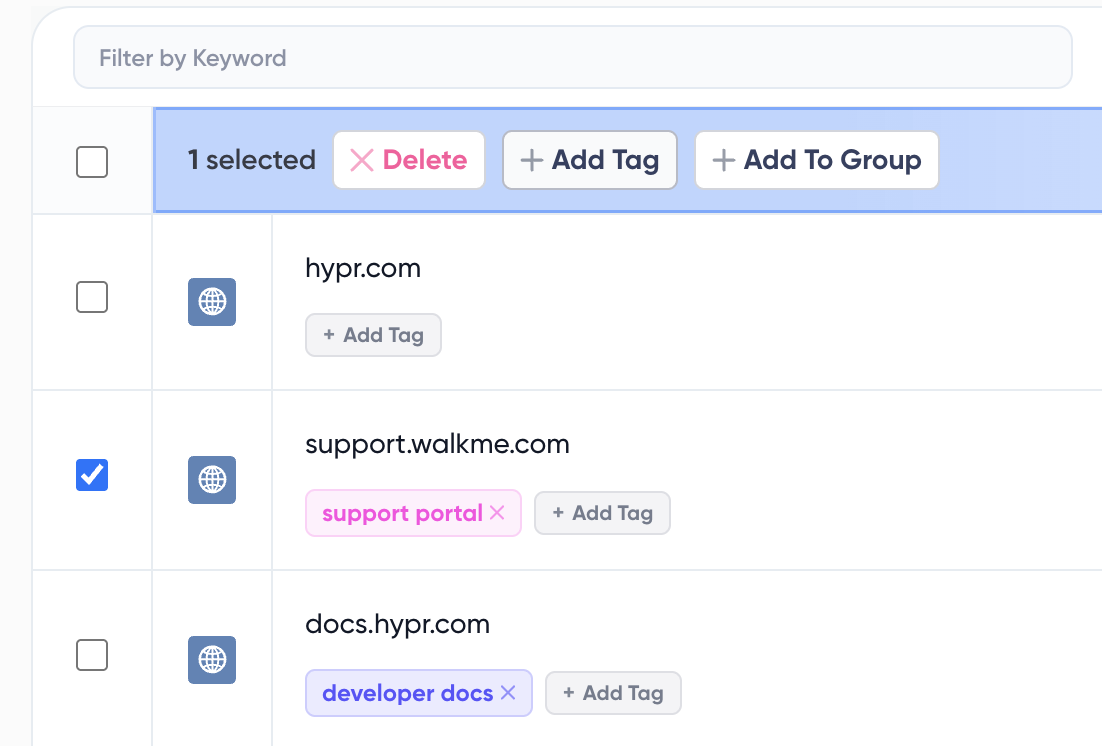
Once your content is in, add tags to keep things organized. Something like "Compliance," "Security Docs," or "SIG Library" works well. Tags tell 1up exactly which content to draw from when generating answers for a specific questionnaire. This keeps responses accurate and on-topic.
Step 3: Add 1up to Slack, Teams, or Google Chat
Go to Ask 1up in your dashboard and connect your messaging tool. Once that is done, your security and sales team can ask compliance questions right in Slack, Teams, or Google Chat and get answers sourced from your actual documentation without switching tools.

Step 4: Get Answers from Ask 1up, the Browser Plugin, or by Uploading Questionnaires
There are a few ways to put your knowledge base to work.
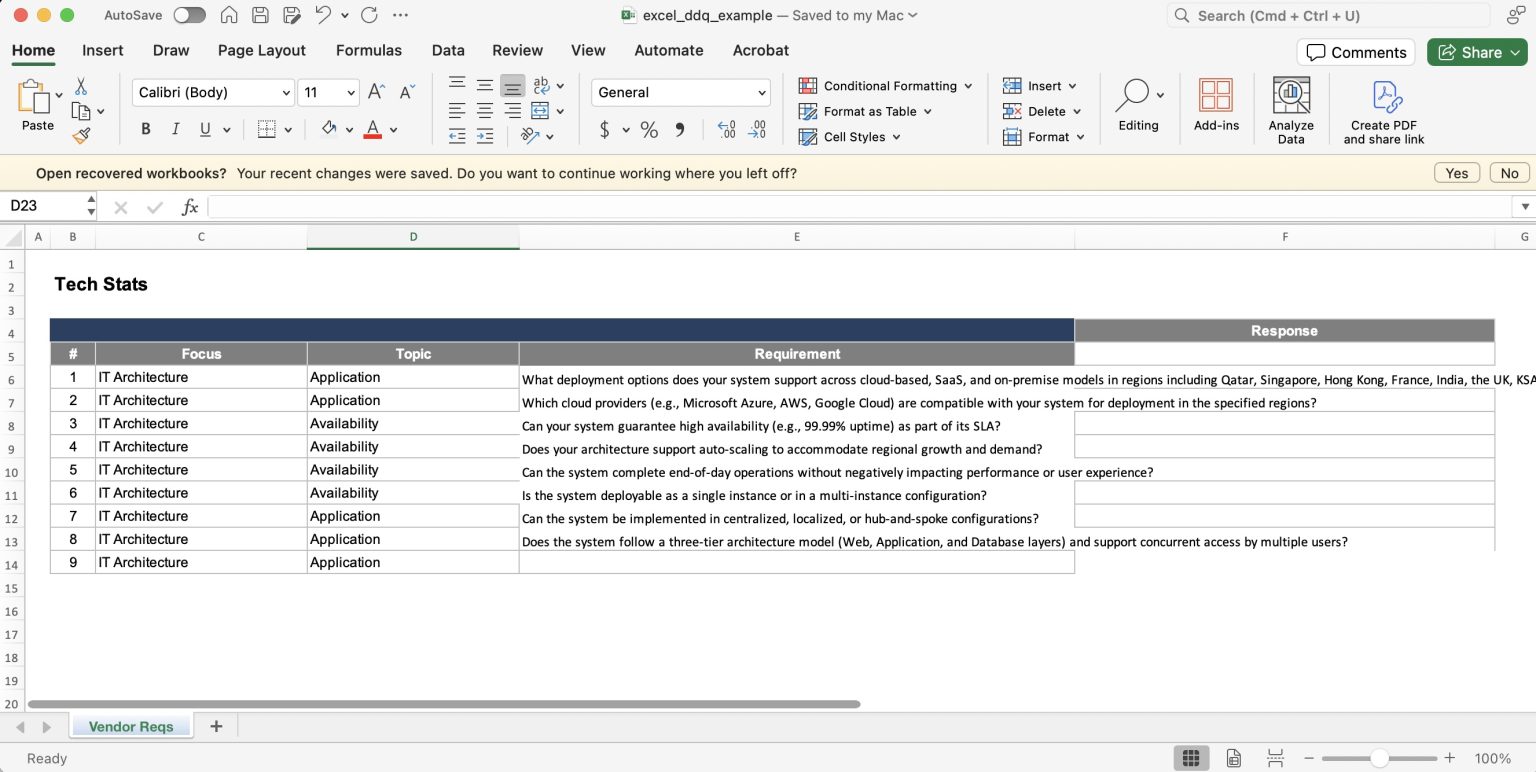
Upload your SIG Lite assessment directly into 1up. You can upload PDF, Word, or Excel files. 1up will ask you which language you want your answers in and which sources to draw from. Then it extracts and analyzes every question, identifies formatting options like dropdowns, and generates responses. You can choose from short answers, long answers, or previous responses from your library. If you are not happy with an answer you can edit it on the spot and save it back to your knowledge base. 1up learns from every correction, so similar questions get better answers going forward. When everything looks good, export the completed file and you get back the original format with all answers embedded.
For web-based questionnaires like Security Scorecard or portal-based assessments that do not let you export the document, use the Browser Plugin instead. Fire it up, ask it to scan the questionnaire, and 1up analyzes every question on screen and gives you answers you can edit on the fly.
You can also monitor what your team is asking most to spot gaps in your compliance documentation and keep your knowledge base sharp.
Step 5: Bonus - Spin Up a Customer-Facing Answer Hub
Once your compliance and security content is live in 1up, you can publish a customer-facing Answer Hub. Prospects can self-serve answers to security and compliance questions without your team having to respond to every inquiry manually. A solid fit for any company that deals with a high volume of vendor assessments.

The teams that move fastest on SIG Lites are usually the ones with a well-loaded knowledge base. Past assessments, current security docs, compliance materials from Confluence or Google Drive - all of it feeds into 1up and makes the output more accurate.
Once the workflow is in place, your team stops getting pulled into manual questionnaire work every time a new vendor assessment arrives. You review, polish, and send. That is a much better use of everyone's time than writing responses from scratch.
What Changes Once You Automate SIG Lite with 1up
- Hours of manual work become minutes: A SIG Lite that used to take your team a full day to fill out gets done in a fraction of the time. You upload the file, pick your sources, and 1up generates responses across every question. Your team reviews and polishes instead of researching and writing from scratch.
- No more copy-pasting from old assessments: 1up pulls from your existing compliance materials and past completed questionnaires automatically. The answers come from what you have already written and approved, so you are not starting over every time a new assessment lands.
- Every answer gets better over time: When you edit a response and save it back to the knowledge base, 1up learns from it. The next time a similar question comes in, it already knows the preferred answer. The more you use it, the sharper it gets.
- Works for every format: PDF, Word, Excel, web portals - it does not matter what format the assessment comes in. 1up handles them all, including the painful web-based ones that do not let you export the document.
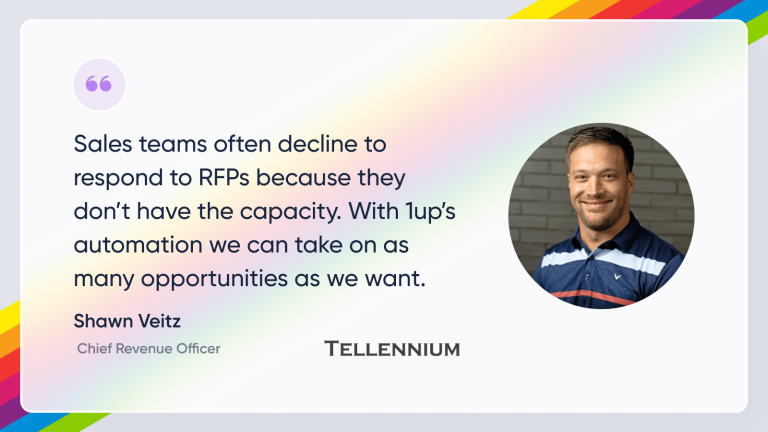
See how other teams like Tellennium are using 1up to handle high volumes of complex security questionnaires. Read Customer Stories
FAQs
From your past SIG assessments and any other security forms you upload to your knowledge base on our platform.
1up is built from the ground up with enterprise-grade security to ensure you retain full control over your data.
Significantly faster. What used to take hours or days takes minutes. Your team focuses on reviewing and refining rather than researching and writing.
The more current your documentation is, the more accurate the responses will be. If your security posture or product details change, update your docs and 1up will reflect those changes automatically.




