How to Automate Enterprise Question Answering with AI
The Problem
Big organizations have a lot of knowledge. Documentation, policies, process guides, playbooks, security and compliance materials. The problem is none of it is easy to access when someone actually needs it. Legacy knowledge management tools require constant maintenance, dedicated administrators, and still leave people digging through folders hoping they find the right version of the right document.
The Solution
1up automates knowledge rather than manages it. Connect your sources, tag your content, and your team gets accurate answers in seconds from wherever they are working - without distracting a colleague or hunting through a shared drive.
How to Automate Enterprise Question Answering with 1up
Enterprise customers like WalkMe, SAP, Deliveroo, and Docebo are using 1up to make their knowledge base actually work. Not just as a place to store content, but as something the whole team can talk to in real time. Quick questions in Slack, bulk questionnaire automation, customer-facing self-service - all of it powered by the same connected knowledge base.
There are two ways teams use 1up for question answering. The first is internal - giving your own team instant answers from your knowledge base. The second is external - giving your customers a self-service portal so they can get answers without waiting on a rep. Here is how to set both up.
Step 1: Connect Your Knowledge Base to 1up
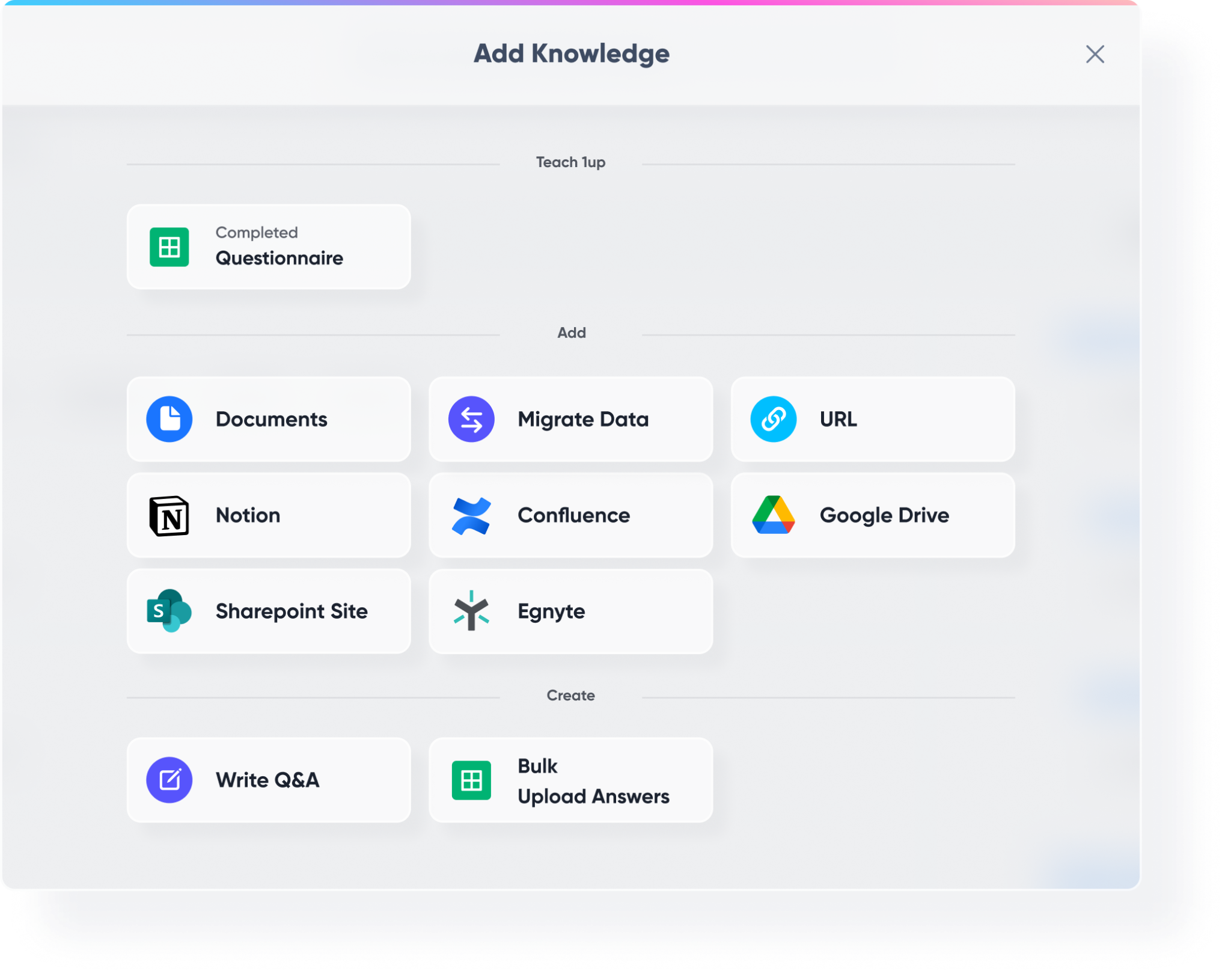
Head to Knowledge in your 1up dashboard and start building your knowledge base. Pull in your website docs, product pages, sales playbooks, customer support guides, security and compliance materials, previously completed DDQs and RFPs - anything your team needs to answer questions about your products, processes, and services.
Connect your third-party tools too. Google Drive, Confluence, SharePoint, Notion - wherever your enterprise content lives, 1up can pull from it. You can even connect an AI knowledge assistant to pull everything together in one place.
Step 2: Tag Your Sources So It's Easy to Navigate
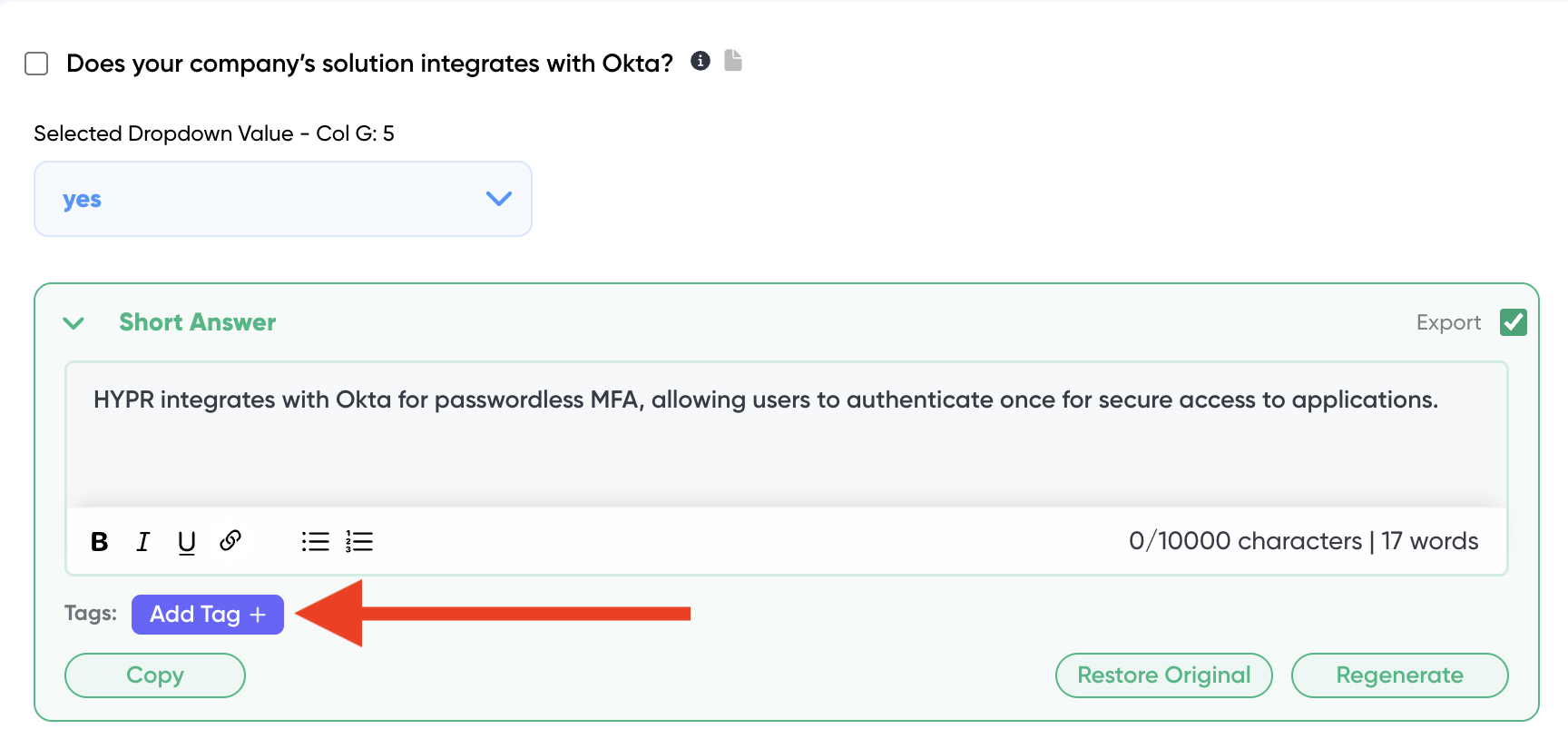
Once your content is in, add tags to keep things organized. Tags like "Product," "Security," "Sales," or "Support" let you control exactly which sources 1up draws from depending on who is asking and what they need. You can configure different channels in Slack or Teams to draw from different tagged sources - so your sales channel gets sales content and your security team gets compliance content.
Step 3: Add 1up to Slack, Teams, or Google Chat
Go to Ask 1up in your dashboard and connect your messaging tool. Once that is done, anyone in your organization can ask a question in Slack, Teams, or Google Chat and get an answer in seconds sourced from your knowledge base. Ask "How do we keep customer data safe?" and get a detailed response with links to the original source material. Ask a product question and 1up pulls from your docs, your website, and any other connected source to generate the best possible answer.
You can also improve any answer directly. If a response is not quite right, make the correction and 1up permanently remembers it for similar questions in the future. This is how enterprises use 1up to automate responses and teach 1up new things at the same time.

Step 4: Use the 1up Browser Plugin to Get Answers Anywhere
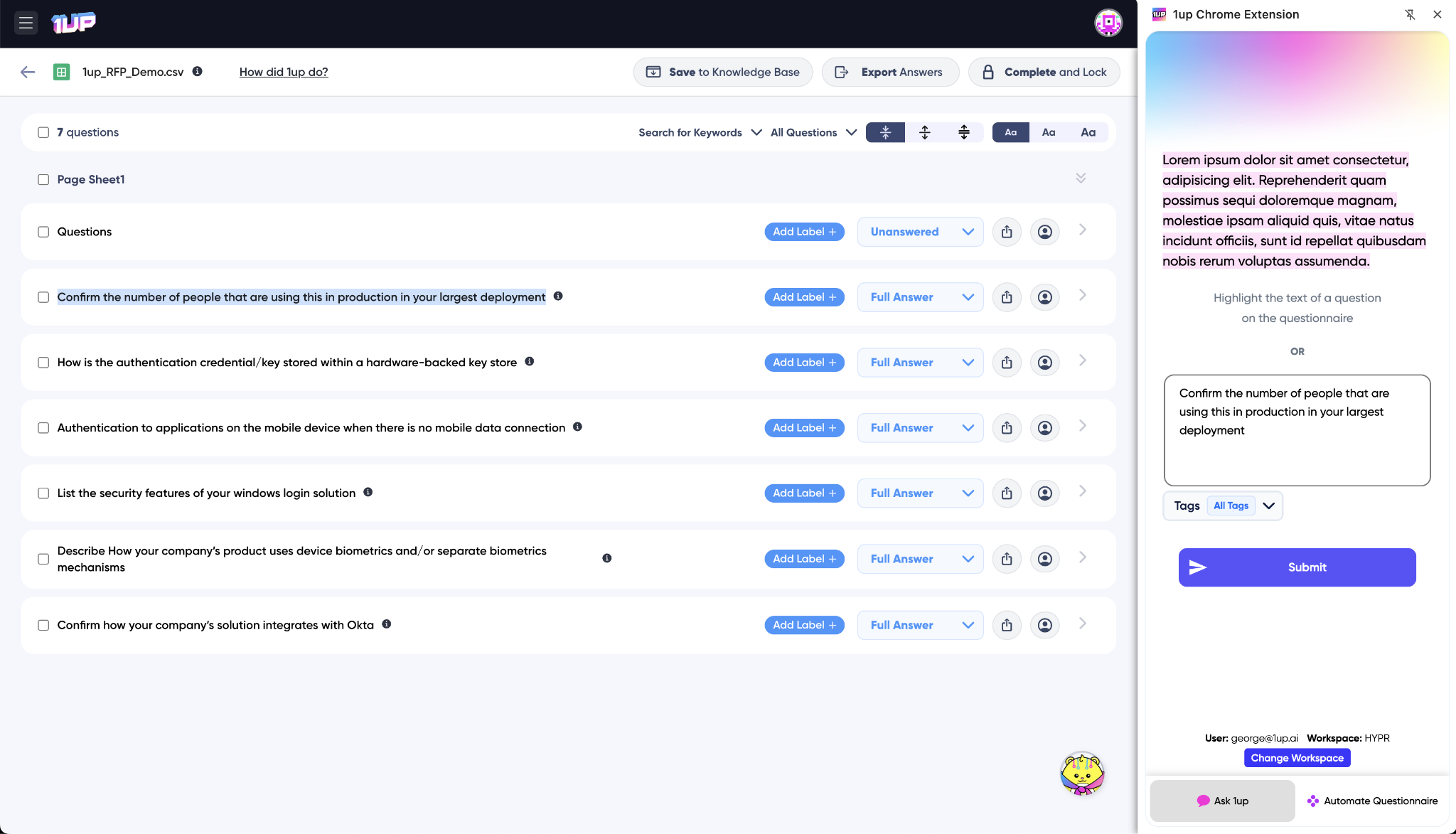
Install the Browser Plugin so your team can get answers from any window without switching tabs. Filling out a web form, responding to an email, working through a web-based questionnaire - fire up the plugin, highlight the question, and 1up generates a response from your knowledge base on the spot.
Step 5: Automate RFPs, DDQs, and More
Upload a questionnaire and let 1up generate answers in bulk. Sales teams dealing with high volumes of RFPs and due diligence questionnaires use this to go from hours of manual work to minutes of review. IT teams use it for security and compliance questionnaires. The same knowledge base powers everything - quick single questions and bulk questionnaire automation at scale.

Step 6: Spin Up an Answer Hub as a Customer-Facing Page
Once your internal knowledge base is running, you can take it one step further and publish a customer-facing Answer Hub. Your prospects and customers get a branded self-service portal where they can ask questions and get answers directly from your approved content - without waiting on a rep or submitting a support ticket.
Companies like Docebo use Answer Hub to let customers self-serve answers about products, security, certifications, and integrations around the clock. You control what content powers it, you control the branding, and you can see exactly what customers are asking through the built-in Q&A monitoring. That visibility helps you improve your content and spot what your customers care about most.

The teams that see the biggest impact are usually the ones that treated their knowledge base as a serious investment from day one. Product docs, completed questionnaires, security FAQs, sales playbooks - all of it loaded in and tagged properly so 1up knows exactly what to draw from and when.
From there it becomes self-reinforcing. Reps stop interrupting each other. New hires get up to speed faster. Customers get answers without waiting. And the whole organization starts working from a single source of truth instead of scattered versions of the same documents across a dozen shared drives.
That is what automating enterprise knowledge actually looks like in practice.
What Your Team Gets with 1up
- No more digging through documentation: Someone needs to know how a feature works or what your security posture is. Instead of opening three tabs and searching through docs, they ask 1up and get the answer in seconds with a link to the source. Your team focuses on getting things done rather than finding information.
- No more distracting teammates: Every time someone pings a colleague with a question, it pulls that person away from their work. 1up absorbs the repeat questions that come up daily so your subject matter experts stay focused on the work that actually requires them.
- Scales from one question to thousands: A rep asks a single question in Slack. An IT team uploads a 500-question compliance questionnaire. Both use the same knowledge base and both get accurate, sourced answers. 1up handles the quick daily questions and the big bulk workflows equally well.
- Gets smarter over time: Every correction your team makes gets saved back to the knowledge base. Every question asked helps surface where the content gaps are. The more you use 1up, the sharper the answers get and the faster the review cycle becomes.
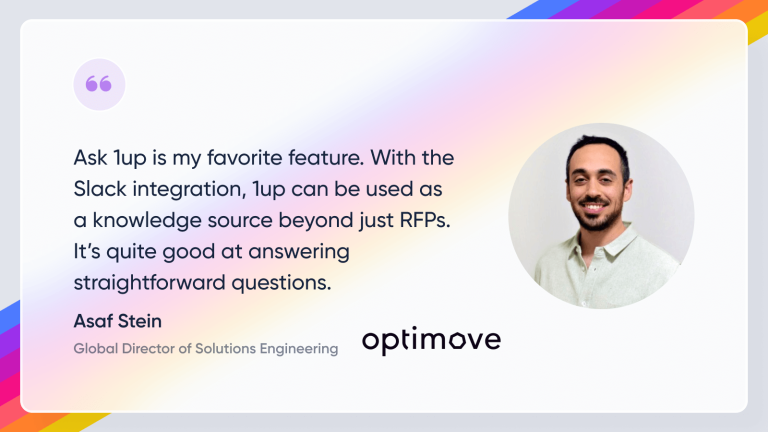
See how other enterprise teams like Optimove use 1up to make their knowledge base work for them. Read Customer Stories
FAQs
1up connects all of your internal documents and unifies them in a Knowledge Base. Then, 1up pulls accurate answers for your team in seconds.
Absolutely. You’ll get insights into your team’s questions, so you can provide coaching and supplemental training.
Any question that has an answer in your documents is one 1up can answer. It’s that simple.
Upload the file, select your sources, and 1up extracts every question and generates accurate answers from your knowledge base. Works for hundreds or thousands of questions at a time and returns the completed file in the original format.