How to Automate Partner Enablement with AI
The Problem
Channel partners are supposed to be an extension of your sales team. But when they have questions about your product, your pricing, or your process, they do not always know where to look. So they email someone. They ping a sales rep. They distract your SEs. Or worse, they just wing it and say something wrong in front of a customer.
The Solution
1up gives your channel partners a way to get accurate answers on their own, without pulling anyone on your team into it. Connect your partner content, set up access, and your partners get instant answers sourced from your actual documentation.
How to Automate Partner Enablement with 1up
Running a channel program means you are constantly trying to keep partners up to speed without burning out your internal team. 1up makes that possible by turning your existing content into a knowledge base your partners can actually use. They stop asking your reps for answers and start getting them on their own, fast.
Getting this set up does not take long. A few steps and your channel partners can start getting answers from your playbooks, product docs, and compliance materials without ever bothering your team.
Step 1: Connect Your Docs to 1up
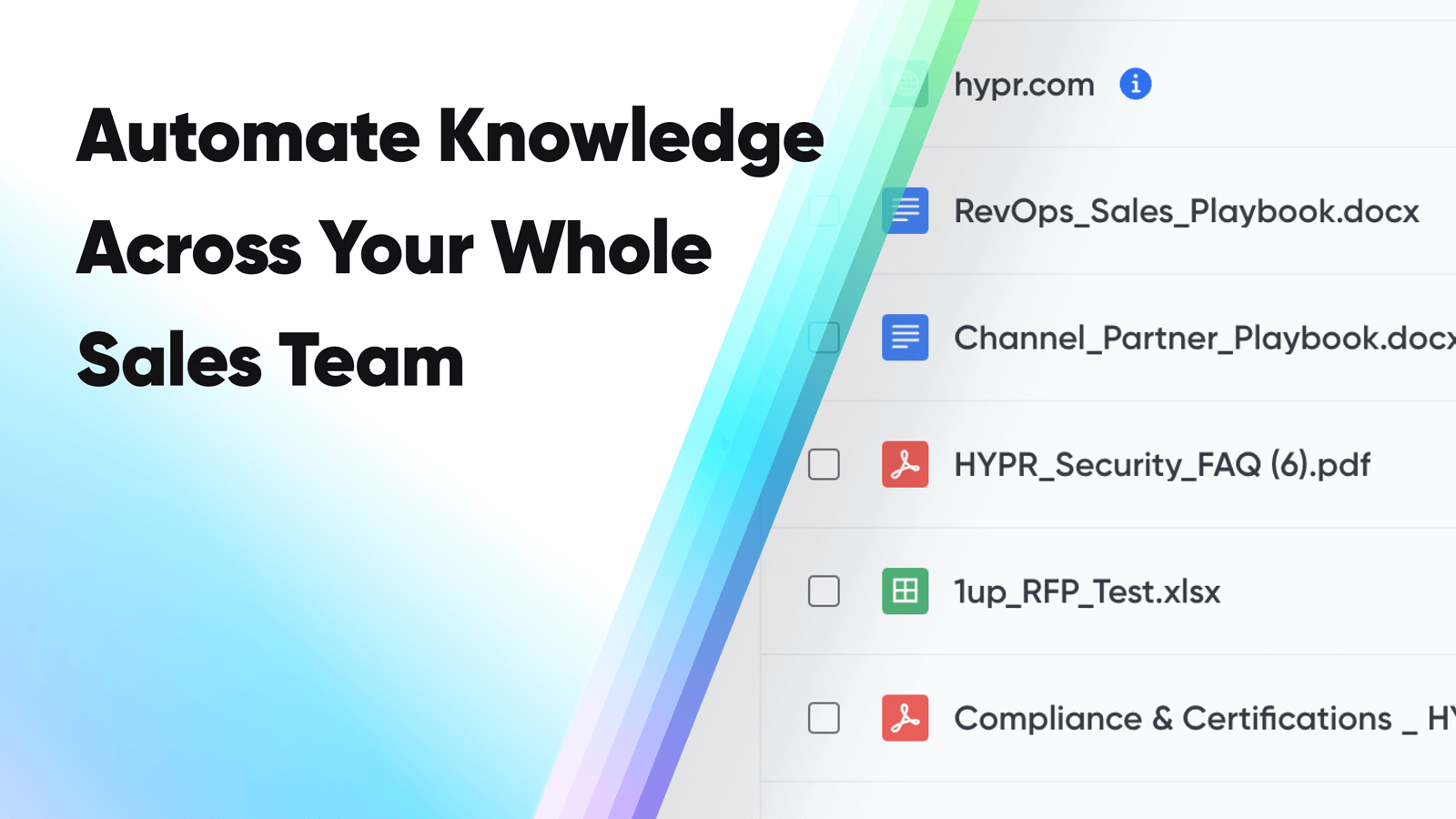
Head to Knowledge in your 1up dashboard and start loading your content. This is where your partner enablement knowledge base gets built.
Bring in your channel partner playbook, sales assets, product documentation, compliance materials, and anything else a partner would need to answer a customer question confidently. PDFs, Word docs, web pages - all of it works. Past RFPs and DDQs are also worth adding here since they are a strong source of truth for product and security questions partners often get.
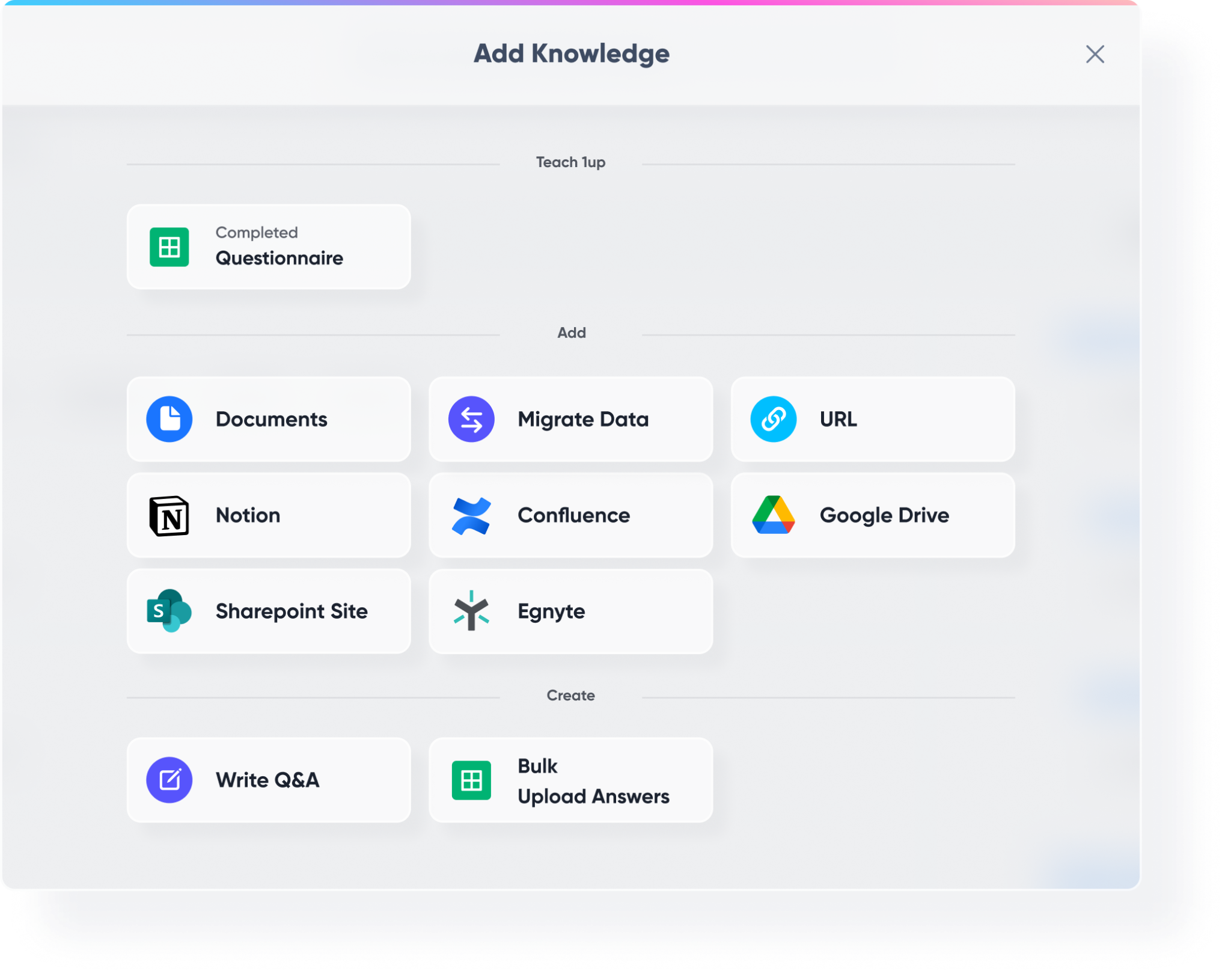
Then connect your third-party tools. Highspot, Google Drive, SharePoint, Confluence - wherever your partner content lives, 1up can pull from it. This gives your partners access to everything they need without you having to build a separate portal or maintain a second knowledge base.
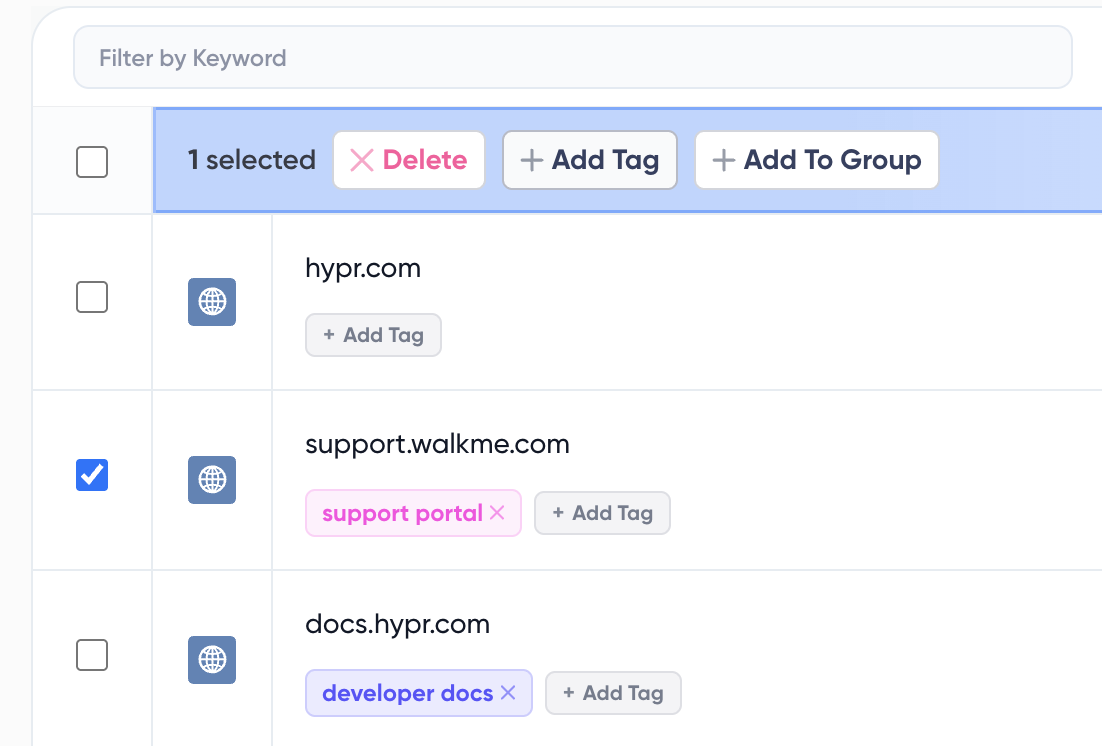
Step 2: Tag Your Sources as "Partner" So It's Easy to Know What's Approved
Once your content is in, tag it. Use a tag like "Partner" to mark the content that is approved for partner use. This is how you make sure partners only get answers from the right material - not internal-only docs, not sensitive information, just the content you have explicitly cleared for their use.
Tags are also how you control what 1up draws from when a partner asks a question. The more organized your tags, the more precise and trustworthy the answers.
Step 3: Add 1up to Slack, Teams, or Google Chat
Go to Ask 1up in your dashboard and connect your messaging tool. If your channel partners already have a shared Slack channel with your team, this is one of the best ways to give them instant answers. They ask a question in the channel, 1up responds in seconds with an answer sourced from your partner-tagged content.
A partner asks "Who should I hand off a deal with a 500-person company?" and gets a response pulled straight from your channel partner playbook and RevOps sales playbook. Nobody on your team was bothered. The partner keeps moving.
You can also invite partners directly into 1up as collaborators or users so they can ask questions through the Ask 1up interface without needing a shared messaging channel.

Step 4: Spin Up a Partner-Facing Answer Hub
The best way to scale partner enablement is to give partners a branded, self-service portal they can go to on their own. That is exactly what 1up's Answer Hub does.
Companies like Docebo use Answer Hub to give their channel partners a dedicated space to get answers about products, certifications, deal processes, and more - without ever reaching out to the internal team. You control what content powers it, you control the branding, and you can see exactly what partners are asking through the built-in Q&A monitoring and insights. That visibility is genuinely useful. It tells you where the knowledge gaps are, which questions come up most, and where your partner content needs work.

The teams that run the smoothest channel programs are usually the ones who have stopped trying to train partners manually. Instead of scheduled enablement sessions and long email threads, they give partners access to 1up and let them self-serve.
A partner in a customer call gets asked about product certifications. They do not know the answer off the top of their head. But they have 1up. They ask the question and get the answer in seconds, sourced from your compliance documentation. The customer gets a confident, accurate response and the deal keeps moving. Nobody on your internal team had to do anything.
That is what good partner enablement looks like. 1up just makes it possible at scale.
What Changes Once Partner Enablement Is Automated
- Partners stop distracting your team : Every time a partner emails a rep or pings an SE with a question, it pulls someone away from active deals. 1up gives partners a place to get answers on their own, so your team stays focused on the work that actually moves revenue.
- Partners can answer customer questions confidently: A partner who does not know your product certifications, your security posture, or how to handle a deal handoff is a liability. With 1up they get accurate answers fast - whether it is a quick product question, a compliance question from a customer, or something buried in your RFP library.
- You control what partners can access: Not all of your knowledge base is appropriate for partners. Tags let you define exactly which content is partner-approved so sensitive or internal-only material never surfaces in a partner response.
- You get visibility into what partners are asking: The Answer Hub gives you a view into the questions your partners are asking most. That data helps you improve your partner content, identify training gaps, and make better decisions about what to add to your knowledge base.
See how other teams like Fleetio are using 1up to keep their partners equipped and their internal team focused. Read Customer Stories
FAQs
No. You control exactly what partners can access by using tags to mark approved content. Partners only see what you have explicitly cleared for them.
Yes. You can add partners to a shared Slack channel, Microsoft Teams channel, or Google Chat and 1up will respond to their questions there. You can also invite them directly into 1up as collaborators or users.
Yes. The Answer Hub gives you full visibility into partner Q&A activity so you can see which questions come up most and where your content needs to improve.
Yes. Partners can use the same knowledge base to get answers to customer questions, RFPs, DDQs, and compliance questionnaires - all sourced from your approved documentation.